Welcome to the world of big-screen entertainment that fits in the palm of your hand. If you’ve ever dreamed of a portable cinema, a versatile presentation tool, or a giant gaming display you can set up anywhere, the Mini Hd Projector is your answer. These compact powerhouses have revolutionized how we consume media, blending convenience with high-quality visuals. But with so many options on the market, choosing the right one can feel overwhelming. That’s where we come in. With over a decade of hands-on experience, we’ll guide you through everything you need to know to find the perfect device for your needs.
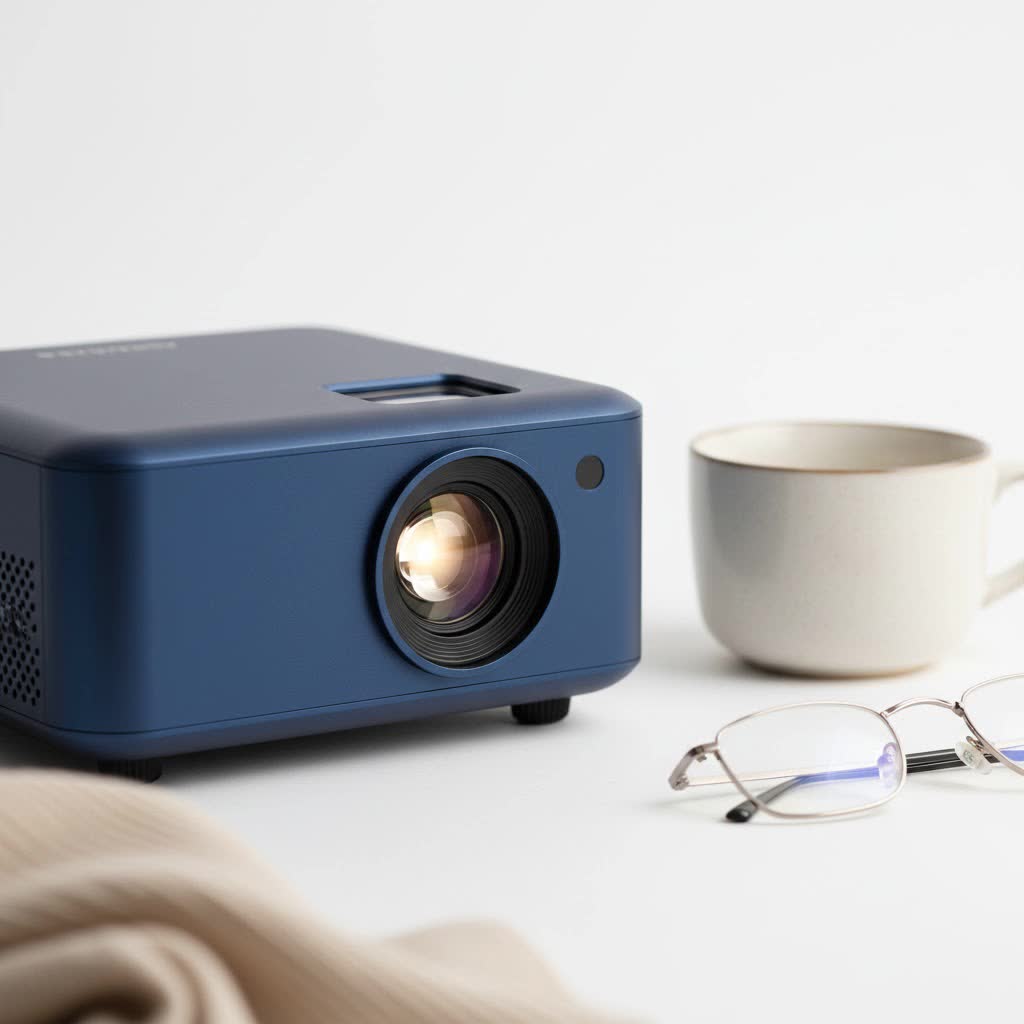
What Exactly Makes a Mini Projector “HD”?
First, let’s clear up some common confusion. The “HD” in mini HD projector refers to the device’s native resolution. While some projectors can accept a 1080p or 4K signal, what truly matters is the actual number of pixels the projector uses to create the image.
- HD (High Definition): This typically means a native resolution of 1280×720 pixels (720p). It’s a significant step up from older Standard Definition (SD) projectors and offers a crisp, clear picture for movies and presentations.
- Full HD (FHD): This refers to a native resolution of 1920×1080 pixels (1080p). This is the gold standard for most consumer-grade mini projectors today, delivering sharp details and excellent clarity, especially on larger screen sizes.
Expert Tip: “Always check the native resolution, not just ‘supported resolution’,” advises our lead technician, Marcus Thorne. “A projector that supports 1080p but only has a native resolution of 480p is just downscaling a high-quality signal, resulting in a blurry image. True HD starts at 720p native resolution.”
Key Features to Consider Before You Buy
Choosing a mini HD projector involves more than just resolution. These are the critical specifications you need to understand to make an informed decision.
1. Brightness: Measured in Lumens
Brightness is arguably the most important factor, as it determines how visible the image will be. It’s measured in ANSI lumens.
- Under 500 ANSI Lumens: Best for very dark rooms. Ideal for a bedroom movie night where you have complete control over ambient light.
- 500 – 1,500 ANSI Lumens: A versatile range. These projectors can handle a little bit of ambient light, making them suitable for living rooms with curtains drawn or for evening backyard movie sessions.
- 1,500+ ANSI Lumens: These are brighter models that can perform reasonably well in rooms with some daylight, making them a good choice for business presentations or classroom use.
|
Our Picks for the Best Mini Projector in 2026
As an Amazon Associate I earn from qualifying purchases.
|
||
| Num | Product | Action |
|---|---|---|
| 1 | [Short Throw/1200ANSI/Built in Apps] 4K Outdoor Projector with WiFi and Bluetooth, Auto Focus Projector with Dual-Mode Stand, Smart Portable Proyector with Netflix/YouTube/PrimeVideo & Dolby |
![Check [Short Throw/1200ANSI/Built in Apps] 4K Outdoor Projector with WiFi and Bluetooth, Auto Focus Projector with Dual-Mode Stand, Smart Portable Proyector with Netflix/YouTube/PrimeVideo & Dolby on Amazon](https://flasf.com/wp-content/plugins/amazon-tables/assets/images/buy.png)
|
| 2 | [Built-in Apps & 2025 Upgraded] Mini Projector Support 4K 1080P Auto Keystone 270° Rotatable with WiFi 6 and Bluetooth 5.4, Projector Portable Compatibile with HDMI/TV Stick/Memory Stick/Laptop-Black |
|
| 3 | HAPPRUN Native 1080P Bluetooth Mini Projector, Full HD Portable Outdoor Movie Projector with Built-in Speaker, Compatible with Smartphone, HDMI, USB, AV, Fire Stick, PS5 for Home, Bedroom, Outdoor Use |
|
| 4 | SOOMFON Mini Projector 1080P Support - Portable Small Video Movie Projector Bluetooth 5.1 Auto Keystone Electric Focus for Bedroom/Wall/Home/Outdoor/iPhone/Android/TV Stick |
|
| 5 | Mini Portable Projector 4K WiFi 6 BT 5.2 Upgraded Portable Projector Full HD Supported for Phone /PC /TV /HDMI /PS5 /Laptop Auto Keystone Home Theater 180° Rotation [Built-in App] White |
|
| 6 | 【Officially-Licensed APP & Native 1080P】Thinnest 1.81\" Smart Mini Projector with WiFi and Bluetooth, Auto Focus & Keystone Portable Outdoor Projector, VOPLLS 4K Support Home Movie Projector |
|
| 7 | Aurzen Roku TV Smart Projector with Wifi and Bluetooth, Roku Streaming Experience Built-in, 1080P FHD, Dolby Audio, Auto Focus & Keystone, Zoom, Movie Portable Outdoor Mini Projector, White |
|
| 8 | Magcubic Mini Projector with WiFi 6 and Bluetooth 5.4, Portable Projector 4K Support, 5W Soundbase Speaker, Auto Vertical Keystone 180°Rotatable Smart Proyector for Movie Home Outdoor |
|
| 9 | [Compatible with Netflix & TOF Real-time Focus] Mini Projector with WiFi and Bluetooth, XuanPad Smart Projector 4K Support, Dolby Audio & Keystone, 210° Rotatable Stand for Home |
|
| 10 | Aurzen EAZZE D1 Smart Projector with WiFi and Bluetooth, Netflix-Officially-Licensed, Auto Focus & Keystone, DoIby Audio, Native 1080P Movie, Portable Outdoor Mini Projector, White |
|
2. Connectivity: How You’ll Connect Your Devices
A projector is only as good as the devices you can connect to it. Look for a variety of ports and wireless options.
- HDMI: The most essential port. It allows you to connect laptops, gaming consoles (like PlayStation and Xbox), Blu-ray players, and streaming sticks (Roku, Apple TV, Fire TV).
- USB: Useful for playing media directly from a thumb drive or for powering a streaming stick, which frees up an outlet.
- Wi-Fi & Bluetooth: Built-in Wi-Fi is crucial for screen mirroring from your smartphone or tablet. Bluetooth is a must-have for connecting to external speakers or headphones, as the built-in speakers on most mini projectors are quite basic.
3. Power Source and Portability
The “mini” aspect implies portability. A built-in battery is a game-changer, allowing you to use the projector anywhere without needing a power outlet. Check the rated battery life—most last between 1.5 to 3 hours, which is typically enough for one full movie. If you plan to use it on the go frequently, a model with a robust battery is a worthwhile investment.
4. Keystone Correction and Focus
Ever set up a projector only to see a skewed, trapezoidal image? That’s where keystone correction comes in.
- Manual Keystone: Allows you to physically adjust the lens or use a dial to straighten the sides of the image.
- Auto Keystone: The projector automatically detects its angle and corrects the image for you. This is a highly convenient feature, especially for quick setups.
- Autofocus: This feature automatically adjusts the focus to ensure the image is always sharp, saving you the hassle of fiddling with a focus wheel.
How Do You Set Up a Mini HD Projector?
Getting your mini HD projector up and running is incredibly simple. Here’s a quick step-by-step guide.
- Position the Projector: Place it on a stable surface like a table or tripod. For the best results, point it directly at the center of your screen or wall.
- Power It On: Plug it into an outlet or ensure the battery is charged.
- Connect Your Source: Plug in your laptop via HDMI, connect your phone using Wi-Fi screen mirroring, or insert a USB drive.
- Adjust the Image: Use the focus wheel or autofocus feature to get a sharp picture. If the image is tilted, use the keystone correction to square it up.
- Connect Audio: For an immersive experience, connect a Bluetooth speaker or a soundbar.
- Dim the Lights and Enjoy: The darker the room, the more vibrant and cinematic the picture will be!
Frequently Asked Questions (FAQ)
Can a mini HD projector replace my TV?
For many people, yes. A mini HD projector can create a massive 100-inch (or larger) screen for a fraction of the cost of a TV that size. However, TVs are still brighter and perform better in well-lit rooms. A projector is best for dedicated movie nights or in rooms where you can control the lighting.
How do I connect my iPhone or Android to the projector?
Most modern mini projectors have built-in Wi-Fi and support screen mirroring. For iPhones, you’ll use AirPlay (often labeled as “iOS Cast” or similar). For Android devices, you’ll use Miracast (often called “Screen Mirroring,” “Smart View,” or “Wireless Projection”). Simply connect both your phone and the projector to the same Wi-Fi network and follow the on-screen instructions.
What is the lifespan of a mini projector’s lamp?
Most mini projectors today use LED light sources instead of traditional lamps. This is a huge advantage. LED lamps have a lifespan of 20,000 to 30,000 hours. That means you could watch a two-hour movie every single day for over 25 years before the light source needs replacing.
Do I need a special screen for my projector?
While you can project onto a plain, light-colored wall, a dedicated projector screen will always provide a better viewing experience. Screens are designed with special coatings that reflect light more uniformly, which enhances brightness, color accuracy, and contrast.
The Final Picture
A mini HD projector is a fantastic piece of technology that offers unparalleled flexibility and value. Whether you’re a movie buff wanting a home cinema, a professional needing a portable presentation tool, or a gamer seeking a more immersive experience, there is a model out there for you. By focusing on the key features—native resolution, ANSI lumen brightness, connectivity, and ease-of-use features like autofocus—you can confidently choose a device that will bring your content to life on the big screen, wherever you are.
