A mini digital projector is a compact, portable device that projects images or videos onto a surface, typically weighing less than a pound and offering a screen size of 100 inches or more. These projectors have evolved into versatile tools for entertainment, business, and gaming, providing a large-screen experience from a pocket-sized device. They connect to smartphones, laptops, gaming consoles, or streaming sticks, making them ideal for backyard movie nights, impromptu presentations, or dorm room entertainment.
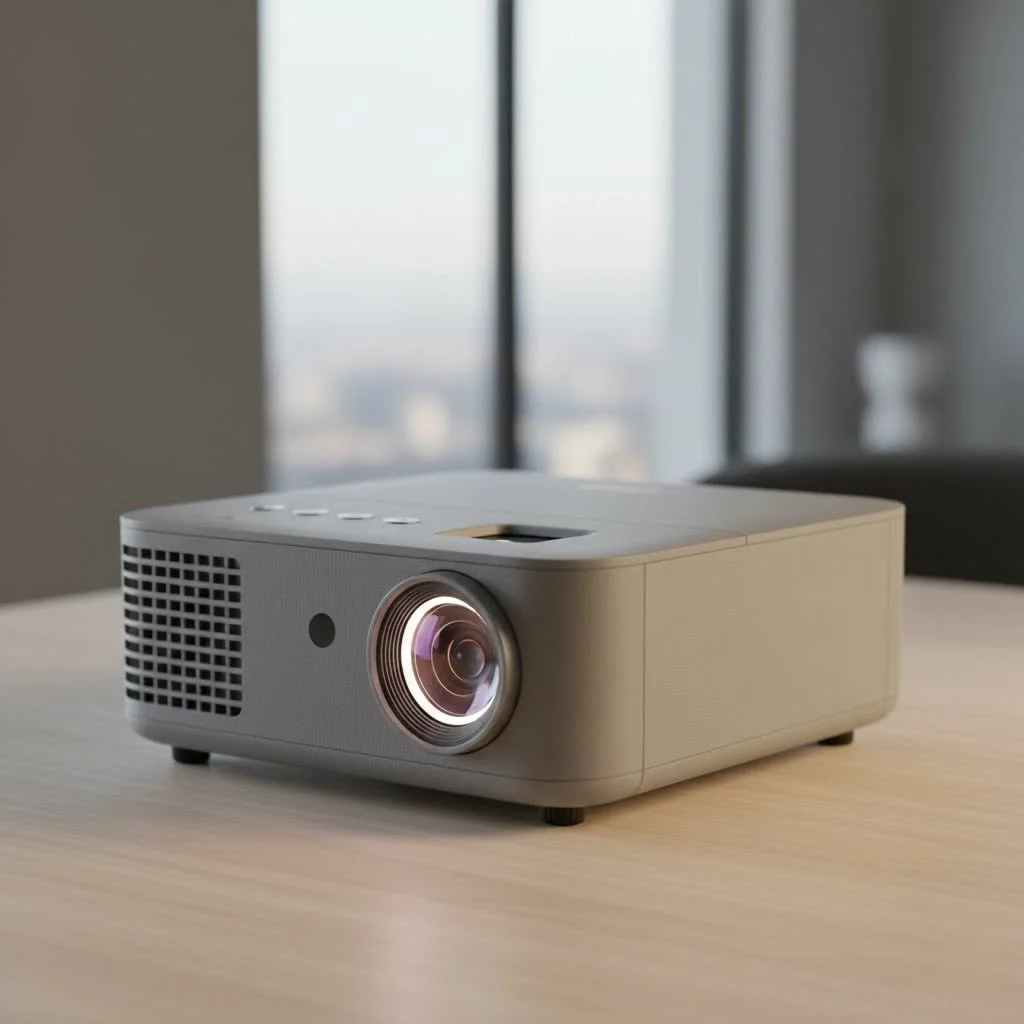
With numerous options available, choosing the right mini digital projector can be challenging due to technical jargon like lumens, throw ratios, and native resolution. This guide, created by projection technology experts, aims to demystify these specifications and help you select the perfect portable cinema experience.
What Exactly is a Mini Digital Projector?
A mini digital projector is a lightweight, portable device that projects an image or video onto a surface. Think of it as a pocket-sized home theater. Typically weighing less than a pound and small enough to fit in a backpack, these projectors connect to your smartphone, laptop, gaming console, or streaming stick to create a large-screen experience anywhere you go.
Their versatility is their biggest strength. You can use them for:
- Backyard Movie Nights: Transform any wall into a cinema under the stars.
- Impromptu Business Presentations: Ditch the huddle around a small laptop screen.
- Gaming on the Go: Connect your console for an immersive gaming session anywhere.
- Dorm Room Entertainment: Maximize your small space with a screen that disappears when you’re done.
The Most Important Features to Consider
Choosing a mini digital projector involves balancing performance, portability, and price. Let’s break down the key features that truly matter, so you can avoid common pitfalls and make an informed decision.
Brightness: The Truth About Lumens
Brightness is arguably the most critical factor, as it determines how visible your image will be. You’ll see brightness measured in “lumens,” but it’s crucial to look for ANSI lumens. This is a standardized measurement, whereas “LED lumens” or generic “lumens” can often be inflated marketing terms.
- Under 200 ANSI Lumens: Suitable only for completely dark rooms. Any ambient light will wash out the image.
- 200-500 ANSI Lumens: The sweet spot for most users. This level is bright enough for dimly lit indoor spaces or outdoor use after sunset.
- Over 500 ANSI Lumens: Excellent for environments with some ambient light. These are more powerful but often larger and more expensive.
“Many first-time buyers underestimate their need for brightness,” notes tech analyst David Chen. “An image that looks vibrant in a pitch-black room can become nearly invisible with just one lamp on. Prioritizing a model with at least 200 ANSI lumens is the safest bet for versatile use.”
Resolution: Don’t Be Fooled by “Supported” Resolution
|
Our Picks for the Best Mini Projector in 2026
As an Amazon Associate I earn from qualifying purchases.
|
||
| Num | Product | Action |
|---|---|---|
| 1 | Mini Portable Projector 4K WiFi 6 BT 5.2 Upgraded Portable Projector Full HD Supported for Phone /PC /TV /HDMI /PS5 /Laptop Auto Keystone Home Theater 180° Rotation [Built-in App] White |
![Check Mini Portable Projector 4K WiFi 6 BT 5.2 Upgraded Portable Projector Full HD Supported for Phone /PC /TV /HDMI /PS5 /Laptop Auto Keystone Home Theater 180° Rotation [Built-in App] White on Amazon](https://flasf.com/wp-content/plugins/amazon-tables/assets/images/buy.png)
|
| 2 | SOOMFON Mini Projector 1080P Support - Portable Small Video Movie Projector Bluetooth 5.1 Auto Keystone Electric Focus for Bedroom/Wall/Home/Outdoor/iPhone/Android/TV Stick |
|
| 3 | HAPPRUN Native 1080P Bluetooth Mini Projector, Full HD Portable Outdoor Movie Projector with Built-in Speaker, Compatible with Smartphone, HDMI, USB, AV, Fire Stick, PS5 for Home, Bedroom, Outdoor Use |
|
| 4 | Aurzen Roku TV Smart Projector with Wifi and Bluetooth, Roku Streaming Experience Built-in, 1080P FHD, Dolby Audio, Auto Focus & Keystone, Zoom, Movie Portable Outdoor Mini Projector, White |
|
| 5 | Aurzen EAZZE D1 Smart Projector with WiFi and Bluetooth, Netflix-Officially-Licensed, Auto Focus & Keystone, DoIby Audio, Native 1080P Movie, Portable Outdoor Mini Projector, White |
|
| 6 | 【Officially-Licensed APP & Native 1080P】Thinnest 1.81\" Smart Mini Projector with WiFi and Bluetooth, Auto Focus & Keystone Portable Outdoor Projector, VOPLLS 4K Support Home Movie Projector |
|
| 7 | Magcubic Mini Projector with WiFi 6 and Bluetooth 5.4, Portable Projector 4K Support, 5W Soundbase Speaker, Auto Vertical Keystone 180°Rotatable Smart Proyector for Movie Home Outdoor |
|
| 8 | [Short Throw/1200ANSI/Built in Apps] 4K Outdoor Projector with WiFi and Bluetooth, Auto Focus Projector with Dual-Mode Stand, Smart Portable Proyector with Netflix/YouTube/PrimeVideo & Dolby |
|
| 9 | [Compatible with Netflix & TOF Real-time Focus] Mini Projector with WiFi and Bluetooth, XuanPad Smart Projector 4K Support, Dolby Audio & Keystone, 210° Rotatable Stand for Home |
|
| 10 | [Built-in Apps & 2025 Upgraded] Mini Projector Support 4K 1080P Auto Keystone 270° Rotatable with WiFi 6 and Bluetooth 5.4, Projector Portable Compatibile with HDMI/TV Stick/Memory Stick/Laptop-Black |
|
Resolution determines the clarity and sharpness of the image. You will often see two specs: “native resolution” and “supported resolution.” Ignore “supported” – it only means the projector can receive a higher-resolution signal, but it will downscale it to its native pixel count.
- Native Resolution is the true resolution of the projector.
- 480p (854×480): Entry-level. Fine for casual viewing or cartoons, but text and details can appear blurry.
- 720p (1280×720): A great starting point for good image quality. It offers a clear, enjoyable HD picture for movies and presentations.
- 1080p (1920×1080): The gold standard for mini projectors. Provides a sharp, detailed Full HD image that’s fantastic for serious movie watchers and gamers.
Connectivity: How Will You Play Your Content?
A projector is useless if you can’t connect your devices to it. Modern mini projectors offer a range of options:
- HDMI: The most common and reliable wired connection for laptops, gaming consoles, and streaming sticks.
- USB-C: A versatile port that can often handle video input and charging simultaneously from compatible devices.
- Wireless Casting (Wi-Fi): Allows you to mirror your smartphone or laptop screen without cables. While convenient, the stability can vary.
- Bluetooth: Essential for connecting to external speakers or soundbars, as built-in projector speakers are often weak.
Setting Up Your Mini Projector in 5 Simple Steps
You’ve chosen your projector, and it’s arrived. Now for the fun part! Setting it up is easier than you think.
- Find Your Surface: A smooth, white wall works best. For the ultimate experience, consider a dedicated portable projector screen, which can improve contrast and brightness.
- Position the Projector: The distance from the wall determines the image size. Check your user manual for the “throw ratio” to find the perfect distance for your desired screen size. A short-throw projector is ideal for small rooms.
- Connect Your Source: Plug in your laptop via HDMI or connect your phone wirelessly. Make sure your source device is charged or plugged in.
- Power It On and Adjust: Turn on the projector. Use the focus wheel until the image is sharp. If the image is trapezoidal, use the keystone correction feature to square it up. Many modern projectors offer auto-focus and auto-keystone, which simplifies this process immensely.
- Connect Your Audio: Connect a Bluetooth speaker or use an aux cable to connect to a sound system. This will provide a much more immersive audio experience than the projector’s built-in speakers.
Essential Tips for a Better Viewing Experience
- Control the Lighting: The darker the room, the better the picture. Close blinds, turn off lights, and minimize ambient light for the best contrast and color.
- Invest in Good Audio: Sound is half of the cinematic experience. A portable Bluetooth speaker is a mini projector’s best friend.
- Check Battery Life: If you plan to use your projector on the go, check real-world battery life reviews. Manufacturer claims can sometimes be optimistic.
- Update the Firmware: Many smart projectors run on an operating system like Android TV. Keep the firmware updated to get the latest features and security patches.
Frequently Asked Questions (FAQ)
How long does a mini digital projector last?
The light source in most mini projectors is an LED, which has a very long lifespan, often rated for 20,000 to 30,000 hours or more. With several hours of use per day, the lamp can last for many years.
Can I use a mini projector in daylight?
While possible with very high-lumen models (500+ ANSI lumens), most mini projectors perform best in low-light conditions. Daylight, even indoors, will significantly wash out the image.
Do I need to buy a separate screen?
No, a smooth, white wall is a great starting point. However, a dedicated screen is designed for projection and will reflect light more evenly, resulting in a brighter and more color-accurate image.
Can I connect my phone to the projector?
Yes. Most projectors support wireless screen mirroring via Wi-Fi from both Android and iOS devices. For a more stable connection, you can use a wired adapter (e.g., Lightning to HDMI for an iPhone).
Is a mini digital projector good for gaming?
Absolutely! Many gamers love the large, immersive screen. For the best experience, look for a model with a low input lag and a “Game Mode” to ensure your controller inputs are responsive.
Your Portable Big Screen Awaits
A mini digital projector is a fantastic tool that brings the magic of the big screen into your life with unparalleled flexibility. By focusing on the core features—ANSI lumens, native resolution, and connectivity—you can cut through the marketing hype and find a device that perfectly suits your needs. Whether for family movie nights, critical business presentations, or epic gaming sessions, the right mini projector can unlock a new world of visual experiences.
Setting Up Your Mini Projector
Follow these 5 simple steps to set up your new mini digital projector for an optimal viewing experience.
Identify a smooth, white wall for projection. For enhanced contrast and brightness, consider using a dedicated portable projector screen.
Place the projector at the appropriate distance from the wall to achieve your desired image size. Consult your user manual for the 'throw ratio' to determine the ideal placement, especially if you have a short-throw model for small rooms.
Plug in your laptop using an HDMI cable or connect your smartphone wirelessly via Wi-Fi. Ensure your source device is adequately charged or connected to power.
Turn on the projector and use the focus wheel to sharpen the image. If the image appears trapezoidal, utilize the keystone correction feature to square it up; many modern projectors offer automatic adjustments.
Enhance your audio experience by connecting a Bluetooth speaker or using an aux cable to link to a sound system. This significantly improves sound quality compared to the projector's built-in speakers.
Get our weekly buyer guide
Practical specs, not advice. Unsubscribe anytime.
This was super helpful in understanding lumens and native resolution. I picked up a model that was a bit pricier but had a higher native resolution, and it makes a huge difference for gaming. My only minor complaint is that the built-in speaker isn’t super loud, so I usually connect it to a Bluetooth speaker.
I’ve been wanting a portable projector for ages, and this guide really helped me figure out what to look for. I ended up getting one that connects to my smartphone, and it’s been amazing for backyard movie nights. The picture quality is surprisingly good, even on a sheet. Definitely recommend for anyone on the fence!
As someone who travels a lot for work, having a mini projector that weighs less than a pound is a game-changer for impromptu presentations. It connects easily to my laptop, and I can project onto almost any wall. It’s so much better than huddling around a small screen with clients.
I got a mini projector for my dorm room, hoping for a big screen experience. It works okay for casual viewing, but I found the throw ratio on my model made it hard to get a really large image in my small space without it being blurry. It’s fine for YouTube, but not quite the ‘cinema’ I was hoping for.