Welcome to the world of big-screen entertainment on a budget. The dream of having a home cinema is more accessible than ever, thanks to the rise of the Cheap Mini Projector. But navigating the crowded market of budget-friendly options can feel overwhelming. With countless brands making bold claims, how do you separate the hidden gems from the digital duds? As the lead content creator at Flasf.com, I’ve spent over a decade testing, tinkering with, and taking apart these compact devices. This guide is designed to give you the expert knowledge you need to make a smart purchase, avoiding common pitfalls and finding a projector that truly delivers value.
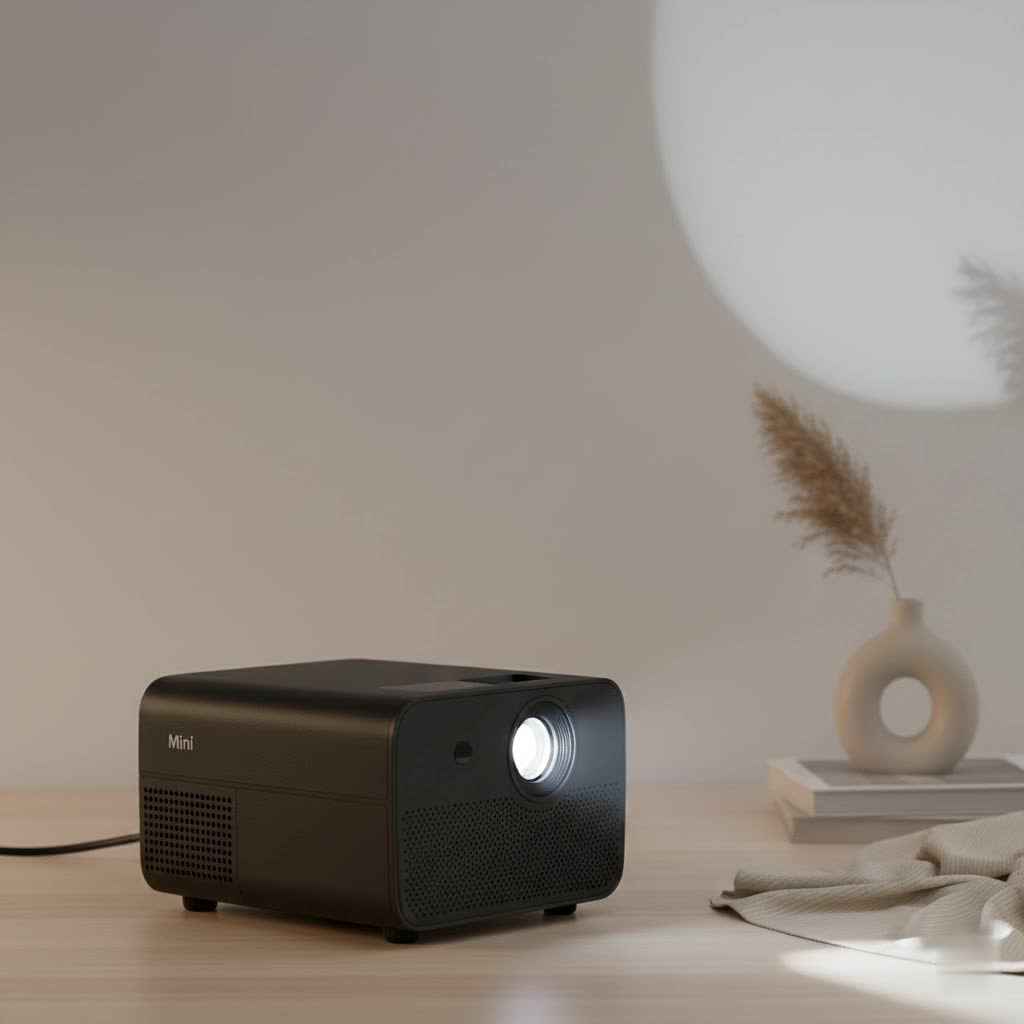
The appeal is obvious: a portable screen that can stretch to 100 inches or more for a fraction of the cost of a large TV. It’s perfect for movie nights, backyard gatherings, or even transforming a bedroom ceiling into a star-filled sky. However, it’s crucial to approach this market with realistic expectations. A projector under $100 won’t compete with a $1,000 home theater system, but it can offer an incredible experience if you know what to look for.
Are Cheap Mini Projectors Actually Worth It?
This is the most common question I get, and the answer is a qualified yes. A cheap mini projector is worth it if you understand its limitations and choose a model that aligns with your needs. Think of it as a secondary or novelty display device, not a replacement for your primary television. They excel in dark environments, for casual viewing, and for situations where portability is key. Where they often fall short is in bright rooms, audio quality, and true HD sharpness. The secret is to focus on the core features that matter and not get distracted by inflated marketing specs.
Key Features in a Cheap Mini Projector
When you’re on a tight budget, every feature counts. Forget the marketing jargon and focus on the specifications that directly impact your viewing experience. Here’s a breakdown of what you absolutely need to check before you click “buy.”
Brightness: The Truth About Lumens
Brightness is arguably the most critical factor for any projector, and it’s also the most confusing. You’ll see figures ranging from 1,000 to 10,000 lumens, but these are often “marketing lumens,” not the industry-standard ANSI lumens.
- What to Look For: A projector’s true brightness is measured in ANSI lumens. Most cheap projectors won’t list this, so you have to read between the lines. Look for models in the 100-300 ANSI lumens range. Anything less will be too dim for anything but a pitch-black room.
- Rule of Thumb: Higher listed “lumens” (even if not ANSI) from a reputable budget brand generally indicates a brighter picture. Be skeptical of unknown brands claiming impossibly high numbers for a low price.
- Best Use Case: A cheap mini projector is best used in a dark room with minimal ambient light. The darker the room, the more vibrant and clear the image will appear.
|
Our Picks for the Best Mini Projector in 2026
As an Amazon Associate I earn from qualifying purchases.
|
||
| Num | Product | Action |
|---|---|---|
| 1 | SOOMFON Mini Projector 1080P Support - Portable Small Video Movie Projector Bluetooth 5.1 Auto Keystone Electric Focus for Bedroom/Wall/Home/Outdoor/iPhone/Android/TV Stick |

|
| 2 | [Short Throw/1200ANSI/Built in Apps] 4K Outdoor Projector with WiFi and Bluetooth, Auto Focus Projector with Dual-Mode Stand, Smart Portable Proyector with Netflix/YouTube/PrimeVideo & Dolby |
|
| 3 | [Built-in Apps & 2025 Upgraded] Mini Projector Support 4K 1080P Auto Keystone 270° Rotatable with WiFi 6 and Bluetooth 5.4, Projector Portable Compatibile with HDMI/TV Stick/Memory Stick/Laptop-Black |
|
| 4 | HAPPRUN Native 1080P Bluetooth Mini Projector, Full HD Portable Outdoor Movie Projector with Built-in Speaker, Compatible with Smartphone, HDMI, USB, AV, Fire Stick, PS5 for Home, Bedroom, Outdoor Use |
|
| 5 | 【Officially-Licensed APP & Native 1080P】Thinnest 1.81\" Smart Mini Projector with WiFi and Bluetooth, Auto Focus & Keystone Portable Outdoor Projector, VOPLLS 4K Support Home Movie Projector |
|
| 6 | [Compatible with Netflix & TOF Real-time Focus] Mini Projector with WiFi and Bluetooth, XuanPad Smart Projector 4K Support, Dolby Audio & Keystone, 210° Rotatable Stand for Home |
|
| 7 | Mini Portable Projector 4K WiFi 6 BT 5.2 Upgraded Portable Projector Full HD Supported for Phone /PC /TV /HDMI /PS5 /Laptop Auto Keystone Home Theater 180° Rotation [Built-in App] White |
|
| 8 | Aurzen Roku TV Smart Projector with Wifi and Bluetooth, Roku Streaming Experience Built-in, 1080P FHD, Dolby Audio, Auto Focus & Keystone, Zoom, Movie Portable Outdoor Mini Projector, White |
|
| 9 | Aurzen EAZZE D1 Smart Projector with WiFi and Bluetooth, Netflix-Officially-Licensed, Auto Focus & Keystone, DoIby Audio, Native 1080P Movie, Portable Outdoor Mini Projector, White |
|
| 10 | Magcubic Mini Projector with WiFi 6 and Bluetooth 5.4, Portable Projector 4K Support, 5W Soundbase Speaker, Auto Vertical Keystone 180°Rotatable Smart Proyector for Movie Home Outdoor |
|
Resolution: Native vs. Supported
Resolution determines the clarity and sharpness of the image. This is another area where manufacturers can be misleading.
- Native Resolution: This is the true resolution of the projector’s internal display chip. It’s the most important number. For a decent budget experience, look for a native resolution of at least 480p (854×480). If your budget can stretch a bit, a native 720p (1280×720) projector will offer a significant upgrade in sharpness.
- Supported Resolution: This means the projector can accept a higher-resolution signal (like 1080p or 4K) but will downscale it to its lower native resolution. The image will not be true 1080p. Don’t be fooled by a listing that screams “1080p Supported!” while hiding a 360p native resolution in the fine print.
As our lead product analyst at Flasf, David Chen, often says, “Native resolution is the foundation of your image quality. Supporting a higher resolution is like pouring premium fuel into a standard engine—it runs, but you’re not getting the premium performance.”
Connectivity: Your Gateway to Content
A projector is useless if you can’t connect your devices to it. Modern cheap projectors offer a surprising number of options.
- Wired Connections: HDMI is the gold standard and an absolute must-have. It allows you to easily connect laptops, gaming consoles, Blu-ray players, and streaming sticks like a Roku or Amazon Fire Stick. USB ports are also crucial for playing media files directly from a flash drive.
- Wireless Connections: Many budget models now include Wi-Fi and Bluetooth. Wi-Fi allows for screen mirroring from your smartphone or laptop, which is incredibly convenient. Bluetooth lets you connect to an external speaker or headphones, which is a lifesaver given the typically poor quality of built-in speakers.
Portability and Power
The “mini” in cheap mini projector implies portability. If you plan to take it on the go, consider these factors:
- Size and Weight: Check the dimensions and weight to ensure it fits your travel needs.
- Battery: Many of the cheapest models do not have a built-in battery and must be plugged in. If you want true portability for backyard movies, look for a model with an integrated battery. Check the rated battery life—anything over 2 hours is decent for a movie.
- Power Source: Some can be powered via a USB-C power bank, adding another layer of flexibility.
Common Pitfalls to Avoid
- Ignoring Native Resolution: Falling for the “1080p Supported” trick is the number one mistake. Always find the native resolution.
- Expecting Daylight Viewing: No cheap mini projector is powerful enough to produce a clear image in a bright, sunlit room. Keep your expectations grounded in reality.
- Relying on Built-in Speakers: The audio from built-in speakers is almost universally weak and tinny. Plan on using an external Bluetooth speaker or headphones for an immersive experience.
- Forgetting Keystone Correction: Keystone correction allows you to adjust the image if the projector isn’t placed perfectly perpendicular to the screen. Look for at least vertical keystone correction to avoid a trapezoidal-shaped picture.
How to Get the Most Out of Your Projector
Once you’ve chosen your device, a few simple tricks can dramatically improve the experience.
- Use a Proper Screen: While a blank wall works, a dedicated projector screen (even a cheap one) will significantly boost brightness and contrast.
- Find the Sweet Spot: Experiment with the distance to the screen. Placing the projector closer will result in a smaller but brighter and sharper image.
- Use a Streaming Stick: Plugging in an Amazon Fire Stick or Roku transforms your projector into a smart TV, giving you easy access to Netflix, YouTube, and other services without needing to connect a phone or laptop.
Frequently Asked Questions (FAQ)
What is a good cheap mini projector for outdoor movies?
For outdoor use, prioritize brightness and battery life. Look for a model that has at least 200 ANSI lumens (or a high “marketing lumen” rating) and a built-in battery that lasts over two hours. Also, ensure you have a good Bluetooth speaker to overcome outdoor noise.
Can I use a cheap mini projector for gaming?
Yes, you can, but it’s best for casual gaming. Competitive gamers may notice input lag. For the best experience, connect your console directly via HDMI and use a dedicated gaming mode if the projector has one.
How do I connect my iPhone or Android to the projector?
If the projector has Wi-Fi, you can use screen mirroring (AirPlay for iPhone, Miracast/Smart View for Android). For a more stable connection, using a wired adapter like a Lightning-to-HDMI for iPhone or a USB-C-to-HDMI for Android is the best option.
Do the bulbs in these projectors burn out quickly?
Most modern mini projectors use LED light sources, which have an incredibly long lifespan, often rated for 20,000 to 50,000 hours. You will likely replace the entire projector before the LED bulb ever burns out.
Is a 480p native resolution good enough for watching movies?
For casual viewing on a smaller screen size (under 80 inches) in a dark room, 480p can be surprisingly enjoyable and is perfectly acceptable for a cheap mini projector. However, if you are a stickler for image quality or want a larger screen, aim for a native 720p model.
Your Pocket-Sized Cinema Awaits
Choosing a cheap mini projector doesn’t have to be a gamble. By focusing on the essential features like native resolution and practical brightness, and by understanding the necessary compromises, you can find a device that offers tremendous fun and value. It can bring family and friends together for a unique movie night, add a new dimension to your gaming, or simply provide a relaxing escape. Armed with this knowledge, you are now ready to step into the exciting world of portable projection and find the perfect model to light up your life, one giant screen at a time.
