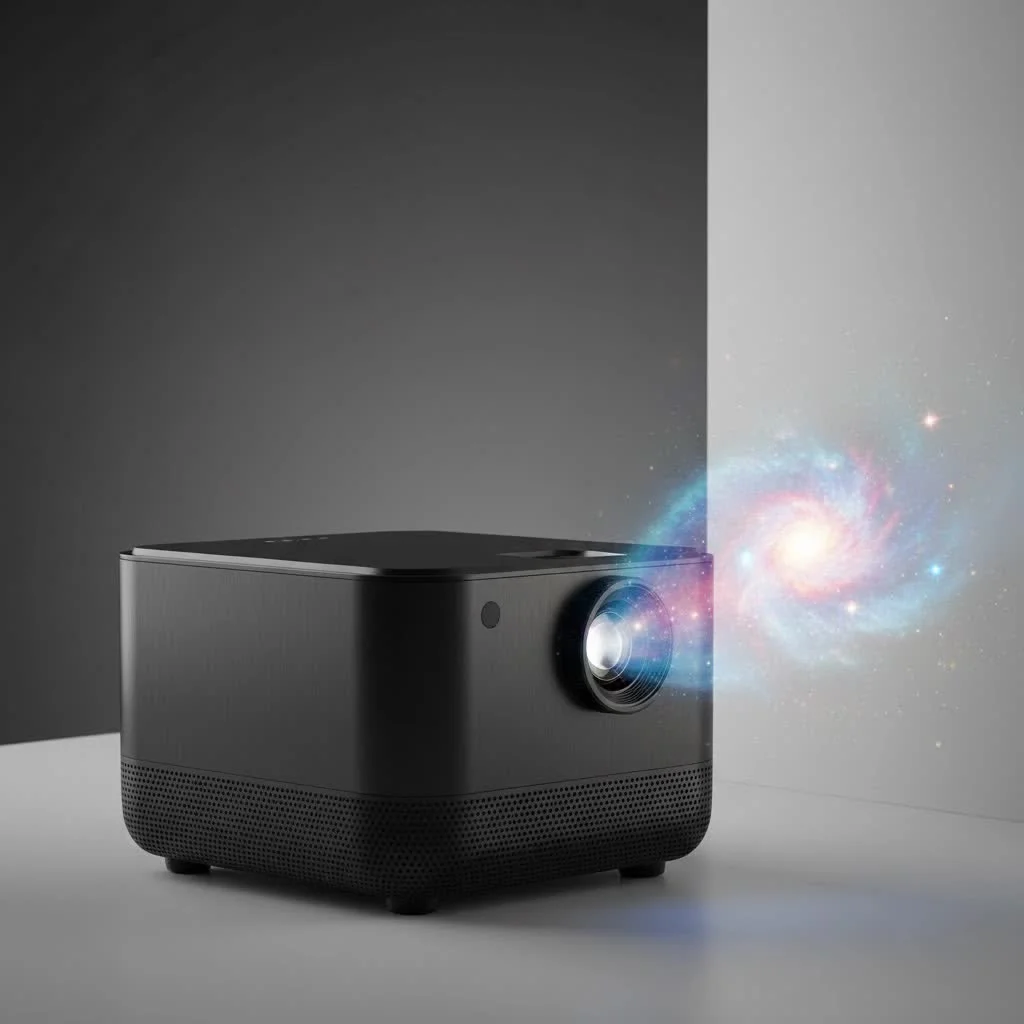
A mini projector with WiFi and Bluetooth offers seamless wireless connectivity for both video and audio, transforming how media is consumed by delivering a big-screen experience anywhere, anytime. WiFi primarily handles video and data, enabling direct streaming from apps and screen mirroring, while Bluetooth manages audio and peripherals like external speakers or headphones. This dual functionality eliminates the need for multiple cables, providing ultimate portability and a clean setup for home entertainment or on-the-go use.
Understanding WiFi and Bluetooth on a Mini Projector
At first glance, WiFi and Bluetooth might seem similar—they both cut the cord. However, they serve two very different but equally important functions on a mini projector. Think of them as a dynamic duo working together to create the perfect wireless entertainment setup.
What is the Role of WiFi?
WiFi on your mini projector is your gateway to the internet. It connects your projector to your home or office network, just like a smartphone or laptop. This connection is primarily for video and data. It allows you to:
- Stream Content Directly: Many modern mini projectors come with a built-in operating system like Android TV. With a WiFi connection, you can download and run apps like Netflix, YouTube, Disney+, and Hulu directly on the projector without needing any other device.
- Screen Mirroring: WiFi enables you to wirelessly cast your smartphone, tablet, or laptop screen onto the projector. This is perfect for sharing photos, presentations, or watching videos from your device’s library on a much larger display. It uses protocols like Miracast, AirPlay, or Chromecast.
- Receive Software Updates: A stable WiFi connection ensures your projector’s firmware stays up to date, providing new features, security patches, and bug fixes.
What is the Role of Bluetooth?
Bluetooth, on the other hand, is all about audio and peripherals. It’s a short-range wireless technology designed to connect devices without needing an internet connection. On your mini projector, Bluetooth allows you to:
- Connect External Speakers: Let’s be honest, the built-in speakers on most mini projectors are small and lack punch. Bluetooth lets you instantly connect a powerful soundbar or a portable speaker for immersive, high-quality audio that matches the big picture.
- Use Wireless Headphones: For a private viewing experience, you can pair your Bluetooth headphones and enjoy a late-night movie without disturbing anyone else.
- Connect Remote Controls and Keyboards: Some advanced projectors use Bluetooth for their remote controls, offering more reliable connectivity than traditional infrared (IR) remotes. You can also connect a keyboard for easier navigation and typing within apps.
Why You Need a Mini Projector with Both WiFi and Bluetooth
Having a mini projector WiFi Bluetooth model isn’t a luxury; it’s a necessity for modern convenience. The synergy between these two technologies unlocks a level of freedom that fundamentally changes the user experience.
- Ultimate Portability and Clean Setup: Imagine setting up for an outdoor movie night. With WiFi, you stream the movie from your home network. With Bluetooth, you send the audio to a rugged outdoor speaker. The only cable you might need is for power, and even that can be eliminated if your projector has a built-in battery. No more tripping over HDMI and audio cables.
- Effortless Streaming: You can start watching your favorite show in seconds. Just turn on the projector, connect to WiFi, open an app, and press play. There’s no need to find the right adapter for your phone or hook up a laptop.
- Superior Audio Experience: The ability to connect to a high-quality Bluetooth speaker is a major upgrade. It elevates a simple viewing session into a cinematic experience, with rich dialogue and impactful sound effects that the projector’s tiny internal speakers could never replicate.
“The true magic of a modern mini projector lies in its wireless capabilities. WiFi handles the visuals, and Bluetooth handles the sound. This combination untethers the user from the constraints of cables, creating a truly flexible and immersive entertainment system.” – John Albright, Home Theater Technology Analyst.
How to Set Up and Use Your Wireless Features
Getting your projector connected is usually straightforward. While the exact steps may vary slightly by brand, the general process is universal.
Connecting to WiFi
|
Our Picks for the Best Mini Projector in 2026
As an Amazon Associate I earn from qualifying purchases.
|
||
| Num | Product | Action |
|---|---|---|
| 1 | [Compatible with Netflix & TOF Real-time Focus] Mini Projector with WiFi and Bluetooth, XuanPad Smart Projector 4K Support, Dolby Audio & Keystone, 210° Rotatable Stand for Home |
![Check [Compatible with Netflix & TOF Real-time Focus] Mini Projector with WiFi and Bluetooth, XuanPad Smart Projector 4K Support, Dolby Audio & Keystone, 210° Rotatable Stand for Home on Amazon](https://flasf.com/wp-content/plugins/amazon-tables/assets/images/buy.png)
|
| 2 | 【Officially-Licensed APP & Native 1080P】Thinnest 1.81\" Smart Mini Projector with WiFi and Bluetooth, Auto Focus & Keystone Portable Outdoor Projector, VOPLLS 4K Support Home Movie Projector |
|
| 3 | Magcubic Mini Projector with WiFi 6 and Bluetooth 5.4, Portable Projector 4K Support, 5W Soundbase Speaker, Auto Vertical Keystone 180°Rotatable Smart Proyector for Movie Home Outdoor |
|
| 4 | Mini Portable Projector 4K WiFi 6 BT 5.2 Upgraded Portable Projector Full HD Supported for Phone /PC /TV /HDMI /PS5 /Laptop Auto Keystone Home Theater 180° Rotation [Built-in App] White |
|
| 5 | HAPPRUN Native 1080P Bluetooth Mini Projector, Full HD Portable Outdoor Movie Projector with Built-in Speaker, Compatible with Smartphone, HDMI, USB, AV, Fire Stick, PS5 for Home, Bedroom, Outdoor Use |
|
| 6 | SOOMFON Mini Projector 1080P Support - Portable Small Video Movie Projector Bluetooth 5.1 Auto Keystone Electric Focus for Bedroom/Wall/Home/Outdoor/iPhone/Android/TV Stick |
|
| 7 | [Built-in Apps & 2025 Upgraded] Mini Projector Support 4K 1080P Auto Keystone 270° Rotatable with WiFi 6 and Bluetooth 5.4, Projector Portable Compatibile with HDMI/TV Stick/Memory Stick/Laptop-Black |
|
| 8 | [Short Throw/1200ANSI/Built in Apps] 4K Outdoor Projector with WiFi and Bluetooth, Auto Focus Projector with Dual-Mode Stand, Smart Portable Proyector with Netflix/YouTube/PrimeVideo & Dolby |
|
| 9 | Aurzen Roku TV Smart Projector with Wifi and Bluetooth, Roku Streaming Experience Built-in, 1080P FHD, Dolby Audio, Auto Focus & Keystone, Zoom, Movie Portable Outdoor Mini Projector, White |
|
| 10 | Aurzen EAZZE D1 Smart Projector with WiFi and Bluetooth, Netflix-Officially-Licensed, Auto Focus & Keystone, DoIby Audio, Native 1080P Movie, Portable Outdoor Mini Projector, White |
|
- Power On and Access Settings: Turn on your mini projector and use the remote to navigate to the ‘Settings’ menu, often represented by a gear icon.
- Find Network Settings: Look for an option labeled ‘Network,’ ‘WiFi,’ or ‘Internet.’
- Select Your Network: A list of available WiFi networks will appear. Choose your home network from the list.
- Enter Password: Using the on-screen keyboard, carefully enter your WiFi password.
- Confirm Connection: Once connected, the projector should display a confirmation message or a connected status icon. To test it, try opening a pre-installed app like YouTube.
Pro Tip: For the best streaming performance, connect to a 5GHz WiFi network if available. It offers faster speeds and less interference than the more common 2.4GHz band.
Pairing a Bluetooth Device
- Enable Bluetooth on Your Speaker/Headphones: Put your external audio device into pairing mode. This usually involves pressing and holding a dedicated Bluetooth button until a light starts flashing.
- Access Projector’s Bluetooth Settings: On your projector, navigate to the ‘Settings’ menu and find the ‘Bluetooth’ option.
- Turn On Bluetooth: Make sure the projector’s Bluetooth is toggled on.
- Scan for Devices: Select ‘Scan for Devices’ or ‘Add Device.’ Your projector will search for nearby discoverable devices.
- Select Your Device: Choose your speaker or headphones from the list that appears.
- Confirm Pairing: The devices should pair automatically. You’ll hear a confirmation sound from your speaker, and the audio from the projector will now play through it.
Common Issues and Quick Fixes
Even with the best technology, you might run into a few hiccups. Here are some common problems with a mini projector WiFi Bluetooth setup and how to solve them.
-
Problem: Choppy Video Streaming (Buffering)
- Solution: Your WiFi signal might be weak. Try moving the projector closer to your router. If that’s not possible, consider a WiFi extender. Also, ensure no other devices on your network are hogging bandwidth (e.g., large downloads or 4K streaming).
-
Problem: Bluetooth Audio is Lagging (Lip-Sync Issues)
- Solution: Audio delay, or latency, can happen with Bluetooth. First, try restarting both the projector and the speaker. If the problem persists, check if your projector has an audio delay setting that you can adjust. Some advanced Bluetooth codecs like aptX Low Latency can solve this, but both the projector and speaker must support it.
-
Problem: My Phone Won’t Screen Mirror
- Solution: Ensure both your phone and the projector are connected to the same WiFi network. Double-check that you are using the correct screen mirroring app or protocol (e.g., AirPlay for iPhones, Miracast/Smart View for Android). Sometimes, a simple restart of both devices resolves the issue.
Frequently Asked Questions (FAQ)
Q: Can I use the WiFi and Bluetooth on the mini projector at the same time?A: Absolutely. This is their primary design. You can stream a movie over WiFi while simultaneously sending the audio to a Bluetooth speaker.
Q: Do I need internet for Bluetooth to work?A: No. Bluetooth creates a direct connection between your projector and your audio device and does not require an internet connection to function. This is great for offline use, like playing a movie from a USB drive.
Q: Why can’t I find Netflix on my projector’s app store?A: Some projectors, particularly uncertified Android models, may not have official support for certain streaming apps like Netflix due to licensing restrictions. Always check the product specifications for certified app support before buying.
Q: Can I connect my phone to the projector via Bluetooth to show video?A: No, Bluetooth does not have enough bandwidth to stream video. It is designed for audio and simple data transfer. For video, you must use WiFi for screen mirroring or an HDMI cable.
Q: Is there a big difference in performance between cheap and expensive mini projectors with WiFi?A: Yes. More expensive models typically feature dual-band WiFi (2.4GHz and 5GHz) for more stable and faster connections, along with more powerful processors that handle streaming and screen mirroring more smoothly.
Conclusion
A mini projector with WiFi and Bluetooth is more than just a gadget; it’s a passport to a world of flexible, large-format entertainment. By understanding how these core technologies work together, you can create a clean, cable-free setup for movie nights, presentations, or gaming sessions. From streaming your favorite series directly from the device to pairing it with a booming soundbar for that true cinema feel, wireless connectivity is the key to unlocking the full potential of your portable projector. Now, go ahead and cut the cords—your big-screen adventure awaits.
Frequently Asked Questions
Can I use both WiFi and Bluetooth features on a mini projector simultaneously?
Yes, mini projectors are designed to use both WiFi and Bluetooth concurrently. For example, you can stream a movie over WiFi while simultaneously sending the audio to a Bluetooth speaker for an enhanced viewing experience.
Is an internet connection required for Bluetooth functionality on a mini projector?
No, an internet connection is not required for Bluetooth to work. Bluetooth establishes a direct, short-range wireless connection between your projector and an audio device, making it ideal for offline use, such as playing media from a USB drive.
Why might Netflix not be available on my mini projector's app store?
Some mini projectors, especially uncertified Android models, may lack official support for certain streaming apps like Netflix due to licensing restrictions. It is crucial to check the product specifications for certified app support before purchasing to ensure compatibility.
Can I connect my smartphone to a mini projector via Bluetooth for video display?
No, Bluetooth does not possess sufficient bandwidth to stream video content. It is primarily designed for audio transmission and simple data transfer. For video display from your phone, you must utilize WiFi for screen mirroring or connect via an HDMI cable.
What performance differences exist between cheap and expensive WiFi mini projectors?
More expensive mini projectors typically offer superior performance, often featuring dual-band WiFi (2.4GHz and 5GHz) for more stable and faster connections. They also tend to include more powerful processors, which result in smoother streaming and more reliable screen mirroring capabilities compared to cheaper models.
Set Up Wireless Features on Your Mini Projector
This guide provides universal steps to connect your mini projector to WiFi for streaming and pair Bluetooth devices for enhanced audio, ensuring a seamless wireless entertainment experience.
Power on your mini projector and navigate to the 'Settings' menu. Select 'Network' or 'WiFi,' choose your home network from the list, and enter your password. Confirm the connection and test it by opening a streaming app.
Put your external audio device (speaker or headphones) into pairing mode, usually by pressing and holding a dedicated Bluetooth button until an indicator light flashes. This makes the device discoverable by your projector.
On your projector, go to 'Settings' and find the 'Bluetooth' option. Ensure Bluetooth is toggled on, then select 'Scan for Devices' or 'Add Device.' Choose your audio device from the list to complete the pairing process.
If video streaming is choppy, move the projector closer to your WiFi router or consider a WiFi extender. Verify that other devices on your network are not consuming excessive bandwidth, which can impact streaming quality.
For Bluetooth audio lag, restart both the projector and the audio device. If the issue persists, check your projector's settings for an audio delay adjustment. Using devices that support aptX Low Latency can also mitigate lip-sync problems.
Get our weekly buyer guide
Practical specs, not advice. Unsubscribe anytime.
I got a mini projector with the dual functionality mentioned, hoping for a clean setup. While the Bluetooth for my headphones works perfectly, I’ve had some trouble getting the WiFi to consistently connect to my streaming apps. It’s a bit frustrating when I just want to quickly watch something without fuss. I might need to try a different brand or check my home network.
This really helped me understand the difference between WiFi and Bluetooth on these devices. I ended up getting one for my kids’ playroom, and it’s fantastic for projecting cartoons onto the wall. The portability is amazing, and not having to deal with wires is a huge plus for keeping the space tidy. Definitely recommend for home entertainment.
I was really skeptical about getting a mini projector, but this guide convinced me to try one with both WiFi and Bluetooth. It’s been a game-changer for movie nights in the backyard! The ability to stream directly from my phone and connect to my portable speaker wirelessly makes setup so easy. No more fumbling with a bunch of cables, which is exactly what I needed for outdoor use.
The explanation of how WiFi handles video and Bluetooth handles audio was super helpful. I picked up a model based on that advice and it works great for presentations when I’m traveling. My only minor complaint is that sometimes the screen mirroring can be a little laggy if my Wi-Fi signal isn’t super strong, but for the most part, it’s a solid portable solution.