Pairing a mini projector with the right screen is crucial for unlocking its full potential, transforming a mediocre image into a vibrant, cinematic experience. While a blank wall can work in a pinch, a dedicated screen significantly boosts brightness, enhances contrast, and ensures color accuracy by reflecting light more effectively and evenly. This guide from Flasf.com will help you choose the perfect screen to create the ultimate portable cinema duo.
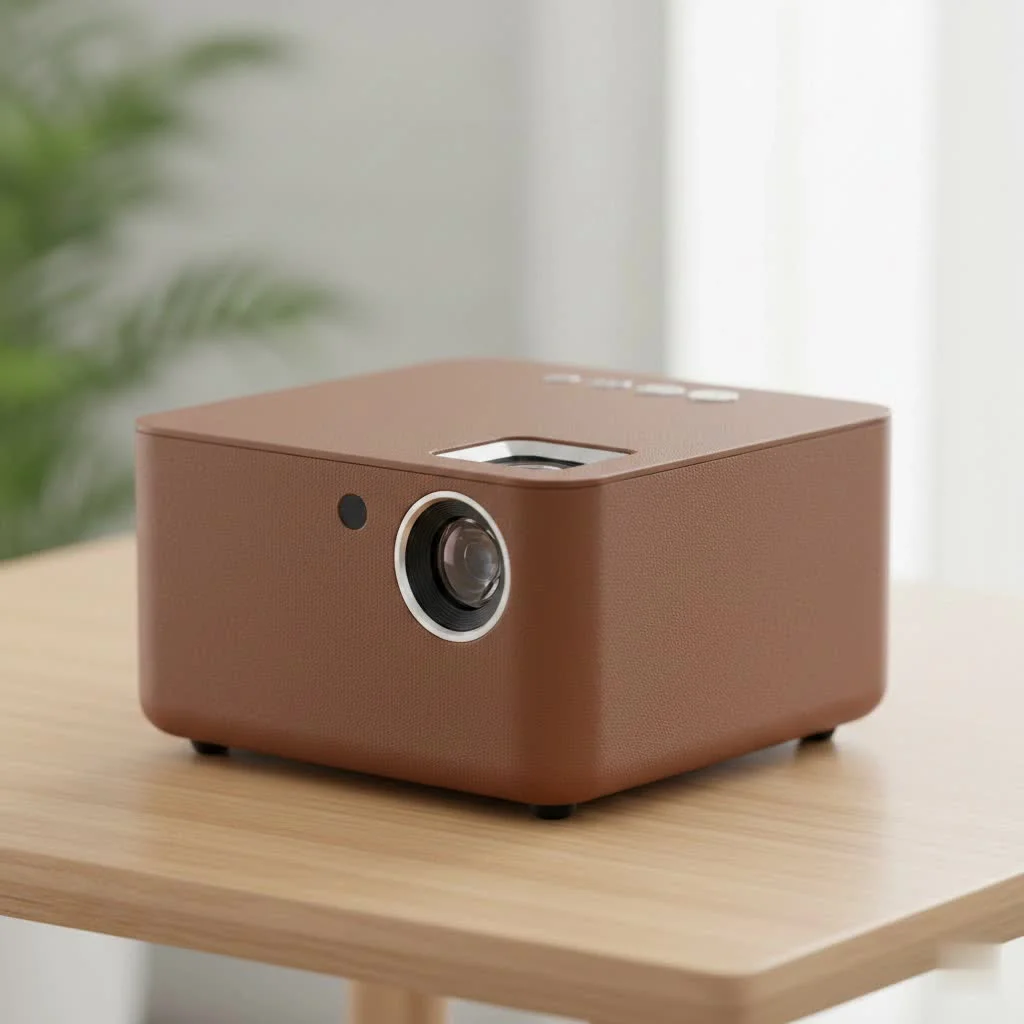
Think of your mini projector as an artist and the screen as its canvas. The quality of the canvas directly impacts the final masterpiece. A dedicated screen is engineered to reflect light more effectively and evenly than a painted wall, boosting brightness, enhancing contrast, and ensuring color accuracy. This guide will walk you through choosing the perfect screen to create the ultimate portable cinema duo.
Do You Actually Need a Screen for a Mini Projector?
While projecting onto a plain, white wall can work in a very dark room, it is far from ideal. A dedicated screen is almost always recommended for optimal picture quality.
Here’s a quick breakdown of a wall versus a dedicated screen:
- Texture and Imperfections: Most walls have subtle textures, bumps, and imperfections that can distort the image and create distracting shadows, detracting from the viewing experience.
- Color Purity: Walls are rarely a pure, neutral white and often have undertones that will tint the projected image, making colors appear inaccurate or unnatural.
- Light Reflection (Gain): Projector screens are coated with special optical materials designed to reflect light uniformly back to the audience. This property, known as “gain,” makes the image appear brighter and more vivid than it would on a standard wall, which tends to absorb and scatter light.
“Using a wall for your mini projector is like listening to a high-fidelity sound system through cheap, crackly headphones. You get the general idea, but you’re missing all the detail and richness. A proper screen is an investment in the quality of your experience,” advises James Albright, Lead Technician at Flasf.com.
For the best possible picture quality, a dedicated mini projector and screen combination is always the superior choice.
Key Factors in Choosing Your Projector Screen
Selecting a screen isn’t just about finding a white rectangle. Several technical aspects come into play that can dramatically affect your viewing experience. Let’s break them down.
Screen Size: Bigger Isn’t Always Better
The optimal screen size depends on your projector’s brightness (measured in lumens) and your viewing distance. Check your projector’s manual for its recommended maximum screen size; a good rule of thumb is a viewing distance of about 1.2 to 1.5 times the diagonal width of the screen.
Aspect Ratio: Matching the Format
|
Our Picks for the Best Mini Projector in 2026
As an Amazon Associate I earn from qualifying purchases.
|
||
| Num | Product | Action |
|---|---|---|
| 1 | [Compatible with Netflix & TOF Real-time Focus] Mini Projector with WiFi and Bluetooth, XuanPad Smart Projector 4K Support, Dolby Audio & Keystone, 210° Rotatable Stand for Home |
![Check [Compatible with Netflix & TOF Real-time Focus] Mini Projector with WiFi and Bluetooth, XuanPad Smart Projector 4K Support, Dolby Audio & Keystone, 210° Rotatable Stand for Home on Amazon](https://flasf.com/wp-content/plugins/amazon-tables/assets/images/buy.png)
|
| 2 | [Built-in Apps & 2025 Upgraded] Mini Projector Support 4K 1080P Auto Keystone 270° Rotatable with WiFi 6 and Bluetooth 5.4, Projector Portable Compatibile with HDMI/TV Stick/Memory Stick/Laptop-Black |
|
| 3 | 【Officially-Licensed APP & Native 1080P】Thinnest 1.81\" Smart Mini Projector with WiFi and Bluetooth, Auto Focus & Keystone Portable Outdoor Projector, VOPLLS 4K Support Home Movie Projector |
|
| 4 | Aurzen EAZZE D1 Smart Projector with WiFi and Bluetooth, Netflix-Officially-Licensed, Auto Focus & Keystone, DoIby Audio, Native 1080P Movie, Portable Outdoor Mini Projector, White |
|
| 5 | [Short Throw/1200ANSI/Built in Apps] 4K Outdoor Projector with WiFi and Bluetooth, Auto Focus Projector with Dual-Mode Stand, Smart Portable Proyector with Netflix/YouTube/PrimeVideo & Dolby |
|
| 6 | SOOMFON Mini Projector 1080P Support - Portable Small Video Movie Projector Bluetooth 5.1 Auto Keystone Electric Focus for Bedroom/Wall/Home/Outdoor/iPhone/Android/TV Stick |
|
| 7 | HAPPRUN Native 1080P Bluetooth Mini Projector, Full HD Portable Outdoor Movie Projector with Built-in Speaker, Compatible with Smartphone, HDMI, USB, AV, Fire Stick, PS5 for Home, Bedroom, Outdoor Use |
|
| 8 | Mini Portable Projector 4K WiFi 6 BT 5.2 Upgraded Portable Projector Full HD Supported for Phone /PC /TV /HDMI /PS5 /Laptop Auto Keystone Home Theater 180° Rotation [Built-in App] White |
|
| 9 | Aurzen Roku TV Smart Projector with Wifi and Bluetooth, Roku Streaming Experience Built-in, 1080P FHD, Dolby Audio, Auto Focus & Keystone, Zoom, Movie Portable Outdoor Mini Projector, White |
|
| 10 | Magcubic Mini Projector with WiFi 6 and Bluetooth 5.4, Portable Projector 4K Support, 5W Soundbase Speaker, Auto Vertical Keystone 180°Rotatable Smart Proyector for Movie Home Outdoor |
|
The aspect ratio is the ratio of the screen’s width to its height. The most common is 16:9, which is the standard for modern movies, TV shows, and streaming content. Most mini projectors have a native 16:9 aspect ratio, so choosing a screen with the same format will ensure the image fits perfectly without any black bars or distortion.
Screen Gain: The Brightness Booster
Gain measures the reflectivity of a screen’s surface. A screen with a 1.0 gain reflects light equally in all directions, serving as a neutral reference point.
- Higher Gain (above 1.0): These screens concentrate light, making the image appear brighter within a narrower viewing angle. This is useful for lower-lumen mini projectors or rooms with some ambient light.
- Lower Gain (below 1.0): Often grey, these screens are designed to improve contrast and black levels, especially in rooms where you can’t achieve total darkness. They absorb ambient light better than white screens.
For most mini projectors, a standard 1.0 to 1.2 gain white screen is a versatile and excellent choice.
Screen Material: More Than Just Fabric
Projector screens come in various materials, each with unique properties. For mini projectors, portability is often key. Look for materials that are lightweight, wrinkle-resistant, and easy to clean. Many portable screens use a flexible PVC or fabric-based material that can be rolled or folded for easy transport.
Types of Screens for Your Mini Projector
The ideal screen type for you will depend on how and where you plan to use your projector.
Tripod Screens
These are a classic portable solution. The screen is attached to a collapsible tripod stand, making it easy to set up and take down. They are a great all-around choice for impromptu movie nights, presentations, or backyard gatherings.
Floor-Rising Screens
For a more modern and sleek setup, floor-rising screens are fantastic. The screen retracts into a compact case on the floor and pulls up pneumatically when you’re ready to use it. They offer excellent stability and a wrinkle-free surface but tend to be a bit pricier.
Inflatable Screens
Planning an outdoor movie night for a crowd? Inflatable screens are your best bet. They come with an electric pump that inflates a large frame in minutes, creating a massive screen that’s perfect for backyards. They are surprisingly stable and offer the biggest “wow” factor.
DIY Screen Options
If you’re on a tight budget or enjoy a good project, you can create your own screen.
- Projector Screen Paint: You can buy special paint designed to provide the right color and reflectivity for projection.
- Blackout Cloth: This thick, opaque fabric is a popular choice for DIY screens. It’s affordable and provides a smooth, non-reflective surface. Just be sure to stretch it tightly on a frame to avoid wrinkles.
Frequently Asked Questions (FAQ)
What is the best color for a mini projector screen? For most situations with a mini projector, a matte white screen is the best choice. It provides accurate color reproduction and is versatile for rooms where you can control the lighting. If you often watch in rooms with some ambient light, a light grey screen can help improve black levels and contrast.
Can I use a white sheet as a projector screen? You can use a white sheet, but it is not recommended for good quality. A bedsheet is not opaque, which means it will lose a lot of the projector’s light, resulting in a dimmer, less detailed image. It is also prone to wrinkles and will not reflect light as uniformly as a real screen.
How do I clean my projector screen? Always check the manufacturer’s instructions first. Generally, you can use a microfiber cloth lightly dampened with water and a mild soap solution. Gently wipe the surface without scrubbing. Never use harsh chemicals or abrasive materials, as they can damage the screen’s optical coating.
What size screen should I get for my backyard? For outdoor use, a screen size between 100 and 120 inches is a popular choice for backyard movie nights. Ensure your mini projector has at least 500 ANSI lumens of brightness to produce a vibrant image at that size, especially after dusk.
Does a more expensive screen really make a difference? Yes, a more expensive screen can make a significant difference. Premium screens often feature better-quality materials that provide superior color accuracy, higher gain without “hot-spotting” (uneven brightness), and better tensioning systems for a perfectly flat, wrinkle-free surface. While budget options exist, premium screens offer noticeable improvements in image quality.
The Final Picture
Choosing the right screen for your mini projector is a critical step in building a truly portable and high-quality entertainment system. While a blank wall might work in a pinch, a dedicated mini projector and screen combo is the only way to ensure you’re seeing the bright, sharp, and color-accurate image your projector is capable of producing. By considering factors like size, gain, aspect ratio, and screen type, you can find the perfect canvas for your cinematic adventures. Now go on, set up your gear, and enjoy the show!
Get our weekly buyer guide
Practical specs, not advice. Unsubscribe anytime.
I was skeptical about getting a dedicated screen for my mini projector, thinking a wall would be fine. But after reading about how much it improves brightness and contrast, I decided to try it. Wow, what a difference! My outdoor movie nights are so much clearer now, even with some ambient light. It really does make it feel like a proper cinema experience.
I appreciated the advice on color accuracy, as I use my mini projector for showing off photography sometimes. While the screen did improve things, I found that setting it up perfectly flat was a bit of a hassle. It took a few tries to get rid of all the little wrinkles, which was a minor annoyance. Still, the overall picture is better than my old setup.
This guide was super helpful in choosing a screen. I mostly use my projector for gaming on the go, and I needed something durable. The section on different screen materials helped me pick a portable, wrinkle-resistant option that’s perfect for setting up quickly at a friend’s house. The image quality is definitely sharper than just projecting onto a sheet.
Finally, someone explained why a blank wall just doesn’t cut it! I’ve been using my mini projector for years, but always felt the colors were a bit washed out. Investing in a proper screen, as suggested, has completely transformed my viewing. The vibrant, cinematic experience is real now, and I can actually see all the details in darker scenes.