Ever wanted to turn your iPhone’s screen into a massive, cinematic display for a movie night, a big game, or an important presentation? With a Mini Projector For Iphone, that power is literally in the palm of your hand. Forget crowding around a small screen; these compact devices let you share your favorite content anywhere, anytime, creating an immersive big-screen experience on any wall or flat surface.
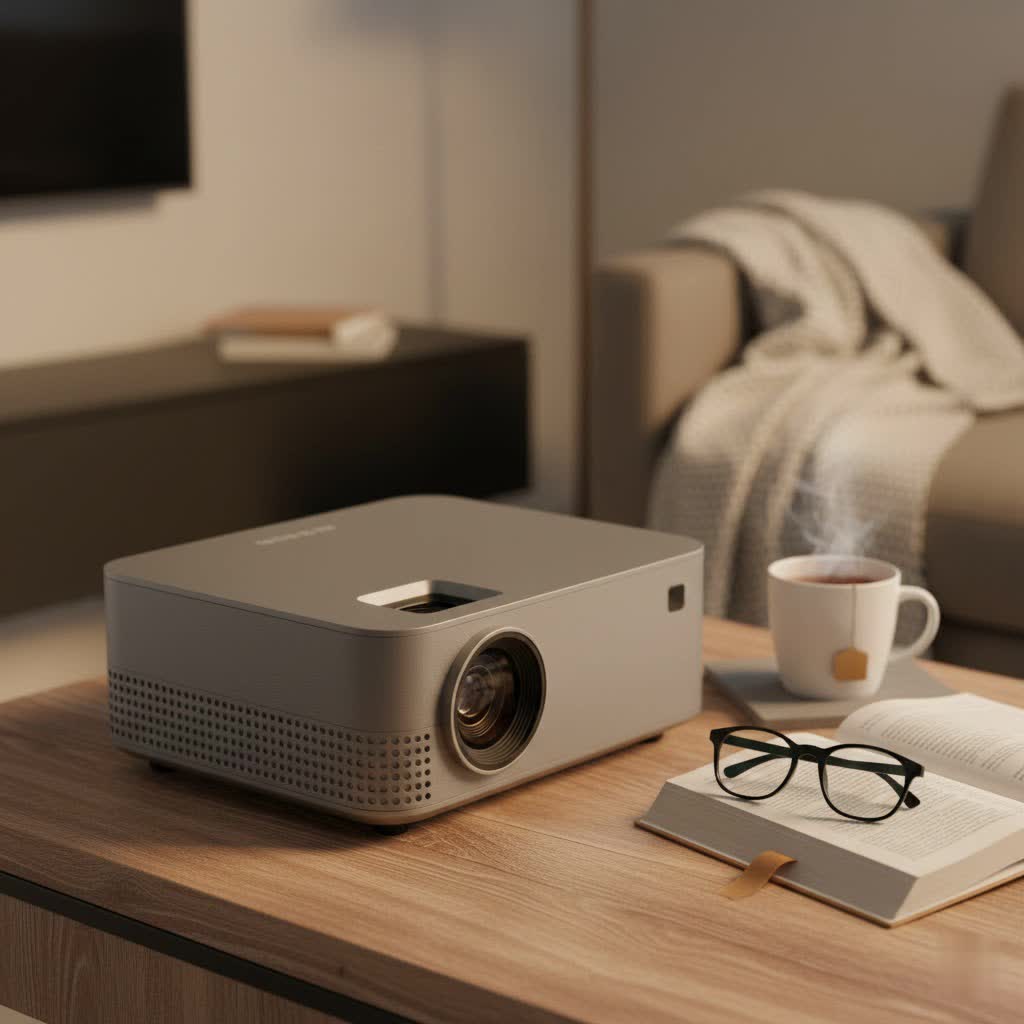
But with so many options flooding the market, how do you choose the right one? It’s about more than just size. We’ll dive into everything you need to know, from crucial features like connectivity and brightness to the simple steps for getting set up. Let’s find the perfect portable partner for your iPhone.
Why a Mini Projector for Your iPhone is a Game-Changer
A mini projector transforms your personal device into a shared entertainment hub. The primary appeal is portability. Many models are no bigger than a soda can or a small speaker, making them incredibly easy to toss in a bag for a weekend trip, a backyard party, or a business meeting. This flexibility means you’re no longer limited by the size of a TV or monitor. Your living room wall, the side of a tent, or a classroom ceiling can become your screen.
Beyond convenience, it’s about the experience. Watching a film on a 100-inch projected screen is far more engaging than on a 6.7-inch phone display. It’s perfect for sharing photos with family, streaming live sports with friends, or even for artists who want to project their designs onto a larger canvas.
Key Features to Look for in an iPhone Projector
Navigating the technical specs can be daunting. Let’s break down the most important features to consider to ensure you get a device that meets your needs.
1. Connectivity: Wires or Wireless?
How your projector connects to your iPhone is the most critical factor. You have two main options:
- Wireless (Wi-Fi & Bluetooth): The most convenient method is wireless screen mirroring, often using your home Wi-Fi network. Look for projectors that support AirPlay, Apple’s native streaming technology, for the most seamless experience. Many projectors offer their own screen-mirroring apps as well. Bluetooth is another essential wireless feature, but it’s typically for connecting external speakers, not for video.
- Wired (HDMI & USB-C): A wired connection is the most reliable. It guarantees zero lag, which is crucial for gaming or watching fast-paced action movies. For modern iPhones with a USB-C port, a simple USB-C to HDMI cable or adapter is all you need. For older iPhones with a Lightning port, you’ll need a Lightning to Digital AV Adapter from Apple.
|
Our Picks for the Best Mini Projector in 2026
As an Amazon Associate I earn from qualifying purchases.
|
||
| Num | Product | Action |
|---|---|---|
| 1 | Magcubic Mini Projector with WiFi 6 and Bluetooth 5.4, Portable Projector 4K Support, 5W Soundbase Speaker, Auto Vertical Keystone 180°Rotatable Smart Proyector for Movie Home Outdoor |

|
| 2 | SOOMFON Mini Projector 1080P Support - Portable Small Video Movie Projector Bluetooth 5.1 Auto Keystone Electric Focus for Bedroom/Wall/Home/Outdoor/iPhone/Android/TV Stick |
|
| 3 | 【Officially-Licensed APP & Native 1080P】Thinnest 1.81\" Smart Mini Projector with WiFi and Bluetooth, Auto Focus & Keystone Portable Outdoor Projector, VOPLLS 4K Support Home Movie Projector |
|
| 4 | [Short Throw/1200ANSI/Built in Apps] 4K Outdoor Projector with WiFi and Bluetooth, Auto Focus Projector with Dual-Mode Stand, Smart Portable Proyector with Netflix/YouTube/PrimeVideo & Dolby |
|
| 5 | Aurzen EAZZE D1 Smart Projector with WiFi and Bluetooth, Netflix-Officially-Licensed, Auto Focus & Keystone, DoIby Audio, Native 1080P Movie, Portable Outdoor Mini Projector, White |
|
| 6 | Mini Portable Projector 4K WiFi 6 BT 5.2 Upgraded Portable Projector Full HD Supported for Phone /PC /TV /HDMI /PS5 /Laptop Auto Keystone Home Theater 180° Rotation [Built-in App] White |
|
| 7 | [Built-in Apps & 2025 Upgraded] Mini Projector Support 4K 1080P Auto Keystone 270° Rotatable with WiFi 6 and Bluetooth 5.4, Projector Portable Compatibile with HDMI/TV Stick/Memory Stick/Laptop-Black |
|
| 8 | Aurzen Roku TV Smart Projector with Wifi and Bluetooth, Roku Streaming Experience Built-in, 1080P FHD, Dolby Audio, Auto Focus & Keystone, Zoom, Movie Portable Outdoor Mini Projector, White |
|
| 9 | HAPPRUN Native 1080P Bluetooth Mini Projector, Full HD Portable Outdoor Movie Projector with Built-in Speaker, Compatible with Smartphone, HDMI, USB, AV, Fire Stick, PS5 for Home, Bedroom, Outdoor Use |
|
| 10 | [Compatible with Netflix & TOF Real-time Focus] Mini Projector with WiFi and Bluetooth, XuanPad Smart Projector 4K Support, Dolby Audio & Keystone, 210° Rotatable Stand for Home |
|
2. Brightness: Measured in Lumens
A projector’s brightness is measured in ANSI lumens. The higher the lumens, the clearer and more vibrant the image will be, especially in rooms with some ambient light.
- 100-300 ANSI Lumens: Ideal for very dark rooms. These projectors are often the most portable but require a controlled environment for the best picture.
- 300-500+ ANSI Lumens: Versatile enough for dimly lit rooms. This is a great sweet spot for general use, offering a good balance between performance and portability.
As our lead tech specialist, Alex Carver, often says, “Don’t get fooled by misleading ‘lux’ or ‘lumen’ numbers that aren’t ANSI standard. For a mini projector, anything over 200 ANSI lumens will provide a surprisingly capable picture in a dark setting, but 400 or more gives you much more flexibility.”
3. Resolution: How Sharp is the Image?
Resolution determines the clarity and sharpness of the picture. While many projectors support 1080p or even 4K input, you need to look at the native resolution.
- 480p (854×480): This is the entry-level standard. It’s acceptable for casual viewing in a dark room but won’t be very sharp for text or detailed images.
- 720p (1280×720): A significant step up. This native resolution offers a crisp, clear HD image that is great for movies and presentations. It’s the most common and recommended resolution for a quality mini projector.
- 1080p (1920×1080): The gold standard for portable projectors. It provides a full HD picture with excellent detail and sharpness, though these models are often larger and more expensive.
4. Battery Life and Portability
The very definition of a “mini projector” implies it’s portable. Check the physical size and weight to ensure it fits your lifestyle. Equally important is the built-in battery. Most models offer between 2 to 4 hours of playback on a single charge—enough for a movie, but maybe not a double feature. If you plan to use it on the go frequently, look for models that can also be powered by a portable power bank via USB-C.
How to Connect Your iPhone to a Mini Projector
Getting your content from your phone to the big screen is easier than you think. Here’s a simple breakdown of the process.
Wireless Connection (Screen Mirroring)
- Power On and Connect: Turn on your mini projector and connect both the projector and your iPhone to the same Wi-Fi network.
- Select Screen Mirroring: On the projector’s main menu, find and select the “Screen Mirroring,” “AirPlay,” or “Wireless Casting” option.
- Activate on iPhone: Swipe down from the top-right corner of your iPhone’s screen to open the Control Center.
- Tap and Project: Tap the Screen Mirroring icon (two overlapping rectangles) and select your projector from the list of available devices. Your iPhone screen should now be projected.
Wired Connection
- Get the Right Adapter: You will need an HDMI cable and the correct adapter for your iPhone (a Lightning to Digital AV Adapter or a USB-C to HDMI adapter).
- Plug Everything In: Connect the adapter to your iPhone. Plug one end of the HDMI cable into the adapter and the other end into the HDMI port on your projector.
- Switch Source: Turn on the projector and use the remote or buttons on the device to select “HDMI” as the input source.
- Play Your Content: Your iPhone’s screen will be automatically mirrored. Now you can play any video, app, or presentation.
Frequently Asked Questions (FAQ)
What is the best mini projector for an iPhone?
The “best” one depends on your priorities. Models like the Anker Nebula series are praised for their smart features and portability, while others from brands like ELEPHAS or AKIYO offer great value with strong wireless connectivity and good brightness for the price.
Can I watch Netflix and other streaming apps?
This can be tricky. Due to copyright protections (DRM), many streaming apps like Netflix block screen mirroring from a phone. The best workaround is to choose a “smart” projector with a built-in operating system (like Android TV) that allows you to download the apps directly onto the projector itself. Alternatively, you can use a wired HDMI connection, which almost always works.
Do I need a separate speaker?
Most mini projectors have built-in speakers, but they are often small and not very powerful. For a truly cinematic experience, it’s highly recommended to connect a better external speaker or soundbar via Bluetooth or an audio cable.
How big of a screen can I project?
This depends on the projector’s brightness and the room’s darkness. Most mini projectors can create a viewable image from 30 inches up to 100 inches or even larger. Remember, the larger you make the screen, the dimmer the image will become, so finding the right balance is key.
Can I use a mini projector outside?
Yes, you absolutely can! A backyard movie night is one of the best uses for a mini projector. Just make sure it’s dark enough outside, and you have a good projection surface like a sheet or an outdoor screen. Since you’ll be away from outlets, a model with good battery life is essential.
Your Pocket Cinema Awaits
Choosing the right mini projector for iPhone unlocks a world of big-screen entertainment and presentation possibilities. By focusing on the core features—connectivity, brightness, resolution, and battery life—you can find a device that perfectly suits your needs. Whether you’re a movie buff, a gamer, or a professional on the go, there’s a compact, powerful projector ready to turn any surface into your personal screen. Now, grab some popcorn and let the show begin.
