The Anker Nebula mini projector transforms any wall into a personal cinema, offering a portable, big-screen experience for movies, games, and presentations. These compact devices are renowned for their sleek design, integrated Android TV smart features, and surprisingly powerful 360° speakers, making them ideal for home entertainment and on-the-go use.
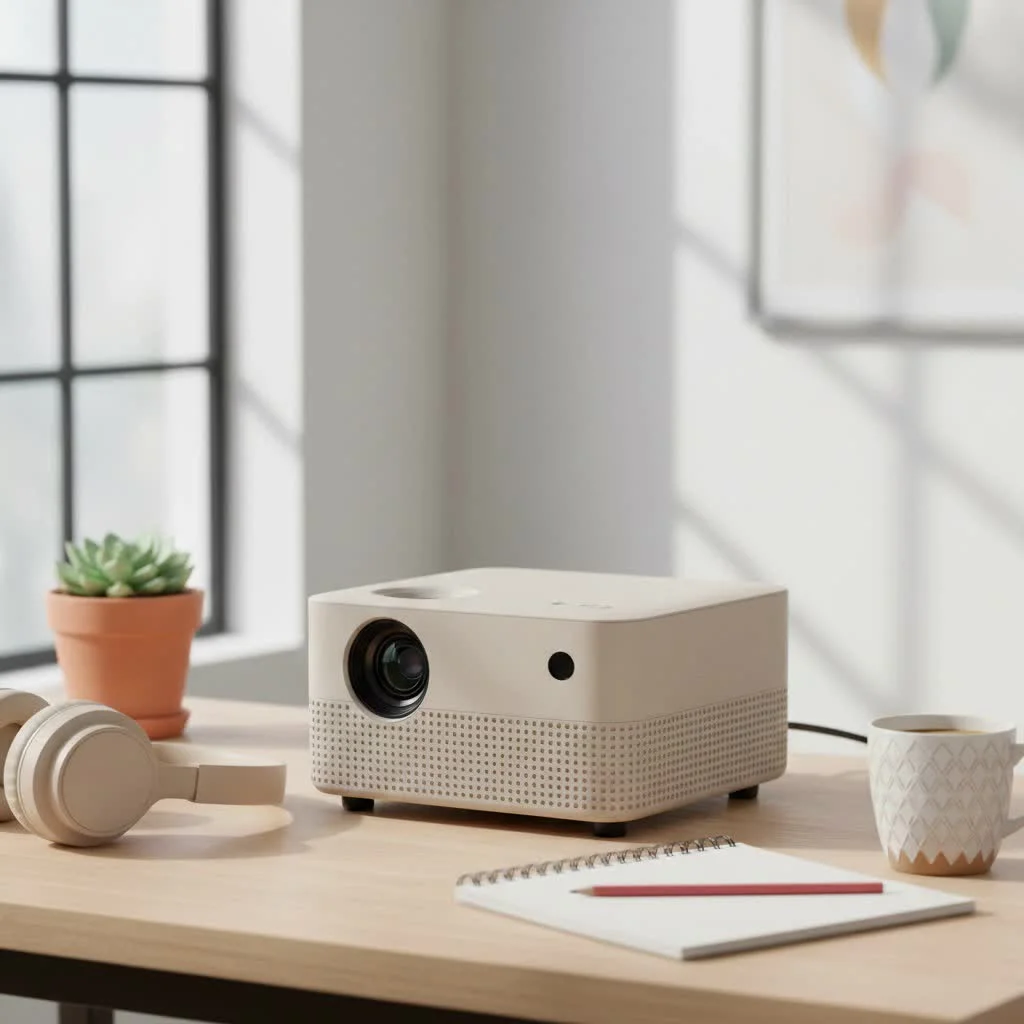
At Flasf.com, we’ve extensively tested portable projectors, and Anker’s Nebula series consistently impresses with its user-centric design and robust functionality. This guide covers everything from available models to choosing the perfect one for your needs.
What Makes the Anker Nebula Mini Projector Stand Out?
In a crowded market, the Anker Nebula brand has earned a reputation for excellence. Its success stems from a thoughtful combination of design, technology, and user experience, making high-quality projection accessible and incredibly easy to use, anywhere you go.
Unmatched Portability and Design
The first thing you’ll notice about any Anker Nebula mini projector is its sleek and compact design. The Nebula Capsule series, famously shaped like a soda can, exemplifies this philosophy, easily slipping into a bag or large pocket. This focus on portability doesn’t compromise build quality; Nebula projectors feel solid and premium, built to withstand travel.
Integrated Smart Features
Most Nebula projectors are all-in-one entertainment hubs. With built-in Android TV, users gain instant access to thousands of apps from the Google Play Store, including Netflix, YouTube, and Hulu. This eliminates the need for external devices like laptops or streaming sticks; simply connect to Wi-Fi, log in, and start streaming.
Audio That Defies Its Size
A common weakness of mini projectors is their underwhelming sound. Anker leverages its audio expertise to equip Nebula projectors with powerful, 360° speakers. While not a replacement for a dedicated home theater system, the audio is remarkably clear, loud, and immersive for such a small device, making it perfect for impromptu movie nights.
A Closer Look at Popular Anker Nebula Models
The Nebula lineup offers several distinct models, each tailored to different use cases and budgets. Let’s break down the most popular choices.
The Nebula Capsule Series: Cinema in Your Pocket
This series established Anker’s reputation for portable projectors, ideal for travelers, campers, and those prioritizing convenience.
- Design: Its iconic cylindrical shape is both stylish and practical.
- Performance: It typically offers standard-definition resolution (480p or 720p, depending on the model), suitable for casual viewing in dark environments. Brightness is modest, performing best at night or in a dimly lit room.
- Key Feature: The built-in battery provides several hours of video playback, making it truly wireless. With Android TV, it’s a self-contained streaming machine.
The Nebula Mars and Solar Series: A Step-Up in Power
|
Our Picks for the Best Mini Projector in 2026
As an Amazon Associate I earn from qualifying purchases.
|
||
| Num | Product | Action |
|---|---|---|
| 1 | [Short Throw/1200ANSI/Built in Apps] 4K Outdoor Projector with WiFi and Bluetooth, Auto Focus Projector with Dual-Mode Stand, Smart Portable Proyector with Netflix/YouTube/PrimeVideo & Dolby |
![Check [Short Throw/1200ANSI/Built in Apps] 4K Outdoor Projector with WiFi and Bluetooth, Auto Focus Projector with Dual-Mode Stand, Smart Portable Proyector with Netflix/YouTube/PrimeVideo & Dolby on Amazon](https://flasf.com/wp-content/plugins/amazon-tables/assets/images/buy.png)
|
| 2 | 【Officially-Licensed APP & Native 1080P】Thinnest 1.81\" Smart Mini Projector with WiFi and Bluetooth, Auto Focus & Keystone Portable Outdoor Projector, VOPLLS 4K Support Home Movie Projector |
|
| 3 | Aurzen EAZZE D1 Smart Projector with WiFi and Bluetooth, Netflix-Officially-Licensed, Auto Focus & Keystone, DoIby Audio, Native 1080P Movie, Portable Outdoor Mini Projector, White |
|
| 4 | SOOMFON Mini Projector 1080P Support - Portable Small Video Movie Projector Bluetooth 5.1 Auto Keystone Electric Focus for Bedroom/Wall/Home/Outdoor/iPhone/Android/TV Stick |
|
| 5 | Magcubic Mini Projector with WiFi 6 and Bluetooth 5.4, Portable Projector 4K Support, 5W Soundbase Speaker, Auto Vertical Keystone 180°Rotatable Smart Proyector for Movie Home Outdoor |
|
| 6 | Mini Portable Projector 4K WiFi 6 BT 5.2 Upgraded Portable Projector Full HD Supported for Phone /PC /TV /HDMI /PS5 /Laptop Auto Keystone Home Theater 180° Rotation [Built-in App] White |
|
| 7 | Aurzen Roku TV Smart Projector with Wifi and Bluetooth, Roku Streaming Experience Built-in, 1080P FHD, Dolby Audio, Auto Focus & Keystone, Zoom, Movie Portable Outdoor Mini Projector, White |
|
| 8 | HAPPRUN Native 1080P Bluetooth Mini Projector, Full HD Portable Outdoor Movie Projector with Built-in Speaker, Compatible with Smartphone, HDMI, USB, AV, Fire Stick, PS5 for Home, Bedroom, Outdoor Use |
|
| 9 | [Built-in Apps & 2025 Upgraded] Mini Projector Support 4K 1080P Auto Keystone 270° Rotatable with WiFi 6 and Bluetooth 5.4, Projector Portable Compatibile with HDMI/TV Stick/Memory Stick/Laptop-Black |
|
| 10 | [Compatible with Netflix & TOF Real-time Focus] Mini Projector with WiFi and Bluetooth, XuanPad Smart Projector 4K Support, Dolby Audio & Keystone, 210° Rotatable Stand for Home |
|
For more brightness and higher resolution without sacrificing portability, the Mars and Solar series are excellent choices. They are larger than the Capsule but remain compact enough for easy movement.
- Design: These models adopt a more traditional, cube-like shape with a modern aesthetic, often including a built-in handle.
- Performance: They boast higher brightness levels (measured in ANSI lumens) and resolutions, often 1080p (Full HD). This makes them suitable for use in rooms with some ambient light and for viewers desiring a crisper, more detailed image.
- Key Feature: The Nebula Solar series often includes a rechargeable battery, while the Mars series prioritizes higher performance, sometimes requiring a power source for extended use. Both feature powerful speakers and intelligent features like autofocus and keystone correction.
As tech analyst David Chen notes, “Anker’s Nebula line fundamentally changed user expectations. They proved that a ‘mini projector’ didn’t have to mean a compromised experience. By integrating a smart OS and surprisingly potent audio, they created a new, all-in-one category.”
How to Choose the Right Anker Nebula Mini Projector
Selecting the right Anker Nebula mini projector depends on your primary use case. Ask yourself these questions to narrow down your choice.
Who is it for?
- The Casual Viewer: For a simple, fun way to watch movies in bed or project a YouTube video, the Nebula Capsule is a perfect starting point due to its simplicity and portability.
- The Movie Enthusiast: If image quality and a cinematic experience are priorities, consider the Nebula Solar Portable or Nebula Mars. Their 1080p resolution and higher brightness deliver a significantly sharper and more vibrant picture.
- The Road Warrior: For those constantly on the move, the Nebula Capsule series is the undisputed champion. Its long battery life and tiny footprint make it an ideal travel companion.
Where will you use it?
- Indoors in a Dark Room: Almost any Nebula model will perform well in a dark environment.
- Indoors with Some Light: If perfect darkness isn’t always achievable, a projector with higher ANSI lumens is crucial. A model from the Solar or Mars series will be much more versatile.
- Outdoors: For backyard movie nights, brightness is key to combat ambient light. The Nebula Mars is often the best choice for outdoor use, providing a bright enough picture to be enjoyable after sunset.
Setting Up Your Anker Nebula: A Quick Guide
One of the best aspects of an Anker Nebula mini projector is its ease of setup. Here’s a simple step-by-step process:
- Charge It Up: If your model has a battery, ensure it’s fully charged before first use for maximum playtime.
- Find a Surface: A plain, white wall works well. For optimal results, consider a dedicated projector screen.
- Power On and Position: Turn the projector on and place it on a stable surface, aiming it at your screen or wall. Most models include a standard tripod mount for flexible positioning.
- Focus and Keystone: The projector will likely autofocus for a sharp image. If the image appears trapezoidal, automatic keystone correction will square it up, with manual adjustments available in settings.
- Connect to Wi-Fi: Navigate to the settings menu to connect to your wireless network, which is essential for streaming content.
- Sign In and Stream: Log into your favorite streaming apps like Netflix or Disney+ and begin watching. You can also connect devices such as a laptop or gaming console via the HDMI port.
Frequently Asked Questions (FAQ)
Q: Can I use the Anker Nebula mini projector while it’s charging?A: Yes, all Nebula projectors can be used while plugged into a power source. For battery-powered models, this ensures continuous operation during long movies without running out of power.
Q: How do I connect my phone to a Nebula projector?A: You can connect your phone in several ways. Android devices can use built-in Chromecast. iPhones require screen mirroring through a supported app or connection via an HDMI adapter.
Q: Is the brightness of a mini projector enough for daytime viewing?A: Generally, mini projectors, including the Anker Nebula series, are not bright enough for a clear picture in a brightly lit room. They perform best in dimly lit or dark environments, with higher ANSI lumen ratings offering better performance in some ambient light.
Q: Can I connect a Bluetooth speaker to the Anker Nebula?A: Absolutely. All Nebula projectors can function as a standalone Bluetooth speaker. You can also connect the projector to an external Bluetooth speaker or soundbar to enhance the audio for a more cinematic sound experience.
Q: How long does the battery typically last on portable models?A: Battery life varies by model and usage. On average, you can expect approximately 2.5 to 4 hours of video playback on a full charge, which is generally sufficient for a full-length feature film.
Your Portable Cinema Awaits
The Anker Nebula mini projector is a gateway to entertainment freedom, untethering you from traditional TVs. It allows you to create a massive screen wherever you have a surface and some darkness. By blending brilliant design, smart functionality, and reliable performance, Anker has created a lineup that genuinely delivers on the promise of portable cinema. Whether you choose the pocket-sized Capsule or the more powerful Solar, you’re investing in a versatile and incredibly fun piece of technology.
Frequently Asked Questions
Can I use the Anker Nebula mini projector while it's charging?
Yes, all Anker Nebula projectors can be used while plugged into a power source. For battery-powered models, this feature is crucial for ensuring continuous operation during extended viewing sessions without interruption.
How do I connect my phone to an Anker Nebula projector for streaming?
You can connect your phone to an Anker Nebula projector in multiple ways. Android devices can utilize the built-in Chromecast feature within the Android TV OS, while iPhones typically require screen mirroring through a supported app or an HDMI adapter for connectivity.
Is the brightness of an Anker Nebula mini projector sufficient for daytime viewing?
Generally, Anker Nebula mini projectors are not bright enough for a clear picture in a brightly lit, sunlit room. They perform optimally in dimly lit or dark environments. Models with higher ANSI lumen ratings will handle some ambient light better, but full daylight viewing is not recommended.
Can I connect an external Bluetooth speaker to my Anker Nebula projector?
Absolutely. All Anker Nebula projectors support Bluetooth connectivity, allowing you to pair them with an external Bluetooth speaker or soundbar. This enhances the audio experience significantly, providing a more cinematic sound for your movies and shows.
What is the typical battery life for portable Anker Nebula projector models?
Battery life for portable Anker Nebula models varies by specific model and usage, but on average, you can expect approximately 2.5 to 4 hours of video playback on a full charge. This duration is generally sufficient for watching a full-length feature film or several episodes of a TV show.
Setting Up Your Anker Nebula Mini Projector
Follow these simple steps to quickly set up and start using your Anker Nebula mini projector for an instant portable cinema experience.
If your model has a battery, ensure it's fully charged for maximum playtime. Place the projector on a stable surface and aim it at a plain, white wall or a dedicated projector screen for the best image quality.
The projector will likely autofocus to provide a sharp image. If the image appears trapezoidal due to an uneven surface, the automatic keystone correction will square it up. Manual adjustments are also available in the settings menu.
Navigate to the settings menu to connect your projector to your wireless network. This step is essential for accessing and streaming content from various online platforms. Once connected, log into your favorite streaming apps like Netflix or Disney+.
After logging into your apps, you can immediately begin watching content. Alternatively, connect external devices such as a laptop or gaming console via the HDMI port for a wider range of entertainment options.
Get our weekly buyer guide
Practical specs, not advice. Unsubscribe anytime.
Got this for camping trips and it’s been fantastic for movie nights under the stars. The 360-degree speakers are actually pretty decent for such a small device, which was a pleasant surprise. My only minor gripe is that it could be a little brighter for daytime use, but for evening viewing, it’s perfect.
I bought an Anker Nebula model after hearing good things about its sleek design. While it looks great and is super portable, I found the battery life a bit shorter than I expected when watching longer movies. It’s fine for a quick show, but for a full film, I usually need to keep it plugged in. Still, it’s a neat gadget for casual use.
This projector is exactly what I needed for presentations on the go. The setup is incredibly easy, and it connects to my devices without any fuss. The robust functionality mentioned in the guide is spot on; it just works, every time. It’s made my work travel so much more efficient and entertaining.
I’ve been looking for a good portable projector for ages, and the Anker Nebula really delivers. The integrated Android TV is a game-changer; I can just stream directly without needing extra devices. The picture quality is surprisingly sharp even in my backyard at night. Definitely recommend for anyone wanting a flexible home entertainment setup.