Ever wished you could turn your phone’s small screen into a massive, cinematic experience anywhere you go? With a Mini Projector For Phone, that’s not just a dream—it’s a reality you can fit in your pocket. Imagine hosting an impromptu movie night in your backyard, delivering a winning presentation without bulky equipment, or turning your bedroom ceiling into a star-lit movie screen. This guide will walk you through everything you need to know to choose, connect, and enjoy the perfect portable projector for your smartphone.
Why a Mini Projector for Your Phone is a Game-Changer
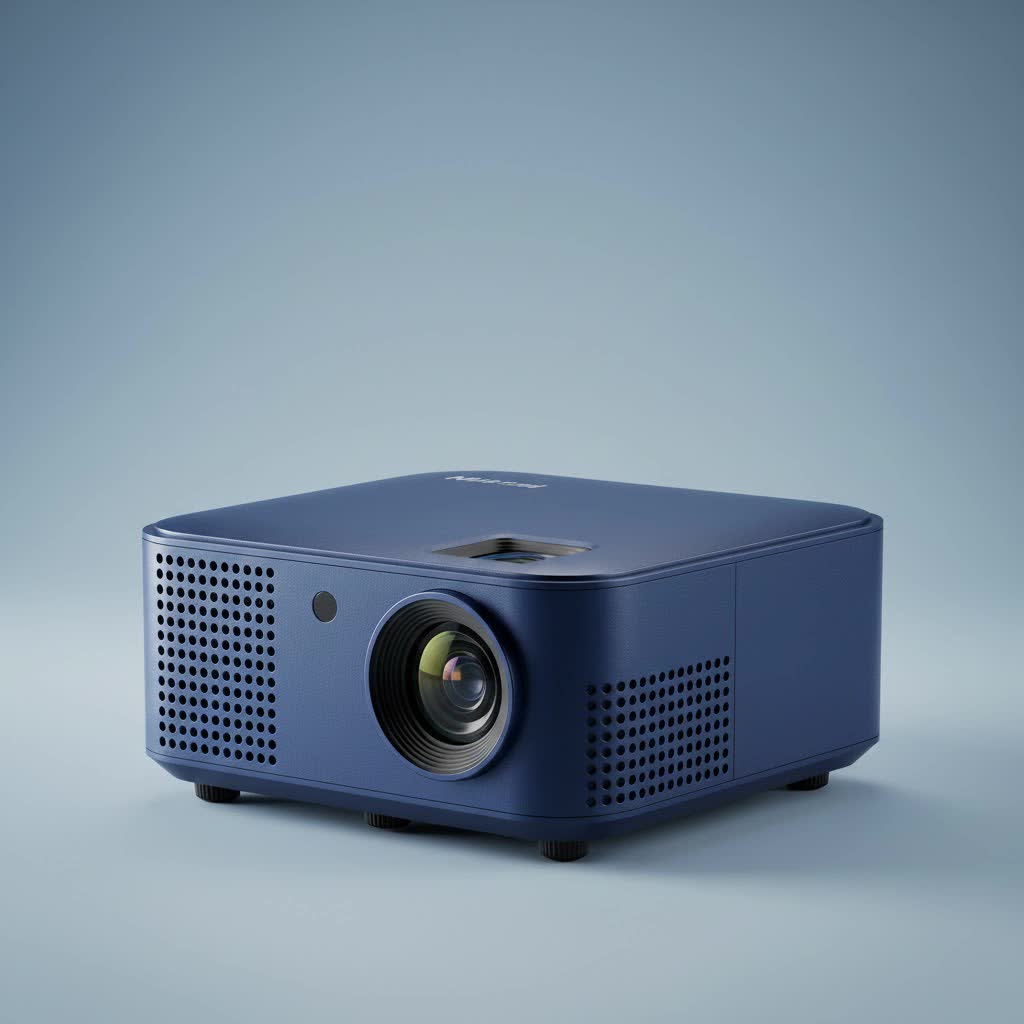
A mini projector for your phone, often called a pico projector, is more than just a gadget; it’s a portable entertainment and productivity powerhouse. The primary appeal is its incredible convenience. Unlike traditional projectors that are heavy and require a dedicated setup, these compact devices are designed for life on the move. You can effortlessly share vacation photos with family, stream your favorite series on a hotel wall, or amplify your gaming experience wherever you are. They bridge the gap between the high-quality content on your phone and the immersive experience of a big screen.
How Do Mini Projectors for Phones Work?
At their core, these devices function by taking the video signal from your smartphone and using an internal light source (usually LED) and lens system to display it on a surface. The magic lies in the connection. Most modern mini projectors offer both wired and wireless options to connect to your phone. Wireless connections typically use Wi-Fi for screen mirroring technologies like AirPlay for iPhones or Miracast for Android devices. Wired connections are more direct, often relying on an HDMI or USB-C port, which provides a stable and often higher-quality signal.
Key Features to Consider When Buying a Mini Projector for Phone
Navigating the market for a mini projector for phone can be tricky with all the technical jargon. Let’s break down the essential features to look for so you can make an informed decision.
Connectivity: The Crucial Link
How the projector connects to your phone is arguably the most critical feature. A seamless connection means less frustration and more enjoyment.
- Wireless: Look for projectors with built-in Wi-Fi that support screen mirroring. For Apple users, ensure it’s compatible with AirPlay. For Android users, check for Miracast, Smart View, or Chromecast support. Bluetooth is another useful feature, but it’s primarily for connecting external speakers, not for video.
- Wired: A physical connection is often the most reliable. Many projectors come with a Mini HDMI or a full-sized HDMI port. To connect your phone, you’ll need an adapter.
- iPhone: You’ll typically need a Lightning to Digital AV Adapter.
- Android: If your phone has a USB-C port that supports video output (DisplayPort Alt Mode), you can use a simple USB-C to HDMI cable.
|
Our Picks for the Best Mini Projector in 2026
As an Amazon Associate I earn from qualifying purchases.
|
||
| Num | Product | Action |
|---|---|---|
| 1 | HAPPRUN Native 1080P Bluetooth Mini Projector, Full HD Portable Outdoor Movie Projector with Built-in Speaker, Compatible with Smartphone, HDMI, USB, AV, Fire Stick, PS5 for Home, Bedroom, Outdoor Use |

|
| 2 | [Short Throw/1200ANSI/Built in Apps] 4K Outdoor Projector with WiFi and Bluetooth, Auto Focus Projector with Dual-Mode Stand, Smart Portable Proyector with Netflix/YouTube/PrimeVideo & Dolby |
|
| 3 | Aurzen EAZZE D1 Smart Projector with WiFi and Bluetooth, Netflix-Officially-Licensed, Auto Focus & Keystone, DoIby Audio, Native 1080P Movie, Portable Outdoor Mini Projector, White |
|
| 4 | 【Officially-Licensed APP & Native 1080P】Thinnest 1.81\" Smart Mini Projector with WiFi and Bluetooth, Auto Focus & Keystone Portable Outdoor Projector, VOPLLS 4K Support Home Movie Projector |
|
| 5 | SOOMFON Mini Projector 1080P Support - Portable Small Video Movie Projector Bluetooth 5.1 Auto Keystone Electric Focus for Bedroom/Wall/Home/Outdoor/iPhone/Android/TV Stick |
|
| 6 | [Built-in Apps & 2025 Upgraded] Mini Projector Support 4K 1080P Auto Keystone 270° Rotatable with WiFi 6 and Bluetooth 5.4, Projector Portable Compatibile with HDMI/TV Stick/Memory Stick/Laptop-Black |
|
| 7 | [Compatible with Netflix & TOF Real-time Focus] Mini Projector with WiFi and Bluetooth, XuanPad Smart Projector 4K Support, Dolby Audio & Keystone, 210° Rotatable Stand for Home |
|
| 8 | Mini Portable Projector 4K WiFi 6 BT 5.2 Upgraded Portable Projector Full HD Supported for Phone /PC /TV /HDMI /PS5 /Laptop Auto Keystone Home Theater 180° Rotation [Built-in App] White |
|
| 9 | Aurzen Roku TV Smart Projector with Wifi and Bluetooth, Roku Streaming Experience Built-in, 1080P FHD, Dolby Audio, Auto Focus & Keystone, Zoom, Movie Portable Outdoor Mini Projector, White |
|
| 10 | Magcubic Mini Projector with WiFi 6 and Bluetooth 5.4, Portable Projector 4K Support, 5W Soundbase Speaker, Auto Vertical Keystone 180°Rotatable Smart Proyector for Movie Home Outdoor |
|
Brightness (Lumens): Don’t Be Left in the Dark
A projector’s brightness is measured in lumens. For mini projectors, this is often stated in ANSI lumens, which is a standardized measurement. More lumens mean a brighter image that holds up better in rooms with some ambient light.
- Under 100 ANSI Lumens: Suitable for very dark rooms and smaller screen sizes (up to 40 inches).
- 100-300 ANSI Lumens: A good sweet spot for portability and performance. This range can produce a decent image in a dimly lit room for screen sizes up to 60-80 inches.
- Over 300 ANSI Lumens: Offers the best performance, allowing for larger screen sizes and better viewing in rooms that aren’t completely dark.
Resolution: The Sharper, The Better
Resolution determines the clarity and sharpness of the projected image. It’s important to look for the native resolution, which is the true physical resolution of the projector’s imaging chip.
- 480p (854×480): This is the entry-level standard for many pico projectors. It’s acceptable for casual viewing but won’t be very sharp for text or detailed video.
- 720p (1280×720): Offers a significant step up in clarity and is a great middle ground for a mini projector for phone. It provides a true HD experience.
- 1080p (1920×1080): This is the premium tier for portable projectors, delivering a crisp, full HD image that’s fantastic for movies and gaming.
Battery Life: Power for Your Movie Marathon
The whole point of a portable projector is to use it anywhere, so battery life is key. Most built-in batteries will last between 1.5 to 3 hours, enough for a typical movie. For longer sessions, look for models that can be charged via a standard power bank through a USB-C port, or that can be used while plugged into a wall outlet.
How to Connect Your Phone to a Mini Projector
Setting up your projector is usually straightforward. Here’s a quick guide to the two main methods.
Connecting Wirelessly (Screen Mirroring)
- Power On: Turn on your mini projector.
- Select Source: Navigate to the “Screen Mirroring,” “AirPlay,” or “Miracast” input source on the projector’s menu.
- Connect to Wi-Fi: Ensure both your phone and the projector are connected to the same Wi-Fi network. Some projectors can create their own Wi-Fi hotspot for a direct connection.
- Activate Mirroring on Your Phone:
- On iPhone: Swipe down to open the Control Center, tap “Screen Mirroring,” and select your projector from the list.
- On Android: Open the quick settings panel, find the “Smart View,” “Cast,” or “Miracast” option, and choose your projector.
- Start Projecting: Your phone’s screen should now be mirrored by the projector.
Connecting with a Cable
- Get the Right Adapter: As mentioned earlier, use a Lightning to HDMI adapter for iPhone or a USB-C to HDMI adapter for a compatible Android phone.
- Plug Everything In: Connect the adapter to your phone, then connect an HDMI cable from the adapter to the projector’s HDMI port.
- Select the HDMI Source: On your projector’s menu, switch the input source to “HDMI.”
- Play Your Content: Your phone’s display should automatically appear on the screen. This method is often best for streaming apps like Netflix, as it can bypass certain copyright protection issues (HDCP) that sometimes block wireless mirroring.
Frequently Asked Questions (FAQ)
Can I watch Netflix with a mini projector for my phone?
Yes, but it can be tricky. Due to HDCP (High-bandwidth Digital Content Protection), many streaming apps like Netflix block screen mirroring over wireless connections. The most reliable way to watch protected content is to use a wired connection with an official adapter, such as Apple’s Lightning to Digital AV Adapter.
Do I need a screen for a mini projector?
While a dedicated projector screen will always provide the best image quality, you don’t necessarily need one. A smooth, white, or light-colored wall works great for casual viewing. Avoid textured or colored walls, as they can distort the image and colors.
How bright should a mini projector for a phone be?
For the best experience, aim for at least 100-200 ANSI lumens. This brightness level is sufficient for viewing in a dark or dimly lit room. If you plan to use it with some lights on, look for 300 ANSI lumens or more.
Can I use a mini projector outside?
Absolutely! Outdoor movie nights are a fantastic use for a mini projector. However, you’ll need to wait until it’s fully dark outside for the image to be visible. Even a bright projector will struggle against daylight. Also, remember to bring a portable speaker, as the projector’s built-in audio is often not powerful enough for an outdoor setting.
Are phone projectors worth it?
If you value portability and the ability to have a large screen on demand, then yes, they are absolutely worth it. While they don’t replace a dedicated home theater projector, a mini projector for phone offers unmatched flexibility for entertainment, presentations, and creative projects on the go.
Your Portable Cinema Awaits
Choosing the right mini projector for phone opens up a world of possibilities, transforming your personal device into a shared, large-screen experience. By focusing on the key features of connectivity, brightness, resolution, and battery life, you can find a model that perfectly suits your needs. Whether you’re a movie lover, a frequent traveler, or a professional on the move, this compact technology allows you to share your vision with the world, one giant, projected image at a time.
