Imagine having a 100-inch screen in your backpack, ready to transform any wall into a movie theater, a gaming arena, or a presentation display. This is the promise of the portable cinema revolution, and the Miroir mini projector is one of the most compelling devices leading the charge. Whether you’re planning a backyard movie night, need a compact solution for business presentations, or want a bigger screen for gaming on the go, these projectors offer a powerful blend of portability, performance, and simplicity.
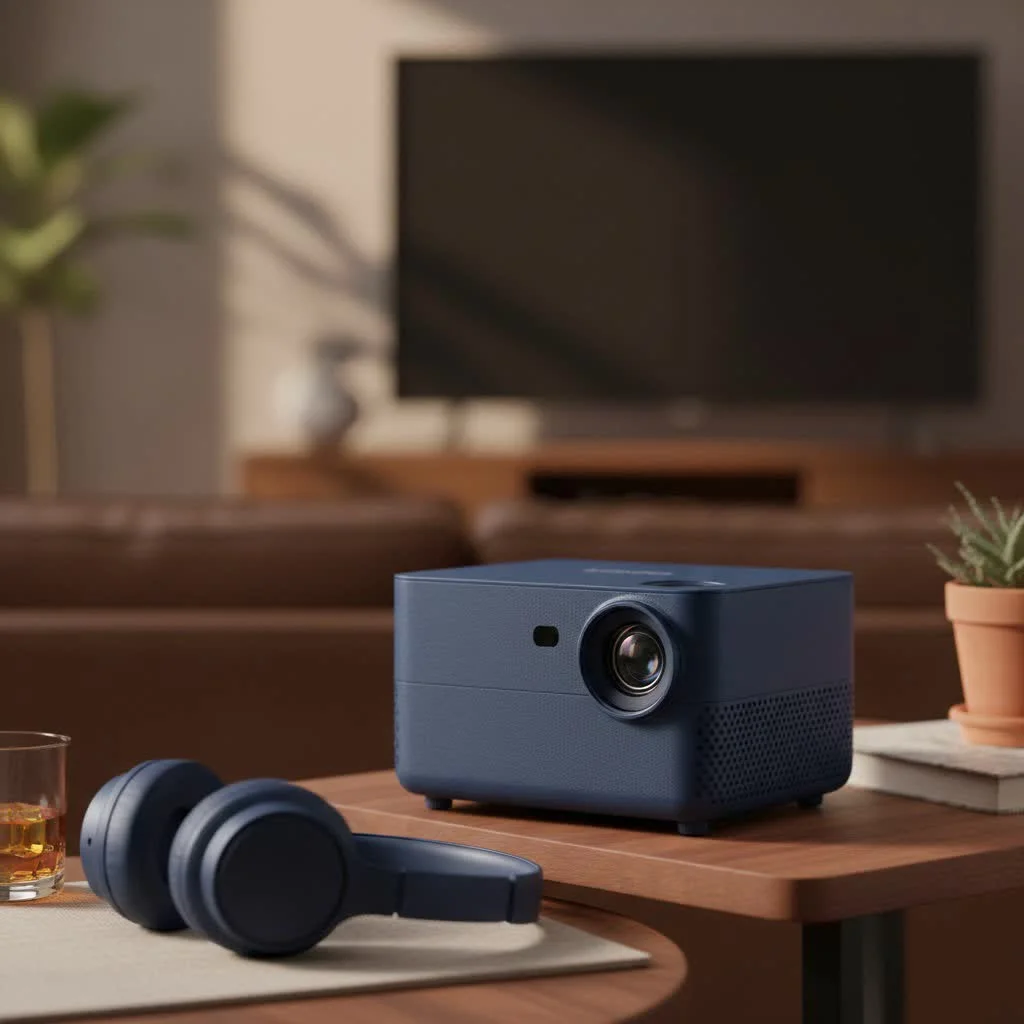
This comprehensive guide, born from years of hands-on experience, dives deep into the world of Miroir. We’ll explore what makes them unique, break down the most popular models, guide you through a foolproof setup, and tackle the real-world questions about performance and troubleshooting. By the end, you’ll know if a Miroir mini projector is the right choice for you.
What Sets a Miroir Mini Projector Apart?
In a crowded market, Miroir has carved out a niche by focusing on the user experience. Their projectors are not just about shrinking technology; they’re about making that technology accessible and enjoyable for everyone, regardless of their technical skill.
Unmatched Portability and Design
The first thing you’ll notice about any Miroir projector is its size. Most models are genuinely pocketable or, at the very least, small enough to disappear into a laptop bag or purse. Weighing as little as 8 ounces, they are designed from the ground up for life on the move. This compact form factor doesn’t come at the expense of build quality, as they feel solid and durable enough for travel.
Plug-and-Play Simplicity
Miroir’s core philosophy is simplicity. The setup process is incredibly straightforward. There are no complex menus or convoluted calibration processes. In most cases, it’s a simple matter of connecting your source device—like a smartphone or laptop—via an HDMI cable, pointing the projector at a wall, and turning it on. This ease of use makes them perfect for impromptu movie sessions or last-minute presentations.
Built-in Battery for True Freedom
Many Miroir models come equipped with a rechargeable battery, typically offering up to two hours of projection time on a single charge. This is a game-changing feature that delivers true portability. You aren’t tethered to a power outlet, making it possible to host a movie night in the backyard, project a recipe onto your kitchen wall, or share a presentation in a coffee shop with complete freedom. Some models even double as a power bank to give your phone a quick charge.
Versatile Connectivity Options
|
Our Picks for the Best Mini Projector in 2026
As an Amazon Associate I earn from qualifying purchases.
|
||
| Num | Product | Action |
|---|---|---|
| 1 | [Short Throw/1200ANSI/Built in Apps] 4K Outdoor Projector with WiFi and Bluetooth, Auto Focus Projector with Dual-Mode Stand, Smart Portable Proyector with Netflix/YouTube/PrimeVideo & Dolby |
![Check [Short Throw/1200ANSI/Built in Apps] 4K Outdoor Projector with WiFi and Bluetooth, Auto Focus Projector with Dual-Mode Stand, Smart Portable Proyector with Netflix/YouTube/PrimeVideo & Dolby on Amazon](https://flasf.com/wp-content/plugins/amazon-tables/assets/images/buy.png)
|
| 2 | Aurzen Roku TV Smart Projector with Wifi and Bluetooth, Roku Streaming Experience Built-in, 1080P FHD, Dolby Audio, Auto Focus & Keystone, Zoom, Movie Portable Outdoor Mini Projector, White |
|
| 3 | [Compatible with Netflix & TOF Real-time Focus] Mini Projector with WiFi and Bluetooth, XuanPad Smart Projector 4K Support, Dolby Audio & Keystone, 210° Rotatable Stand for Home |
|
| 4 | Aurzen EAZZE D1 Smart Projector with WiFi and Bluetooth, Netflix-Officially-Licensed, Auto Focus & Keystone, DoIby Audio, Native 1080P Movie, Portable Outdoor Mini Projector, White |
|
| 5 | HAPPRUN Native 1080P Bluetooth Mini Projector, Full HD Portable Outdoor Movie Projector with Built-in Speaker, Compatible with Smartphone, HDMI, USB, AV, Fire Stick, PS5 for Home, Bedroom, Outdoor Use |
|
| 6 | 【Officially-Licensed APP & Native 1080P】Thinnest 1.81\" Smart Mini Projector with WiFi and Bluetooth, Auto Focus & Keystone Portable Outdoor Projector, VOPLLS 4K Support Home Movie Projector |
|
| 7 | Mini Portable Projector 4K WiFi 6 BT 5.2 Upgraded Portable Projector Full HD Supported for Phone /PC /TV /HDMI /PS5 /Laptop Auto Keystone Home Theater 180° Rotation [Built-in App] White |
|
| 8 | SOOMFON Mini Projector 1080P Support - Portable Small Video Movie Projector Bluetooth 5.1 Auto Keystone Electric Focus for Bedroom/Wall/Home/Outdoor/iPhone/Android/TV Stick |
|
| 9 | Magcubic Mini Projector with WiFi 6 and Bluetooth 5.4, Portable Projector 4K Support, 5W Soundbase Speaker, Auto Vertical Keystone 180°Rotatable Smart Proyector for Movie Home Outdoor |
|
| 10 | [Built-in Apps & 2025 Upgraded] Mini Projector Support 4K 1080P Auto Keystone 270° Rotatable with WiFi 6 and Bluetooth 5.4, Projector Portable Compatibile with HDMI/TV Stick/Memory Stick/Laptop-Black |
|
Despite their small size, Miroir projectors offer essential connectivity. HDMI is the standard, ensuring compatibility with a vast range of devices, including laptops, gaming consoles, and streaming sticks like the Roku or Amazon Fire TV Stick. Many newer models also include USB-C ports for modern devices and USB-A ports for powering streaming dongles or playing media from a flash drive.
A Look at Popular Miroir Projector Models
Miroir offers a range of projectors tailored to different needs and budgets. While models are updated frequently, these examples represent the core tiers in their lineup.
The Pocket Powerhouse: Miroir M75
The M75 is the embodiment of ultra-portability. This micro projector is tiny enough to fit in the palm of your hand but uses advanced DLP (Digital Light Processing) technology from Texas Instruments to create a surprisingly vibrant image up to 50 inches in size. With a native resolution of 640x360p, it’s best suited for casual viewing in very dark environments. Its main strengths are its incredibly small size, built-in battery, and simple HDMI connectivity, making it a fantastic entry-level option for kids’ rooms or impromptu photo sharing.
The Smart Streaming Solution: Miroir M700S
For those who want an all-in-one entertainment device, the M700S is a significant step up. This model often comes with a smart operating system like Android TV built-in, giving you direct access to streaming apps like Netflix, YouTube, and Disney+ without needing to connect an external device. It features a higher native resolution (often 1080p Full HD), increased brightness for better performance in rooms with some ambient light, and more powerful built-in speakers. Features like auto-focus and keystone correction automate the setup process, making it incredibly user-friendly.
The Pro-Level Portable: Miroir M1200S Ultra Pro
Targeted at users who demand higher performance, the M1200S strikes a balance between portability and power. It delivers a bright, 1080p image and features superior optics for a sharper picture across the entire screen. With higher lumen counts (e.g., 700 ANSI lumens), it performs better in less-than-ideal lighting conditions. This model is an excellent choice for professionals who need a reliable presentation tool or cinephiles who want a better-quality image for their movies without sacrificing portability.
How to Set Up Your Miroir Mini Projector in Minutes
Getting started with your Miroir projector is designed to be quick and painless. Follow these simple steps to go from box to big screen in no time.
Step 1: Power Up and Position
Before your first use, fully charge the projector’s battery using the included cable. Once charged, place the projector on a stable surface, like a tripod or a table. The distance from the wall will determine the size of the image; further back creates a larger picture, while closer creates a smaller, brighter one.
Step 2: Connect Your Device
Connect your source device using the appropriate cable. For most laptops, gaming consoles, and streaming sticks, a standard HDMI cable is all you need. For smartphones and tablets, you will likely need an adapter:
- iPhone/iPad: An Apple Digital AV Adapter (Lightning to HDMI).
- Android/USB-C Laptops: A USB-C to HDMI adapter or a direct USB-C to USB-C cable if the projector supports it.
Step 3: Achieve the Perfect Picture
Turn on the projector and your source device. The image should appear on your wall. If it looks blurry, use the manual focus wheel, usually located on the side of the projector, to dial it in until the image is sharp and clear. If the image is trapezoidal (wider at the top or bottom), your projector may have keystone correction. Some models do this automatically, while others have buttons to adjust the shape manually.
Understanding Image Quality: Lumens and Resolution
Two key specifications determine the quality of the projected image: brightness (lumens) and clarity (resolution).
Are Miroir Projectors Bright Enough?
Miroir projectors, like most pico projectors, are designed for use in dim or dark environments. Their lumen rating is lower than traditional home theater projectors. For the best experience, you should lower the lights and minimize ambient light from windows. In these conditions, the image will appear bright, colorful, and vibrant. Attempting to use them in a brightly lit room will result in a washed-out, faint image.
Native Resolution Explained
Native resolution refers to the actual number of pixels the projector’s chip contains. While a projector may “support” a 1080p input, its native resolution (e.g., 640x360p or 1280x720p) is what determines the final image clarity. A higher native resolution means a sharper, more detailed picture with less visible pixelation, especially at larger screen sizes.
According to portable display analyst David Chen, “Miroir’s strength lies in its balance. They don’t chase the highest lumen counts, which would compromise size and battery life. Instead, they optimize for a fantastic viewing experience in the environments these projectors are actually used in—darkened rooms, campsites, and hotel rooms.”
Expert Tips and Troubleshooting
While Miroir projectors are simple, a few common questions arise. Here’s how to solve them.
“Why Can’t I Stream Netflix or Disney+?”
This is the most common issue users face. If you connect your phone and see menus but get an error when you play a video from a streaming app, the problem is HDCP (High-bandwidth Digital Content Protection). This is a copy protection protocol that prevents copyrighted content from being easily recorded.
Most smartphone-to-HDMI adapters are not HDCP compliant. The solution is to use a dedicated streaming device, such as an Amazon Fire TV Stick, Roku Streaming Stick, or Apple TV. Connect the stick directly to the projector’s HDMI port for flawless streaming.
Getting the Best Sound
The built-in speakers on most mini projectors are functional but small. For a more immersive, cinematic experience, you should use an external audio source. All Miroir projectors include a 3.5mm audio-out jack, allowing you to easily connect headphones or a portable speaker. Some higher-end models also feature Bluetooth for a convenient wireless connection to a soundbar or speaker.
Maximizing Battery Life
To get the most out of your projector’s battery, you can often select an “Eco” mode in the settings. This will slightly reduce the brightness of the lamp but can significantly extend your viewing time, often giving you that extra 20-30 minutes needed to finish a movie.
Frequently Asked Questions (FAQ)
Can I use a Miroir projector for business presentations?
Absolutely. Their portability and simple setup make them ideal for small group presentations. For best results, use slides with large text and high-contrast colors, and present in a room where you can control the lighting.
Do I need to buy a separate screen?
No, a screen is not required. A smooth, white, or light-colored wall works perfectly as a projection surface. However, a dedicated projector screen will improve image quality by providing a more reflective and uniform surface, enhancing brightness and color accuracy.
How long does the LED lamp last?
Miroir projectors use LED light sources, which have a very long lifespan. Most are rated for 20,000 to 30,000 hours of use. This means that even if you used it for four hours every single day, the lamp could last for over 13 years. Unlike old bulb projectors, the lamp is not a consumable item you’ll ever need to replace.
Can I connect my gaming console?
Yes. You can connect any gaming console with an HDMI output, such as a Nintendo Switch, PlayStation, or Xbox, directly to the projector’s HDMI port for a big-screen gaming experience.
Is it bright enough to use with the lights on?
Generally, no. For the best image quality, a Miroir mini projector should be used in a dark or dimly lit room. Using it in a bright room will result in a faded, washed-out image that is difficult to see.
The Final Verdict
A Miroir mini projector is an exceptional tool for anyone who values portability and convenience. It’s not designed to replace a high-end, dedicated home theater projector but to create a big-screen experience where one was previously impossible. It is the perfect companion for frequent travelers, parents looking for an easy entertainment solution for kids, and anyone who loves the idea of spontaneous movie nights under the stars. By understanding its strengths—simplicity, design, and true portability—and its limitations, you can make an informed decision and unlock a new world of portable entertainment.
Get our weekly buyer guide
Practical specs, not advice. Unsubscribe anytime.
Got this specifically for gaming on the go, and it’s been a game-changer. Connecting my Switch was seamless, and the input lag was barely noticeable for casual gaming. The brightness is decent for indoor use, but I did find myself wishing for a bit more oomph when trying to play in a brighter room. Still, for its size, it’s impressive.
I’ve been looking for a good portable projector for ages, and the Miroir Mini Projector really delivers. We used it for a backyard movie night last weekend, and the picture quality was surprisingly good even before it got totally dark. Setup was super easy, literally plug and play. It’s amazing to have a 100-inch screen that fits in my purse!
This little device is fantastic! I was skeptical about how good a ‘mini’ projector could be, but the performance of the Miroir has blown me away. We’ve used it for family movie nights in different rooms and even took it camping. The simplicity of the setup is a huge plus, and it really does transform any wall into a big screen experience.
The Miroir projector is pretty good for what it is. I bought it mainly for business presentations when I travel, and it’s definitely compact. My only real complaint is the battery life; it feels like I’m always looking for an outlet after about an hour and a half. It would be perfect if it could last a full two-hour meeting without needing to be plugged in.