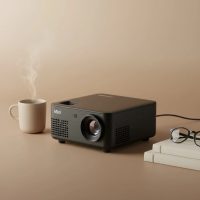
Welcome to the world of big-screen entertainment, packed into a device that can fit in your hand. As someone who has spent over a decade with these fantastic gadgets at Flasf.com, I’ve seen them evolve from a niche tech toy to a home entertainment staple. If you’re considering a mini bluetooth projector, you’re on the right track to transforming how you watch movies, play games, and even present your work. This guide will walk you through everything you need to know, from the crucial role of Bluetooth to picking the perfect model for your needs.
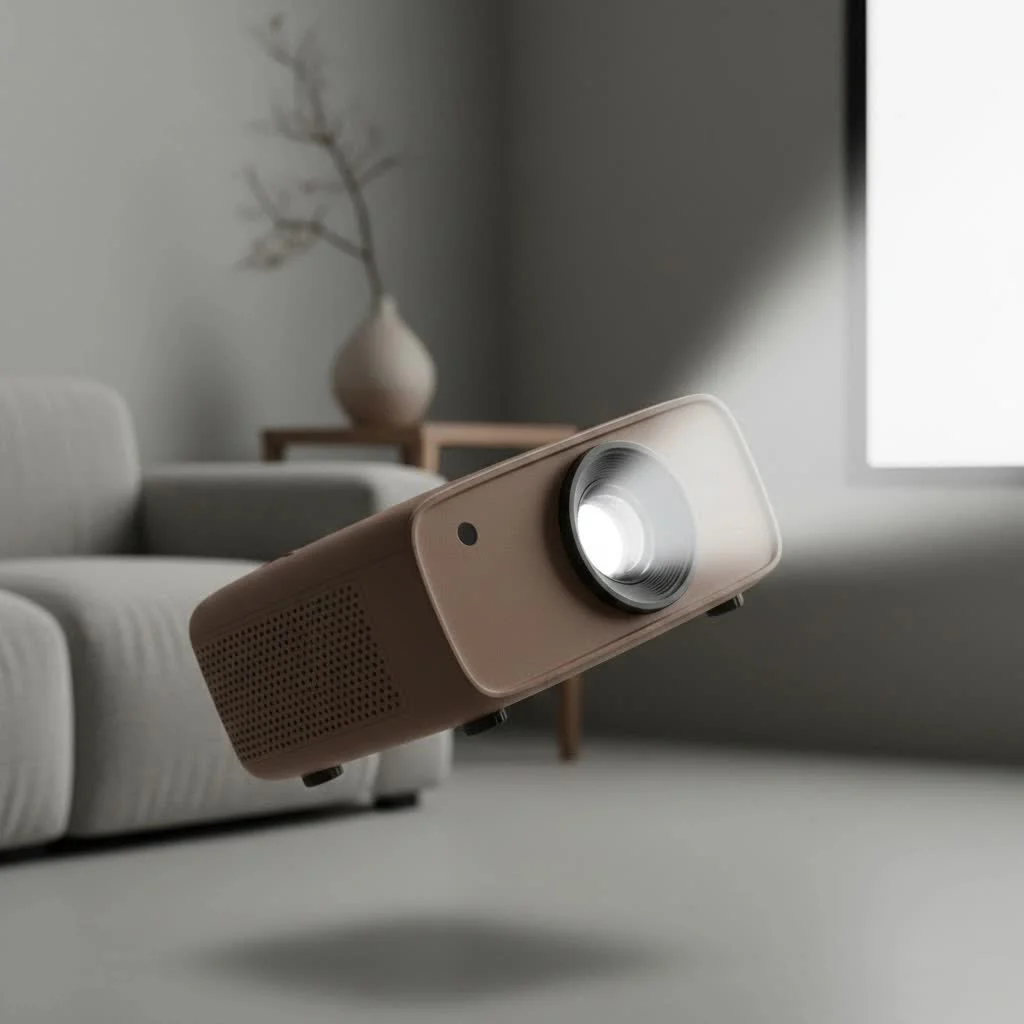
What Does Bluetooth on a Mini Projector Actually Do?
This is the most common point of confusion, so let’s clear it up right away. In 99% of mini projectors, Bluetooth is used for audio output only. This means you can wirelessly connect your projector to an external Bluetooth speaker, soundbar, or headphones. It’s a game-changing feature for creating an immersive cinematic experience without a tangle of wires. For expert portable mini reviews on this site.
A frequent misconception is that you can send video from your phone to the projector via Bluetooth. This is incorrect. Bluetooth technology doesn’t have the bandwidth required to stream high-quality video. For video, you’ll use other connections like HDMI, USB, or wireless screen mirroring (Wi-Fi), which we’ll cover later.
Expert Take: As David Chen, our Lead Tech Analyst at Flasf.com, often says, “Think of Bluetooth on a projector as the key to unlocking better sound. The built-in speakers are fine for a small room, but connecting to a quality Bluetooth speaker is what turns your living room into a movie theater.”
Key Features to Look for in a Mini Bluetooth Projector
Not all projectors are created equal. When you’re shopping, keep these core specifications in mind to ensure you get a device that delivers a fantastic picture and is easy to use.
Brightness (Lumens)
Brightness determines how visible your image will be, especially in rooms that aren’t completely dark. It’s measured in lumens, but you should specifically look for ANSI lumens, as this is a standardized measurement.
- 100-300 ANSI Lumens: Good for very dark rooms. Ideal for casual movie nights.
- 300-500+ ANSI Lumens: Versatile enough for rooms with some ambient light. A great choice for most users.
Resolution
Resolution refers to the clarity and sharpness of the image. The higher the numbers, the more detailed your picture will be.
- Native 720p (1280×720): This is a solid entry-level HD resolution that offers a good viewing experience for the price.
- Native 1080p (1920×1080): This is the gold standard for most home users, delivering crisp, Full HD images perfect for movies and gaming. Many projectors support 1080p or 4K, meaning they can accept that signal, but their native resolution is what truly defines the picture quality.
Battery Life
|
Our Picks for the Best Mini Projector in 2026
As an Amazon Associate I earn from qualifying purchases.
|
||
| Num | Product | Action |
|---|---|---|
| 1 | 【Officially-Licensed APP & Native 1080P】Thinnest 1.81\" Smart Mini Projector with WiFi and Bluetooth, Auto Focus & Keystone Portable Outdoor Projector, VOPLLS 4K Support Home Movie Projector |

|
| 2 | HAPPRUN Native 1080P Bluetooth Mini Projector, Full HD Portable Outdoor Movie Projector with Built-in Speaker, Compatible with Smartphone, HDMI, USB, AV, Fire Stick, PS5 for Home, Bedroom, Outdoor Use |
|
| 3 | SOOMFON Mini Projector 1080P Support - Portable Small Video Movie Projector Bluetooth 5.1 Auto Keystone Electric Focus for Bedroom/Wall/Home/Outdoor/iPhone/Android/TV Stick |
|
| 4 | Mini Portable Projector 4K WiFi 6 BT 5.2 Upgraded Portable Projector Full HD Supported for Phone /PC /TV /HDMI /PS5 /Laptop Auto Keystone Home Theater 180° Rotation [Built-in App] White |
|
| 5 | [Built-in Apps & 2025 Upgraded] Mini Projector Support 4K 1080P Auto Keystone 270° Rotatable with WiFi 6 and Bluetooth 5.4, Projector Portable Compatibile with HDMI/TV Stick/Memory Stick/Laptop-Black |
|
| 6 | [Compatible with Netflix & TOF Real-time Focus] Mini Projector with WiFi and Bluetooth, XuanPad Smart Projector 4K Support, Dolby Audio & Keystone, 210° Rotatable Stand for Home |
|
| 7 | Magcubic Mini Projector with WiFi 6 and Bluetooth 5.4, Portable Projector 4K Support, 5W Soundbase Speaker, Auto Vertical Keystone 180°Rotatable Smart Proyector for Movie Home Outdoor |
|
| 8 | Aurzen EAZZE D1 Smart Projector with WiFi and Bluetooth, Netflix-Officially-Licensed, Auto Focus & Keystone, DoIby Audio, Native 1080P Movie, Portable Outdoor Mini Projector, White |
|
| 9 | [Short Throw/1200ANSI/Built in Apps] 4K Outdoor Projector with WiFi and Bluetooth, Auto Focus Projector with Dual-Mode Stand, Smart Portable Proyector with Netflix/YouTube/PrimeVideo & Dolby |
|
| 10 | Aurzen Roku TV Smart Projector with Wifi and Bluetooth, Roku Streaming Experience Built-in, 1080P FHD, Dolby Audio, Auto Focus & Keystone, Zoom, Movie Portable Outdoor Mini Projector, White |
|
The “mini” in mini projector often means “portable.” If you plan to use your projector for outdoor movie nights or on-the-go presentations, built-in battery life is crucial. Look for models that offer at least 1.5 to 3 hours of playback on a single charge, which is enough for most feature films.
Connectivity Options
While Bluetooth handles your audio, you need ways to get your video to the projector.
- HDMI: The most essential port. It allows you to connect laptops, gaming consoles (like PlayStation or Xbox), and streaming sticks (like Chromecast or Fire Stick).
- USB: Useful for playing movies or viewing photos directly from a flash drive.
- Wi-Fi/Screen Mirroring: Many modern projectors have built-in Wi-Fi, allowing you to wirelessly cast your screen from a smartphone or tablet using technologies like Miracast (for Android) or AirPlay (for iPhone).
How to Connect Your Mini Bluetooth Projector
Setting up your mini projector is typically a straightforward process. Here’s a step-by-step guide to getting connected.
Connecting to a Bluetooth Speaker or Headphones
- Power On: Turn on both your mini projector and your Bluetooth speaker or headphones.
- Enable Pairing Mode: Put your speaker/headphones into pairing mode. Usually, this involves holding down a Bluetooth button until a light flashes.
- Navigate Projector Settings: On your projector, go to the settings menu and find the Bluetooth section.
- Search for Devices: Select the option to search for or add a new accessory. Your speaker should appear in the list.
- Pair the Devices: Select your speaker from the list to complete the pairing. The sound should now come from your external speaker.
Connecting to Your Smartphone
Remember, this is for video, not Bluetooth.
- Wired (Most Reliable): The simplest way is with an adapter. For an iPhone, you’ll need a Lightning to HDMI adapter. For many Android devices, a USB-C to HDMI adapter will work.
- Wireless (Most Convenient): If your projector supports Wi-Fi screen mirroring, connect the projector to your Wi-Fi network. Then, use the ‘Screen Mirroring’, ‘Smart View’, or ‘Cast’ function on your phone to find and connect to the projector.
Best Ways to Use Your Portable Projector
A mini projector opens up a world of possibilities beyond just watching movies in a dark room.
- Outdoor Movie Nights: This is a classic for a reason. Grab a sheet or a foldable screen, connect a powerful Bluetooth speaker, and enjoy a film under the stars.
- Presentations on the Go: For professionals and students, a mini projector is an invaluable tool for impromptu meetings and presentations. Just connect your laptop via HDMI and you’re ready.
- Gaming on a Giant Screen: Connect your console via HDMI for an incredibly immersive gaming experience. The big screen makes racing, sports, and adventure games feel larger than life.
- Creative Ambiance: Project dynamic art, calming nature scenes, or even a festive fireplace onto a wall to completely change the atmosphere of a room.
Frequently Asked Questions (FAQ)
Can I connect my phone to the projector via Bluetooth to watch movies?
No, Bluetooth is almost always for audio output only. To watch content from your phone, you’ll need to use an HDMI adapter or a wireless screen mirroring feature like Miracast or AirPlay.
How do I fix audio lag or sync issues with my Bluetooth speaker?
Audio lag (latency) can sometimes occur. First, try restarting both devices. If the problem persists, check if your projector has an audio delay setting. As a last resort, using a wired connection with a 3.5mm audio cable will eliminate any lag.
Do I really need a special projector screen?
While a dedicated screen provides the best color accuracy and brightness, you don’t absolutely need one. A smooth, plain white wall will work surprisingly well, especially in a dark room.
What’s the difference between a “mini projector” and a “pico projector”?
The terms are often used interchangeably. Generally, “pico projectors” are the absolute smallest, sometimes fitting in a pocket, and may have lower brightness and fewer features. “Mini projectors” cover a slightly larger, but still portable, category.
Final Thoughts from a Projector Pro
The magic of a mini bluetooth projector is its blend of portability, convenience, and performance. It untethers you from the traditional TV and lets you create a massive screen almost anywhere. By understanding the central role of Bluetooth for audio and focusing on key specs like brightness and resolution, you can confidently choose a device that will bring you years of enjoyment. Now go on, and make your world a little bigger and a lot more fun.
Get our weekly buyer guide
Practical specs, not advice. Unsubscribe anytime.