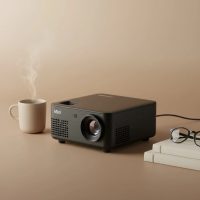
Welcome to the sweet world of high-tech cookie art! If you’ve ever marveled at flawlessly decorated cookies with intricate lettering or complex characters and wondered how it’s done, you’re about to discover the secret. Using a mini projector for cookie decorating is a game-changing technique that elevates your creations from homemade to professional with stunning precision. It’s the tool you didn’t know you needed, and here at Flasf, we’re going to break down everything for you.
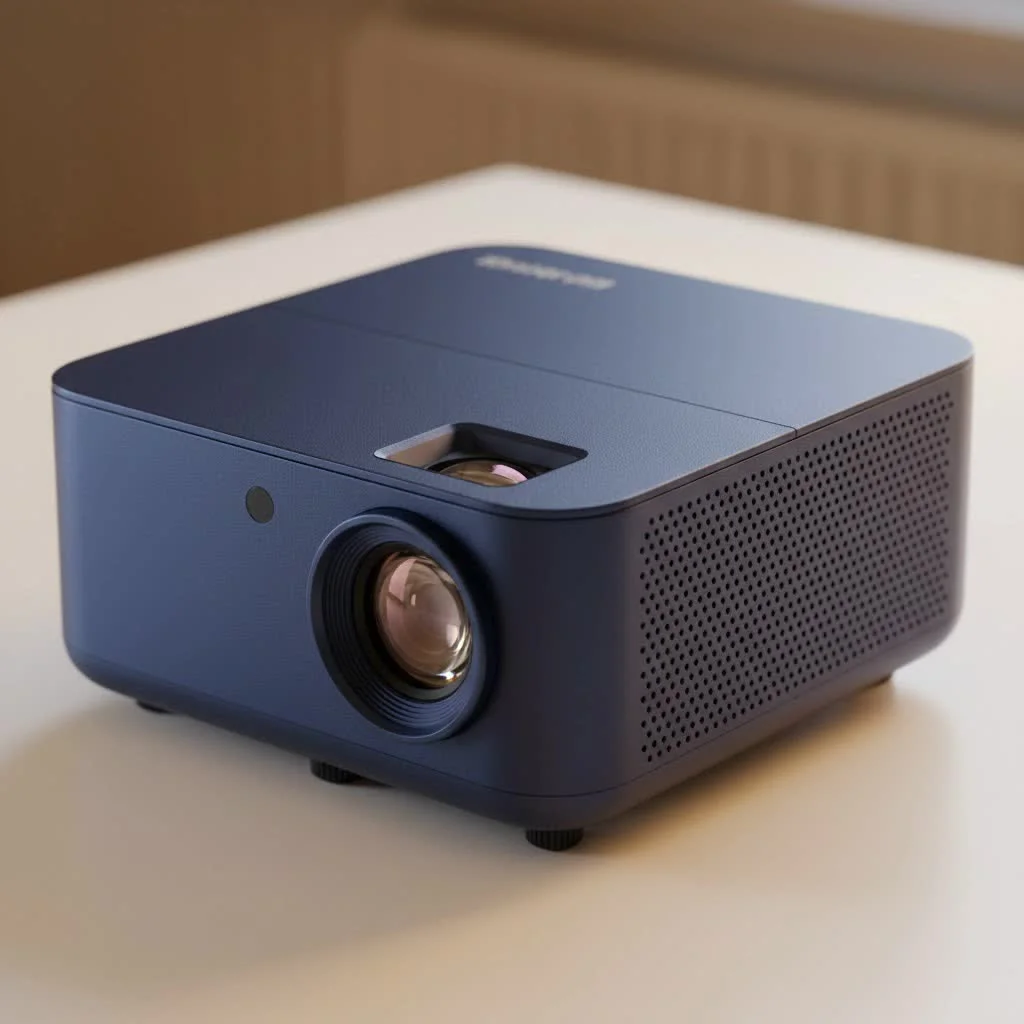
Forget wobbly lines and uneven spacing. A mini projector, often called a pico projector, casts your chosen digital design directly onto your cookie’s surface. This allows you to trace the image with icing, achieving perfect results every time. It’s an essential tool for both budding home bakers and seasoned professionals looking to streamline their workflow and expand their creative horizons.
Why a Mini Projector is a Cookie Decorator’s Best Friend
You might be thinking, “Is a projector really necessary?” While freehand skills are admirable, a projector offers unparalleled benefits that can seriously up your cookie game.
- Flawless Precision: Replicate any font, logo, or detailed image with perfect accuracy. This is especially useful for custom orders that require specific branding or character art.
- Incredible Consistency: When decorating a large batch of cookies for an event, a projector ensures every single cookie is identical.
- Massive Time-Saver: It dramatically speeds up the decorating process. Instead of sketching designs by hand, you can project and trace, allowing you to produce more cookies in less time.
- Unlocks Creativity: Don’t feel confident in your drawing skills? A projector removes that barrier, opening up a world of complex designs you might have previously avoided.
As professional cookie artist Sarah Jane puts it, “My mini projector was the single best investment for my business. It not only improved the quality and consistency of my work but also cut my decorating time in half, allowing me to take on more clients.”
Choosing the Best Mini Projector for Cookie Decorating
Not all mini projectors are created equal, and the features that matter for watching movies are different from those needed for cookie decorating. Here’s what you should focus on.
Key Features to Look For
| Feature | Why It Matters for Cookies | Recommendation |
|---|---|---|
| Connectivity | You need an easy way to get images from your phone, tablet, or computer to the projector. Wireless is king. | Look for Wi-Fi, screen mirroring (AirPlay/Miracast), HDMI, and USB ports for maximum flexibility. |
| Brightness (Lumens) | The image needs to be visible in a well-lit kitchen, but not overwhelmingly bright. | 50-150 ANSI lumens is the sweet spot. Too dim, and you’ll have to work in the dark; too bright is unnecessary. |
| Resolution | A sharper image means clearer lines to trace. You want to see crisp details, not blurry pixels. | Native resolution of at least 854×480 is good. 720p or 1080p is even better for ultra-fine work. |
| Portability & Size | Your workspace is for baking, not bulky electronics. A small, lightweight “pico” projector is ideal. | Choose a compact model that is easy to position without taking over your counter. |
| Adjustability | Features like focus control and keystone correction help you get a sharp, perfectly rectangular image. | A manual focus wheel is a must. Auto-keystone is a fantastic bonus that saves setup time. |
The Unsung Hero: A Sturdy Stand
|
Our Picks for the Best Mini Projector in 2026
As an Amazon Associate I earn from qualifying purchases.
|
||
| Num | Product | Action |
|---|---|---|
| 1 | 【Officially-Licensed APP & Native 1080P】Thinnest 1.81\" Smart Mini Projector with WiFi and Bluetooth, Auto Focus & Keystone Portable Outdoor Projector, VOPLLS 4K Support Home Movie Projector |

|
| 2 | [Short Throw/1200ANSI/Built in Apps] 4K Outdoor Projector with WiFi and Bluetooth, Auto Focus Projector with Dual-Mode Stand, Smart Portable Proyector with Netflix/YouTube/PrimeVideo & Dolby |
|
| 3 | Aurzen Roku TV Smart Projector with Wifi and Bluetooth, Roku Streaming Experience Built-in, 1080P FHD, Dolby Audio, Auto Focus & Keystone, Zoom, Movie Portable Outdoor Mini Projector, White |
|
| 4 | Magcubic Mini Projector with WiFi 6 and Bluetooth 5.4, Portable Projector 4K Support, 5W Soundbase Speaker, Auto Vertical Keystone 180°Rotatable Smart Proyector for Movie Home Outdoor |
|
| 5 | [Compatible with Netflix & TOF Real-time Focus] Mini Projector with WiFi and Bluetooth, XuanPad Smart Projector 4K Support, Dolby Audio & Keystone, 210° Rotatable Stand for Home |
|
| 6 | Aurzen EAZZE D1 Smart Projector with WiFi and Bluetooth, Netflix-Officially-Licensed, Auto Focus & Keystone, DoIby Audio, Native 1080P Movie, Portable Outdoor Mini Projector, White |
|
| 7 | [Built-in Apps & 2025 Upgraded] Mini Projector Support 4K 1080P Auto Keystone 270° Rotatable with WiFi 6 and Bluetooth 5.4, Projector Portable Compatibile with HDMI/TV Stick/Memory Stick/Laptop-Black |
|
| 8 | Mini Portable Projector 4K WiFi 6 BT 5.2 Upgraded Portable Projector Full HD Supported for Phone /PC /TV /HDMI /PS5 /Laptop Auto Keystone Home Theater 180° Rotation [Built-in App] White |
|
| 9 | HAPPRUN Native 1080P Bluetooth Mini Projector, Full HD Portable Outdoor Movie Projector with Built-in Speaker, Compatible with Smartphone, HDMI, USB, AV, Fire Stick, PS5 for Home, Bedroom, Outdoor Use |
|
| 10 | SOOMFON Mini Projector 1080P Support - Portable Small Video Movie Projector Bluetooth 5.1 Auto Keystone Electric Focus for Bedroom/Wall/Home/Outdoor/iPhone/Android/TV Stick |
|
You can have the best projector in the world, but it’s useless without a proper stand. The stand holds the projector steady and allows you to aim it down onto your work surface. Look for a tripod or an adjustable overhead arm mount with a heavy base that can be easily positioned over your cookies without wobbling.
How to Set Up Your Projector for Decorating
Getting started is easier than you think. Once you have your mini projector and a stand, you’re just a few steps away from decorating magic.
- Mount the Projector: Securely attach your mini projector to its stand. Position the stand on your work surface so the projector lens is pointing directly down at where you’ll place the cookie.
- Connect Your Device: Connect your phone, tablet, or laptop. A wireless connection via Wi-Fi or screen mirroring is often the easiest method. For a wired connection, use an HDMI or USB cable.
- Choose Your Image: Open the design you want to project. For the best results, use high-contrast images. Simple line art or black-and-white images are often easier to trace than full-color photos.
- Position and Focus: Place a blank cookie under the projector. Turn the projector on and adjust the height of the stand to make the image the correct size for your cookie. Use the projector’s focus wheel until the lines are perfectly sharp.
- Start Tracing: Grab your piping bag and begin tracing the projected lines. It’s that simple! Work in a comfortably lit room—you shouldn’t have to turn off all the lights to see the image.
Frequently Asked Questions (FAQ)
What is the best device to use with a cookie projector?
Most decorators use a smartphone or a tablet. They are portable, have easy-to-use apps for editing and displaying images, and typically offer seamless wireless connectivity with modern mini projectors.
Can I use a regular projector instead of a mini one?
While you technically could, it’s not practical. Standard projectors are large, loud, and generate a lot of heat. They are too bulky for a kitchen counter and are overkill for projecting a small image onto a cookie. A pico or mini projector is specifically designed for portability and close-range use.
Do I need to buy a specific “cookie projector”?
Not necessarily. Many of the best projectors for cookie decorating are general-purpose “pico projectors.” As long as it has the key features mentioned above (good connectivity, decent resolution, and a compact size), it will work perfectly. Brands like AKASO, Kodak, and AAXA are popular in the cookie community.
How bright does my projector need to be?
You don’t need cinema-level brightness. A projector with 50 to 150 lumens is typically sufficient for casting a clear image onto a cookie in a normally lit room. Anything more is usually unnecessary and more expensive.
What kind of images work best for projecting?
Clear, high-contrast images are ideal. Black and white line drawings, silhouettes, and simple text work wonderfully. You can find countless images online or create your own in a simple design app.
Ready to Project Your Cookie Dreams?
Investing in a mini projector for cookie decorating is more than just buying a new gadget; it’s about unlocking your creative potential and achieving a level of professionalism that was once out of reach. It streamlines your process, perfects your results, and ultimately, makes cookie decorating more fun. By choosing a projector with the right features and pairing it with a solid stand, you’ll be creating edible works of art that will amaze everyone. Now go on and turn those delicious cookies into stunning masterpieces
Get our weekly buyer guide
Practical specs, not advice. Unsubscribe anytime.