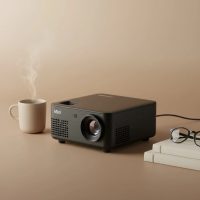
Imagine hosting a movie night under the stars, giving a flawless presentation on the go, or turning your bedroom ceiling into a cinema screen—all without a single messy cable in sight. This is the freedom a mini WiFi projector offers. These compact, powerful devices have revolutionized how we share and enjoy media, packing a full-scale entertainment experience into a gadget that can fit in your backpack. But with so many options out there, how do you choose the right one and get the most out of it?
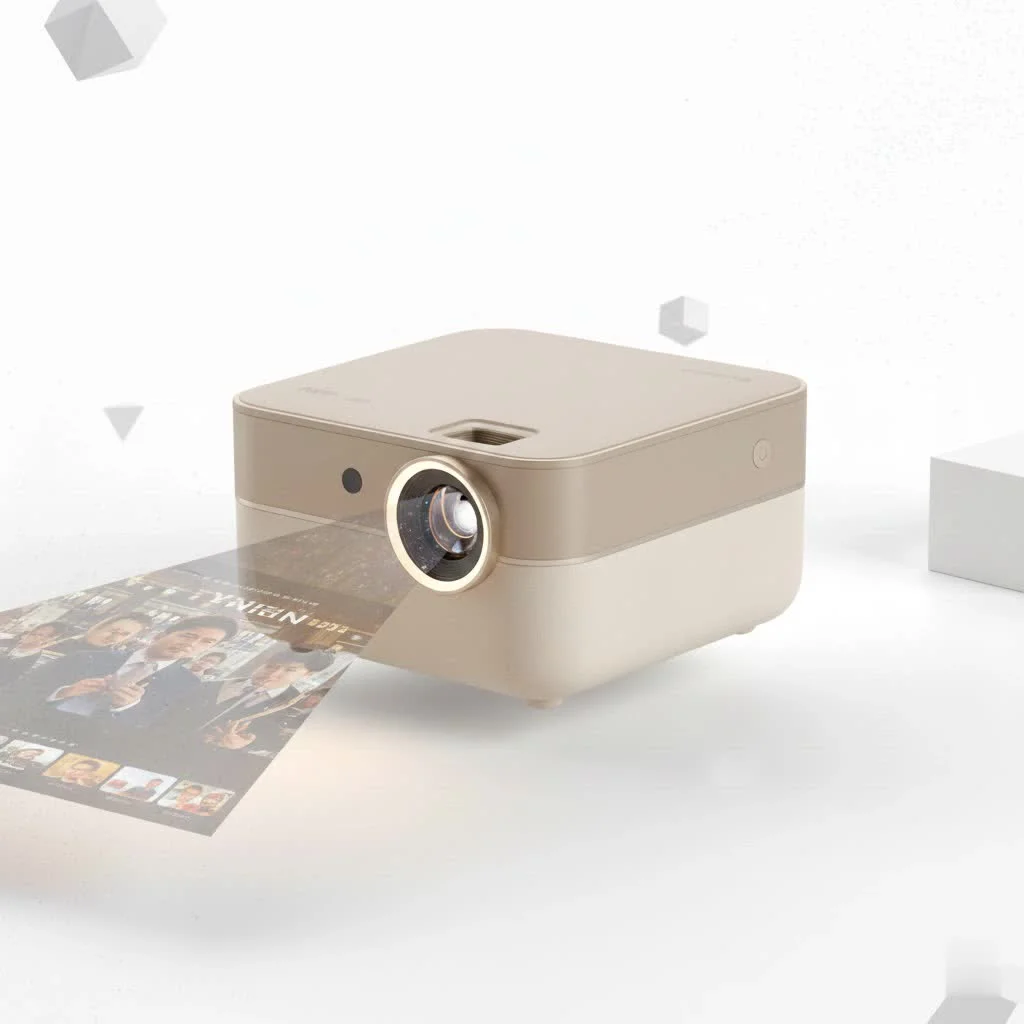
As the content creator for Flasf.com, I’ve spent over a decade testing and tinkering with these portable powerhouses. This guide will walk you through everything you need to know, from the core technology to setup and troubleshooting, ensuring you can confidently pick and use your mini WiFi projector like a pro.
What is a Mini WiFi Projector?
A mini WiFi projector is a portable, lightweight device that can display images and video from a source device onto a screen or surface. What sets it apart from traditional projectors is its built-in WiFi capability. This feature allows it to connect wirelessly to your smartphone, tablet, or laptop, enabling seamless screen mirroring and content streaming without the need for HDMI or other physical cables.
How Wireless Projection Works
The magic of a mini WiFi projector lies in its ability to communicate with your other devices over a wireless network. The process is surprisingly simple and typically relies on one of two technologies:
- Screen Mirroring: Most projectors support protocols like Miracast (for Android/Windows) and AirPlay (for Apple devices). When you activate screen mirroring on your phone or laptop, it sends a real-time copy of your screen directly to the projector over the WiFi connection.
- Direct Streaming: Some advanced models come with a built-in operating system, like Android TV. This allows the projector to connect directly to your WiFi network and run apps like Netflix, YouTube, and Hulu on its own, completely independent of your phone.
“The biggest advantage of a mini WiFi projector is its sheer convenience,” notes home theater expert David Chen. “The ability to set up a large screen experience in minutes, anywhere with a WiFi signal, has completely changed the game for both entertainment and professional presentations.”
Key Features to Consider Before Buying
Choosing the right mini WiFi projector depends on understanding a few key technical specifications. Don’t get lost in the jargon; here’s what really matters.
1. Brightness (Lumens)
|
Our Picks for the Best Mini Projector in 2026
As an Amazon Associate I earn from qualifying purchases.
|
||
| Num | Product | Action |
|---|---|---|
| 1 | 【Officially-Licensed APP & Native 1080P】Thinnest 1.81\" Smart Mini Projector with WiFi and Bluetooth, Auto Focus & Keystone Portable Outdoor Projector, VOPLLS 4K Support Home Movie Projector |

|
| 2 | Aurzen Roku TV Smart Projector with Wifi and Bluetooth, Roku Streaming Experience Built-in, 1080P FHD, Dolby Audio, Auto Focus & Keystone, Zoom, Movie Portable Outdoor Mini Projector, White |
|
| 3 | SOOMFON Mini Projector 1080P Support - Portable Small Video Movie Projector Bluetooth 5.1 Auto Keystone Electric Focus for Bedroom/Wall/Home/Outdoor/iPhone/Android/TV Stick |
|
| 4 | [Built-in Apps & 2025 Upgraded] Mini Projector Support 4K 1080P Auto Keystone 270° Rotatable with WiFi 6 and Bluetooth 5.4, Projector Portable Compatibile with HDMI/TV Stick/Memory Stick/Laptop-Black |
|
| 5 | Magcubic Mini Projector with WiFi 6 and Bluetooth 5.4, Portable Projector 4K Support, 5W Soundbase Speaker, Auto Vertical Keystone 180°Rotatable Smart Proyector for Movie Home Outdoor |
|
| 6 | HAPPRUN Native 1080P Bluetooth Mini Projector, Full HD Portable Outdoor Movie Projector with Built-in Speaker, Compatible with Smartphone, HDMI, USB, AV, Fire Stick, PS5 for Home, Bedroom, Outdoor Use |
|
| 7 | Mini Portable Projector 4K WiFi 6 BT 5.2 Upgraded Portable Projector Full HD Supported for Phone /PC /TV /HDMI /PS5 /Laptop Auto Keystone Home Theater 180° Rotation [Built-in App] White |
|
| 8 | Aurzen EAZZE D1 Smart Projector with WiFi and Bluetooth, Netflix-Officially-Licensed, Auto Focus & Keystone, DoIby Audio, Native 1080P Movie, Portable Outdoor Mini Projector, White |
|
| 9 | [Short Throw/1200ANSI/Built in Apps] 4K Outdoor Projector with WiFi and Bluetooth, Auto Focus Projector with Dual-Mode Stand, Smart Portable Proyector with Netflix/YouTube/PrimeVideo & Dolby |
|
| 10 | [Compatible with Netflix & TOF Real-time Focus] Mini Projector with WiFi and Bluetooth, XuanPad Smart Projector 4K Support, Dolby Audio & Keystone, 210° Rotatable Stand for Home |
|
Brightness is arguably the most important feature. It’s measured in ANSI lumens, and a higher number means a brighter image that holds up better in rooms with ambient light.
- 100-300 ANSI Lumens: Best for very dark rooms. Ideal for casual movie nights in a controlled environment.
- 300-800 ANSI Lumens: A versatile range suitable for dimly lit rooms. This is the sweet spot for most users, offering a good balance of performance and price.
- 800+ ANSI Lumens: Necessary for rooms with some ambient light or for achieving a vibrant picture on larger screens.
2. Resolution
Resolution determines the clarity and sharpness of the image. It’s the number of pixels that make up the picture.
- Native Resolution: This is the true resolution of the projector. Always prioritize this number. A common native resolution for mini projectors is 720p (1280×720).
- Supported Resolution: This means the projector can accept a higher-resolution signal (like 1080p or 4K) but will downscale it to its native resolution. A projector with a native 720p resolution will still show a 1080p video at 720p quality. For the best experience, look for a native resolution of at least 720p, with 1080p being the gold standard.
3. Connectivity
While WiFi is the main event, good connectivity options add versatility.
- WiFi Band: Dual-band WiFi (2.4GHz and 5GHz) is crucial. A 5GHz connection offers a faster, more stable stream, which is essential for preventing lag and buffering during video playback.
- Bluetooth: This allows you to wirelessly connect the projector to external speakers or headphones for a much better audio experience, as built-in speakers are often weak.
- Physical Ports: Don’t overlook the basics. An HDMI port is essential for connecting gaming consoles or streaming sticks, and a USB port is great for playing media directly from a flash drive.
4. Battery Life
A built-in battery is what makes a projector truly portable. If you plan to use it outdoors or away from a power source, check the battery life. Most last between 1.5 to 3 hours on a single charge, enough for a standard movie.
How to Set Up Your Mini WiFi Projector
Getting your projector up and running is usually a straightforward process. Here’s a typical step-by-step guide:
- Power On and Position: Turn on the projector and place it on a stable surface. Aim it at your desired screen or wall. Adjust the keystone correction (a feature that squares the image if the projector is at an angle) and focus until the picture is sharp.
- Connect to WiFi: Navigate to the projector’s settings menu using the remote or onboard controls. Find the network or WiFi settings and connect it to your home WiFi network, just like you would with a phone or computer.
- Select Your Mirroring Source: In the projector’s menu, choose the appropriate screen mirroring option (e.g., Miracast, Screen Share, or iOS Cast/AirPlay).
- Connect Your Device:
- On Android: Swipe down to open the quick settings panel and look for “Smart View,” “Screen Cast,” or a similar option. Your phone will search for nearby devices; select your projector from the list to connect.
- On iPhone/iPad: Open the Control Center, tap the “Screen Mirroring” button, and select your projector from the list.
- Start Projecting: Your device’s screen should now be mirrored by the projector. Open any app, video, or photo, and enjoy it on the big screen!
Frequently Asked Questions (FAQ)
Can I watch Netflix or other streaming services with a mini WiFi projector?
Yes, but with a catch. Due to copyright protections (DRM), many streaming apps like Netflix block screen mirroring from a phone. The best way to watch these services is by using a projector with a built-in OS or by connecting a streaming stick like a Fire TV Stick or Roku to the projector’s HDMI port.
How do I get the best sound?
The built-in speakers on mini projectors are usually basic. For an immersive experience, use the projector’s Bluetooth functionality to connect it to a portable speaker or soundbar. Alternatively, you can use the 3.5mm audio jack if available.
Do I need a special screen for a mini projector?
While a dedicated projector screen will always provide the best image quality, it’s not a requirement. A smooth, white wall works wonderfully for casual viewing. Avoid textured or colored walls, as they can distort the image and colors.
Can a mini WiFi projector replace my TV?
For many people, yes. A high-quality mini projector with good brightness and resolution can create an image far larger than a TV for a fraction of the price. However, they perform best in dark environments, so they might not be ideal for daytime viewing in a bright living room.
How far away should the projector be from the wall?
This is called the “throw distance,” and it varies by model. Generally, placing the projector about 6-8 feet away will give you a screen size of around 80-100 inches. Check the manufacturer’s specifications for precise details on the throw ratio.
The Final Verdict
A mini WiFi projector is a fantastic piece of technology that brings flexibility and fun to your media experience. It untethers you from the television, allowing you to create a massive screen almost anywhere. By focusing on the key features of brightness, native resolution, and robust connectivity, you can find a device that perfectly suits your needs, whether you’re a movie buff, a gamer, or a professional on the move. So go ahead, lose the cables, and discover the joy of portable, big-screen entertainment.
Get our weekly buyer guide
Practical specs, not advice. Unsubscribe anytime.