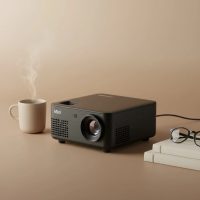
Welcome to Flasf, where we dive deep into the world of portable entertainment. If you’ve been searching for an affordable entry into the world of home cinema, you have likely come across the Vankyo Leisure 3W Mini Projector. This compact device promises a big-screen experience without the hefty price tag, but does it deliver? As a specialist with over a decade of hands-on experience with these gadgets, I’ve put the Leisure 3W through its paces to give you the complete, no-nonsense breakdown.
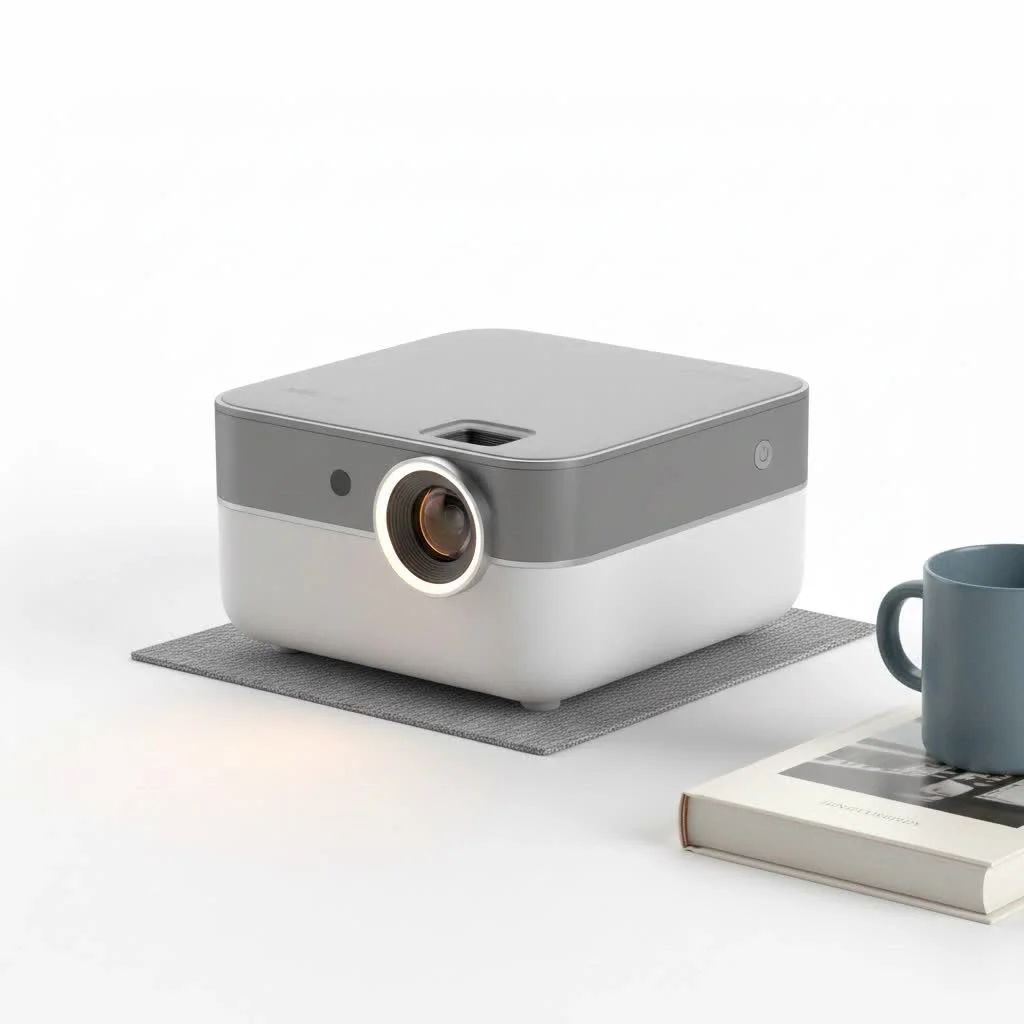
This review will cover everything from unboxing and setup to picture quality and overall performance, helping you decide if this is the right mini projector for your movie nights, gaming sessions, or backyard gatherings. Let’s find out if this budget-friendly option is a hidden gem or too good to be true.
First Impressions and What’s in the Box
Right out of the box, the Vankyo Leisure 3W feels designed for convenience. It’s lightweight and compact, making it incredibly easy to move from room to room or take to a friend’s house. One of the standout features at this price point is the included padded carrying case, which offers excellent protection and has space for all the accessories.
Inside the box, you’ll find:
- The Vankyo Leisure 3W Projector
- A soft, protective carrying case
- A remote control (batteries not included)
- An HDMI cable
- A power cable
- An AV cable
- A user manual
The projector itself has a simple, clean design with manual focus and keystone correction dials on top, which are easy to access and adjust. The build is plastic, as expected for a budget model, but it feels sturdy enough for regular use.
Core Specifications: A Closer Look
When evaluating a projector, the specs tell half the story. The Vankyo Leisure 3W is positioned as an entry-level device, and its specifications reflect that. It’s important to understand what these numbers mean for your actual viewing experience.
| Feature | Specification |
|---|---|
| Native Resolution | 800×480 pixels |
| Supported Resolution | 1920×1080 pixels (1080p) |
| Brightness | Claimed 60% brighter than comparable models |
| Contrast Ratio | 2000:1 |
| Lamp Life | Up to 55,000 hours |
| Screen Size | 32 to 170 inches |
| Connectivity | HDMI, USB, VGA, AV, SD Card, Audio Out |
The most crucial spec here is the native resolution. While the Vankyo Leisure 3W can accept a 1080p signal, it will downscale the image to its native 800×480 resolution. This is a critical point to understand and a primary factor in its budget pricing.
Picture Quality and Real-World Performance
Let’s get to the most important question: how does the picture actually look? After extensive testing, the performance of the Vankyo Leisure 3W mini projector is impressive for its price, but it comes with some important caveats.
For the best experience, you absolutely need a dark room. The projector’s brightness isn’t sufficient to overcome significant ambient light, which will cause the image to look washed out. However, in a properly darkened environment, the colors are vibrant, and the 2000:1 contrast ratio provides decent depth.
While it’s not a true HD experience due to the 480p native resolution, the image is perfectly watchable for casual movie nights or cartoons for the kids. You will notice a lack of sharpness, especially with text or fine details in video games. If you’re a videophile seeking crystal-clear HD, you’ll need to increase your budget. But for someone looking to simply enjoy a movie on a 100-inch screen without breaking the bank, the Leisure 3W is surprisingly capable.
Setting Up the Vankyo Leisure 3W Mini Projector
|
Our Picks for the Best Mini Projector in 2026
As an Amazon Associate I earn from qualifying purchases.
|
||
| Num | Product | Action |
|---|---|---|
| 1 | HAPPRUN Native 1080P Bluetooth Mini Projector, Full HD Portable Outdoor Movie Projector with Built-in Speaker, Compatible with Smartphone, HDMI, USB, AV, Fire Stick, PS5 for Home, Bedroom, Outdoor Use |

|
| 2 | SOOMFON Mini Projector 1080P Support - Portable Small Video Movie Projector Bluetooth 5.1 Auto Keystone Electric Focus for Bedroom/Wall/Home/Outdoor/iPhone/Android/TV Stick |
|
| 3 | [Short Throw/1200ANSI/Built in Apps] 4K Outdoor Projector with WiFi and Bluetooth, Auto Focus Projector with Dual-Mode Stand, Smart Portable Proyector with Netflix/YouTube/PrimeVideo & Dolby |
|
| 4 | Aurzen Roku TV Smart Projector with Wifi and Bluetooth, Roku Streaming Experience Built-in, 1080P FHD, Dolby Audio, Auto Focus & Keystone, Zoom, Movie Portable Outdoor Mini Projector, White |
|
| 5 | [Built-in Apps & 2025 Upgraded] Mini Projector Support 4K 1080P Auto Keystone 270° Rotatable with WiFi 6 and Bluetooth 5.4, Projector Portable Compatibile with HDMI/TV Stick/Memory Stick/Laptop-Black |
|
| 6 | Aurzen EAZZE D1 Smart Projector with WiFi and Bluetooth, Netflix-Officially-Licensed, Auto Focus & Keystone, DoIby Audio, Native 1080P Movie, Portable Outdoor Mini Projector, White |
|
| 7 | [Compatible with Netflix & TOF Real-time Focus] Mini Projector with WiFi and Bluetooth, XuanPad Smart Projector 4K Support, Dolby Audio & Keystone, 210° Rotatable Stand for Home |
|
| 8 | Mini Portable Projector 4K WiFi 6 BT 5.2 Upgraded Portable Projector Full HD Supported for Phone /PC /TV /HDMI /PS5 /Laptop Auto Keystone Home Theater 180° Rotation [Built-in App] White |
|
| 9 | 【Officially-Licensed APP & Native 1080P】Thinnest 1.81\" Smart Mini Projector with WiFi and Bluetooth, Auto Focus & Keystone Portable Outdoor Projector, VOPLLS 4K Support Home Movie Projector |
|
| 10 | Magcubic Mini Projector with WiFi 6 and Bluetooth 5.4, Portable Projector 4K Support, 5W Soundbase Speaker, Auto Vertical Keystone 180°Rotatable Smart Proyector for Movie Home Outdoor |
|
Getting started is straightforward, making it an excellent choice for beginners.
- Placement: Position the projector on a flat surface at the desired distance from your screen or wall. For a 100-inch screen, you’ll need to be about 9-10 feet away.
- Connections: Plug in the power cord and connect your source device using the included HDMI cable. It works seamlessly with laptops, Roku, Apple TV, Fire Stick, and gaming consoles like PS4 or Xbox.
- Power On: Turn on the projector and your source device.
- Adjust the Image: Use the keystone correction dial on top to square the image if the projector is at an angle. Then, use the focus ring to sharpen the picture until it’s clear. This process is entirely manual but only takes a minute.
Connectivity and Sound
The Leisure 3W offers a generous array of ports. The HDMI input will be your primary connection for most modern devices. The USB port is useful for playing media directly from a flash drive or for powering a streaming stick, which is a huge convenience.
To connect a smartphone, you will need an additional adapter (a Lightning to HDMI adapter for iPhones or a USB-C to HDMI adapter for most Android devices). This is an important extra purchase to keep in mind.
The built-in speaker is functional but basic. It’s loud enough for a small, quiet room, but it lacks bass and overall richness. For an immersive cinematic experience, I strongly recommend connecting external speakers or a soundbar via the 3.5mm audio-out jack. This single upgrade will dramatically improve your movie nights.
The Final Verdict: Who Should Buy This Projector?
After thoroughly testing the Vankyo Leisure 3W, it’s clear who this projector is for and who should look elsewhere.
You should buy the Vankyo Leisure 3W if:
- You’re on a tight budget and want your first projector.
- You want a fun, portable screen for casual movie nights or for the kids’ room.
- You need a simple device for occasional use, like backyard movies in the summer.
- You understand its limitations and are happy with a “good enough” picture for the price.
You should probably skip it if:
- You demand a true high-definition (720p or 1080p) picture.
- You plan to use it in a room with ambient light.
- You need to display presentations with small text or detailed spreadsheets.
- You are sensitive to fan noise, which is noticeable on this model.
Ultimately, the Vankyo Leisure 3W Mini Projector is an outstanding value proposition. It delivers a massive screen experience for a fraction of the cost of high-end projectors, making it an accessible and fun piece of technology for the right user.
Frequently Asked Questions
1. Can I connect my iPhone or Android phone to the Vankyo Leisure 3W?
Yes, you can, but you will need to purchase a separate adapter. For an iPhone, you need a Lightning to HDMI adapter. For an Android device, you’ll typically need a USB-C to HDMI adapter.
2. Does the Vankyo Leisure 3W support Bluetooth?
No, this model does not have built-in Bluetooth. To connect to a Bluetooth speaker, you would need to plug a separate Bluetooth transmitter into the projector’s 3.5mm audio jack.
3. What is the fan noise like?
The fan is audible, especially in quiet scenes. This is common for budget projectors with compact designs. The sound is generally drowned out by movie audio, but it is noticeable.
4. Can this projector be mounted on the ceiling?
Yes, the Vankyo Leisure 3W has a mounting hole on the bottom and includes an image-flip function in the settings, making it compatible with universal ceiling mounts.
5. How is it for gaming?
It’s great for casual gaming, especially with vibrant, cartoonish games. The input lag is acceptable for non-competitive play. However, the low native resolution means you won’t get the sharp, detailed graphics that new-generation consoles can produce.
Get our weekly buyer guide
Practical specs, not advice. Unsubscribe anytime.