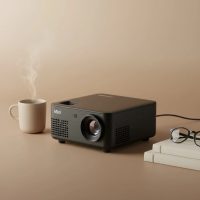
So, you’ve just unboxed your brand new Vankyo mini projector, and you’re picturing that perfect movie night. The popcorn is ready, the couch is calling, and you’re on the brink of turning your living room into a private cinema. As an expert who has handled countless mini projectors here at Flasf.com, I can tell you that Vankyo has carved out a fantastic niche by balancing affordability with impressive performance. This guide is your go-to resource for getting from box to big screen in no time.
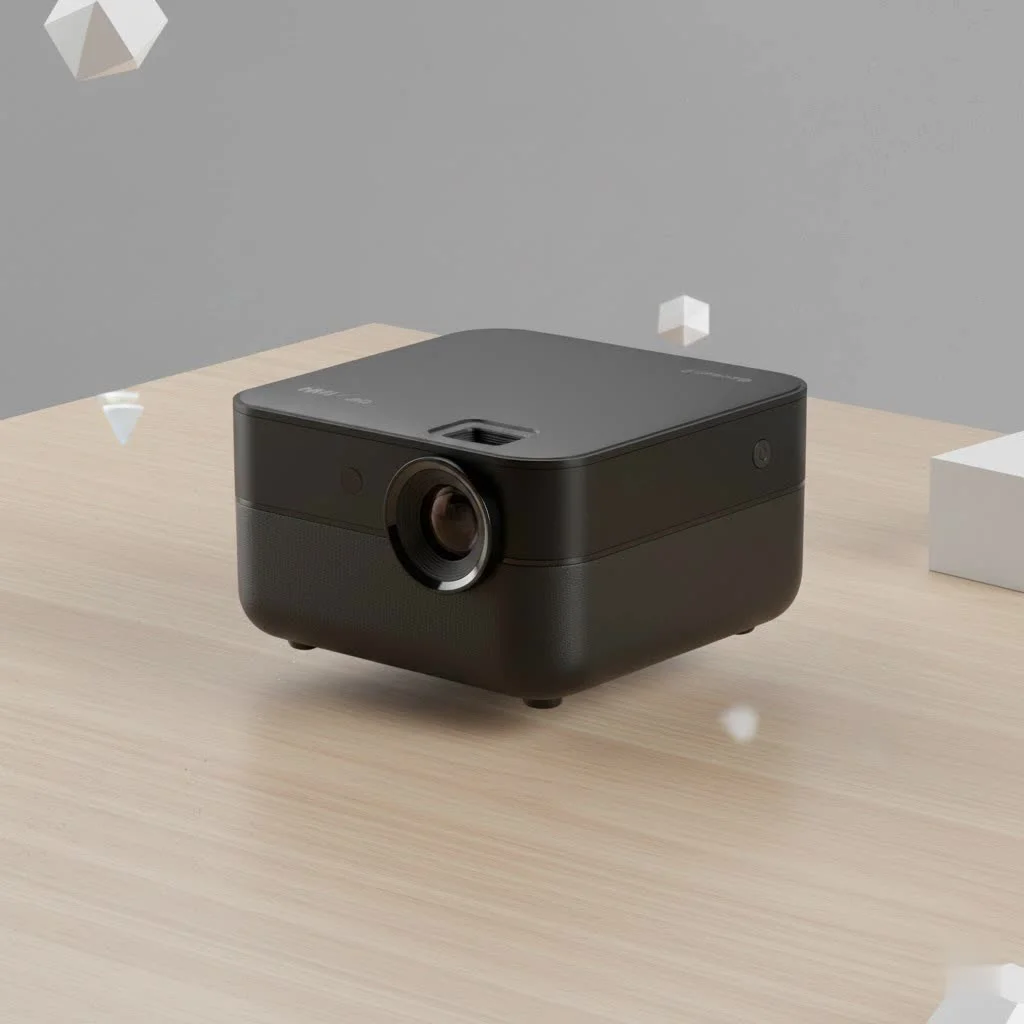
Why Choose a Vankyo Mini Projector?
In a market flooded with options, Vankyo stands out for its commitment to providing a feature-rich experience without the hefty price tag. Most users are drawn to the brand for a few key reasons:
- Affordability: Vankyo offers some of the best budget-friendly projectors available, making home theater experiences accessible to everyone.
- Portability: These projectors are designed to be lightweight and compact. Many, like the popular Leisure series, even come with a carrying case, making them perfect for backyard movies, camping trips, or presentations on the go.
- Ease of Use: Vankyo prides itself on a plug-and-play setup. The menus are intuitive, and the physical controls are straightforward, which means you spend less time tinkering and more time watching.
- Versatile Connectivity: With a range of ports including HDMI, USB, and AV, plus Wi-Fi capabilities on many models, connecting your devices is rarely an issue.
How to Set Up Your Vankyo Mini Projector
Getting started is a breeze. Let’s walk through the simple steps to get your Vankyo mini projector up and running for the first time.
1. Positioning and Placement
First, find the best spot for your projector. You’ll want a flat, stable surface. The distance from the screen or wall will determine the size of the image—further back means a larger picture. Most Vankyo models can project an image from 39 inches all the way up to 250 inches. Don’t worry about getting the height perfect just yet; the adjustable stand underneath can help with that.
2. Making the Connections
Your Vankyo projector comes with several cables. Here’s what you need to do:
- Connect the power cable to the projector and plug it into an outlet.
- Press the power button on the top of the unit or on the remote control.
- Connect your source device. For laptops, gaming consoles, or a streaming stick like an Amazon Fire TV Stick, the HDMI cable is your best bet for quality.
3. Achieving the Perfect Picture
|
Our Picks for the Best Mini Projector in 2026
As an Amazon Associate I earn from qualifying purchases.
|
||
| Num | Product | Action |
|---|---|---|
| 1 | SOOMFON Mini Projector 1080P Support - Portable Small Video Movie Projector Bluetooth 5.1 Auto Keystone Electric Focus for Bedroom/Wall/Home/Outdoor/iPhone/Android/TV Stick |

|
| 2 | HAPPRUN Native 1080P Bluetooth Mini Projector, Full HD Portable Outdoor Movie Projector with Built-in Speaker, Compatible with Smartphone, HDMI, USB, AV, Fire Stick, PS5 for Home, Bedroom, Outdoor Use |
|
| 3 | Magcubic Mini Projector with WiFi 6 and Bluetooth 5.4, Portable Projector 4K Support, 5W Soundbase Speaker, Auto Vertical Keystone 180°Rotatable Smart Proyector for Movie Home Outdoor |
|
| 4 | [Built-in Apps & 2025 Upgraded] Mini Projector Support 4K 1080P Auto Keystone 270° Rotatable with WiFi 6 and Bluetooth 5.4, Projector Portable Compatibile with HDMI/TV Stick/Memory Stick/Laptop-Black |
|
| 5 | 【Officially-Licensed APP & Native 1080P】Thinnest 1.81\" Smart Mini Projector with WiFi and Bluetooth, Auto Focus & Keystone Portable Outdoor Projector, VOPLLS 4K Support Home Movie Projector |
|
| 6 | [Short Throw/1200ANSI/Built in Apps] 4K Outdoor Projector with WiFi and Bluetooth, Auto Focus Projector with Dual-Mode Stand, Smart Portable Proyector with Netflix/YouTube/PrimeVideo & Dolby |
|
| 7 | Aurzen EAZZE D1 Smart Projector with WiFi and Bluetooth, Netflix-Officially-Licensed, Auto Focus & Keystone, DoIby Audio, Native 1080P Movie, Portable Outdoor Mini Projector, White |
|
| 8 | [Compatible with Netflix & TOF Real-time Focus] Mini Projector with WiFi and Bluetooth, XuanPad Smart Projector 4K Support, Dolby Audio & Keystone, 210° Rotatable Stand for Home |
|
| 9 | Aurzen Roku TV Smart Projector with Wifi and Bluetooth, Roku Streaming Experience Built-in, 1080P FHD, Dolby Audio, Auto Focus & Keystone, Zoom, Movie Portable Outdoor Mini Projector, White |
|
| 10 | Mini Portable Projector 4K WiFi 6 BT 5.2 Upgraded Portable Projector Full HD Supported for Phone /PC /TV /HDMI /PS5 /Laptop Auto Keystone Home Theater 180° Rotation [Built-in App] White |
|
Once you see an image on the screen, it’s time to fine-tune it. This is a two-step process that makes a world of difference.
- Keystone Correction: If your projector isn’t perfectly perpendicular to the wall, the image might look like a trapezoid. Use the keystone correction wheel (usually near the lens) to square up the sides of the image until it’s a perfect rectangle.
- Focus Ring: After the shape is right, the image might still be blurry. Adjust the focus ring (also near the lens) back and forth until the picture is sharp and crystal clear.
Expert Tip: As our lead technician, Alex Carter, always says, “Don’t rely solely on keystone correction if you can avoid it. Physically centering the projector with the screen will always give you the sharpest, most uniform image across the entire display.”
Connecting Your Favorite Devices
The real fun begins when you connect your devices. A Vankyo mini projector is incredibly versatile, supporting everything from smartphones to game consoles.
Laptops and Streaming Sticks
This is the most common use case. Simply plug an HDMI cable from your laptop’s HDMI port into the projector’s HDMI input. Use the remote to select the correct HDMI source from the projector’s menu, and your screen will be mirrored instantly. The same applies to devices like the Amazon Fire TV Stick, Roku, or Apple TV.
Connecting a Smartphone or Tablet
Newer Vankyo models, like the Leisure 470, offer Wi-Fi screen mirroring. Here’s how it generally works:
- From the projector’s main menu, select the “Screen Mirroring” or “Wi-Fi” input source.
- On your phone, go to your Wi-Fi settings and connect to the network name displayed by the projector (e.g., Vankyo-XXXXX).
- Enter the password shown on the projection screen.
- Once connected, use your phone’s screen mirroring function (called “Screen Mirroring” on iOS or “Smart View”/”Cast” on Android) and select the Vankyo projector.
For a more stable connection without Wi-Fi, you can use a cable. You will need an adapter:
- For iPhones/iPads: A Lightning to Digital AV Adapter.
- For Android Devices: A USB-C to HDMI Adapter (ensure your phone supports video output over USB-C).
Troubleshooting Common Vankyo Projector Issues
Even the most user-friendly tech can have hiccups. Here are solutions to some of the most common problems you might encounter.
Why is there no sound coming from my Vankyo projector?
This is a frequent issue, often related to Dolby Audio. Most Vankyo projectors do not support Dolby sound. If you are playing a video from a streaming service like Netflix or a file with Dolby Audio, you need to disable it. Go into the sound settings of your streaming device (like your Fire TV Stick or Apple TV) and change the audio output from Dolby Digital to Stereo or PCM.
Also, while the built-in speakers work in a pinch, they aren’t very powerful. For a true home theater experience, connect an external speaker via the 3.5mm audio output jack.
Why is the image blurry or out of focus?
If you’ve already adjusted the focus ring, check two things. First, ensure the projector lens is clean. A small smudge can cause blurriness. Use the provided lens cloth. Second, extreme keystone correction can sometimes soften the edges of the image. Try to reposition the projector to be more level and centered with the screen to reduce the amount of keystone adjustment needed.
Why won’t my phone connect via Wi-Fi?
Wireless connections can be tricky. Make sure no other devices are trying to connect at the same time. Sometimes, a simple restart of both your phone and the projector can resolve the issue. Also, remember that a weak Wi-Fi signal will result in a poor-quality, stuttering image. For streaming, a wired HDMI connection is always more reliable.
Frequently Asked Questions (FAQ)
Can I watch Netflix on a Vankyo mini projector?
Yes, but you need to use an external device like a laptop, Amazon Fire TV Stick, Roku, or game console connected via HDMI. Due to copyright protection, you cannot screen mirror content from apps like Netflix directly from your phone.
Can I use a Vankyo projector outside?
Absolutely! This is one of their most popular uses. Just remember that you’ll need a dark environment to get a bright, vibrant image. Wait until dusk for the best results. You’ll also need a power source and a good portable screen for the best outdoor viewing experience.
How long does the lamp last on a Vankyo projector?
Vankyo projectors use LED lamps, which have a very long lifespan. Most models are rated for up to 50,000 hours of use. That means you could watch a two-hour movie every single day for over 68 years before the lamp needs replacing.
Is a Vankyo projector good for business presentations?
While it can work for a casual meeting in a dark room, it’s not its primary strength. These projectors are designed for home entertainment. For presentations with a lot of text or in rooms with ambient light, a dedicated business projector with higher brightness (lumens) is recommended.
Your Home Cinema Awaits
The Vankyo mini projector is a fantastic gateway into the world of big-screen entertainment. It’s portable, user-friendly, and offers incredible value. By following this guide, you’ve learned how to set it up, connect your devices, and troubleshoot common issues like a pro. Now it’s time to dim the lights, grab your snacks, and get lost in the magic of your very own home cinema. Enjoy the show
Get our weekly buyer guide
Practical specs, not advice. Unsubscribe anytime.