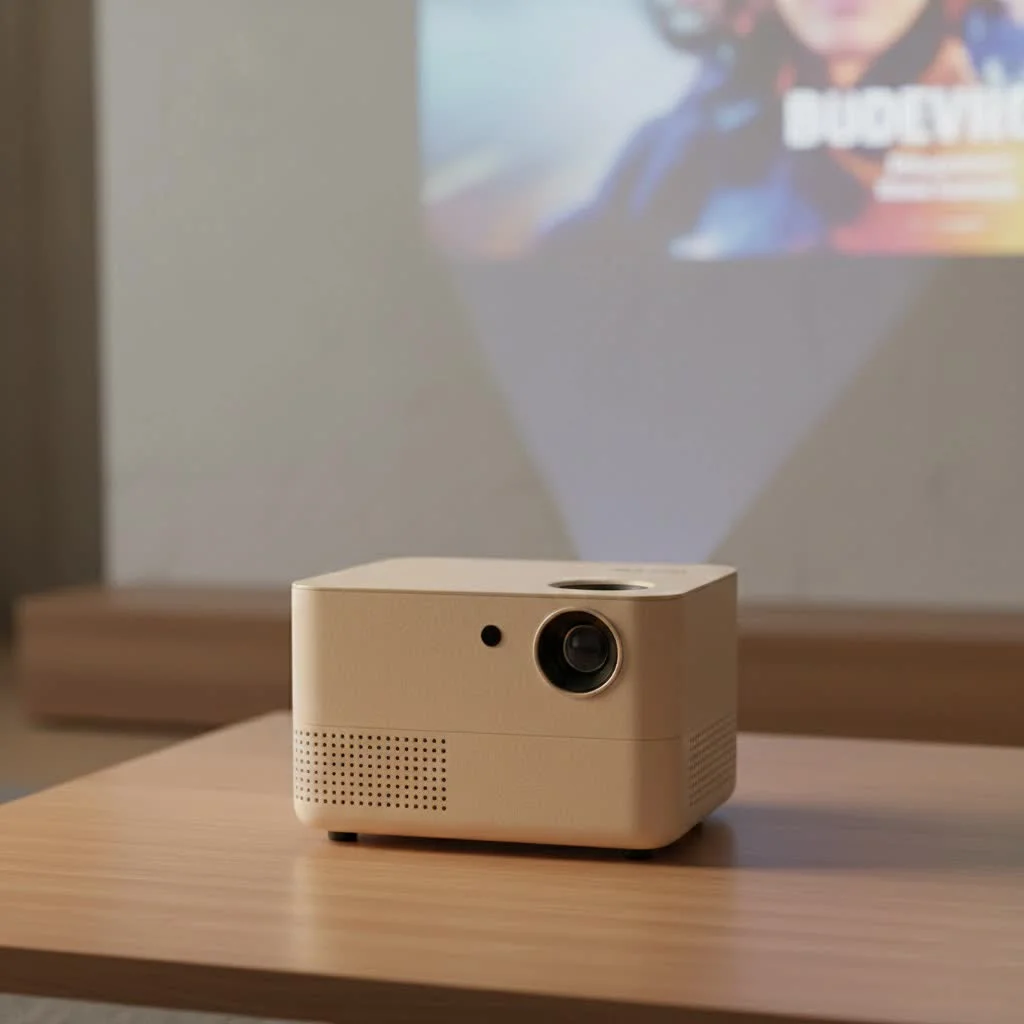
The best 4K mini projectors combine high-resolution visuals with portability, offering a versatile solution for home entertainment and on-the-go use. Key features to consider include native 4K or 4K-supported resolution, brightness of at least 500 ANSI lumens for optimal viewing, and essential smart features like Wi-Fi, Bluetooth, and an integrated operating system. These compact devices deliver stunning, crystal-clear images for movies, gaming, or presentations without the bulk of a traditional television.
What Defines a True 4K Mini Projector?
Before diving into our top picks, it’s crucial to understand what “4K” means in the context of mini projectors. You’ll often see two terms: “Native 4K” and “4K Supported.” The difference is significant.
- Native 4K: This means the projector’s internal chip has 3840 x 2160 pixels, the true standard for 4K Ultra HD. It physically projects an image with 8.3 million distinct pixels, resulting in the sharpest, most detailed picture possible.
- 4K Supported (or Pixel-Shifting): These projectors typically have a lower native resolution (like 1080p) but use advanced pixel-shifting technology. They flash the pixels multiple times per frame, shifting them slightly to create a 4K image on the screen. While impressively sharp, it’s not quite the same level of detail as a native 4K projector.
For most users, a high-quality 4K-supported mini projector offers a fantastic balance of performance and price. However, for the true videophile, nothing beats the clarity of a native 4K device.
Key Features to Look For in the Best 4K Mini Projector
Choosing the right device goes beyond just resolution. Here are the critical factors you need to consider to ensure you’re getting a projector that meets your expectations for performance, convenience, and quality.
Brightness: The Importance of Lumens
Brightness, measured in ANSI lumens, is arguably one of the most important specifications. It determines how vibrant and clear the image will be, especially in rooms that aren’t completely dark.
- Under 500 ANSI Lumens: Suitable for very dark rooms only. Best for casual movie nights in a controlled environment.
- 500 – 1000 ANSI Lumens: A great sweet spot for most users. This range provides a bright, colorful image in dimly lit rooms and can even handle a little ambient light.
- 1000+ ANSI Lumens: Offers excellent brightness for use in various lighting conditions, including rooms with some daylight. These are more versatile but often larger and more expensive.
“A common mistake is focusing solely on resolution while ignoring lumens. A dim 4K image will always look worse than a bright 1080p one. For a truly immersive experience with a mini projector, aim for at least 500 ANSI lumens.” – David Chen, Projector Technology Analyst
Portability and Build
|
Our Picks for the Best Mini Projector in 2026
As an Amazon Associate I earn from qualifying purchases.
|
||
| Num | Product | Action |
|---|---|---|
| 1 | 【Officially-Licensed APP & Native 1080P】Thinnest 1.81\" Smart Mini Projector with WiFi and Bluetooth, Auto Focus & Keystone Portable Outdoor Projector, VOPLLS 4K Support Home Movie Projector |

|
| 2 | Magcubic Mini Projector with WiFi 6 and Bluetooth 5.4, Portable Projector 4K Support, 5W Soundbase Speaker, Auto Vertical Keystone 180°Rotatable Smart Proyector for Movie Home Outdoor |
|
| 3 | HAPPRUN Native 1080P Bluetooth Mini Projector, Full HD Portable Outdoor Movie Projector with Built-in Speaker, Compatible with Smartphone, HDMI, USB, AV, Fire Stick, PS5 for Home, Bedroom, Outdoor Use |
|
| 4 | Mini Portable Projector 4K WiFi 6 BT 5.2 Upgraded Portable Projector Full HD Supported for Phone /PC /TV /HDMI /PS5 /Laptop Auto Keystone Home Theater 180° Rotation [Built-in App] White |
|
| 5 | Aurzen EAZZE D1 Smart Projector with WiFi and Bluetooth, Netflix-Officially-Licensed, Auto Focus & Keystone, DoIby Audio, Native 1080P Movie, Portable Outdoor Mini Projector, White |
|
| 6 | [Built-in Apps & 2025 Upgraded] Mini Projector Support 4K 1080P Auto Keystone 270° Rotatable with WiFi 6 and Bluetooth 5.4, Projector Portable Compatibile with HDMI/TV Stick/Memory Stick/Laptop-Black |
|
| 7 | [Short Throw/1200ANSI/Built in Apps] 4K Outdoor Projector with WiFi and Bluetooth, Auto Focus Projector with Dual-Mode Stand, Smart Portable Proyector with Netflix/YouTube/PrimeVideo & Dolby |
|
| 8 | SOOMFON Mini Projector 1080P Support - Portable Small Video Movie Projector Bluetooth 5.1 Auto Keystone Electric Focus for Bedroom/Wall/Home/Outdoor/iPhone/Android/TV Stick |
|
| 9 | Aurzen Roku TV Smart Projector with Wifi and Bluetooth, Roku Streaming Experience Built-in, 1080P FHD, Dolby Audio, Auto Focus & Keystone, Zoom, Movie Portable Outdoor Mini Projector, White |
|
| 10 | [Compatible with Netflix & TOF Real-time Focus] Mini Projector with WiFi and Bluetooth, XuanPad Smart Projector 4K Support, Dolby Audio & Keystone, 210° Rotatable Stand for Home |
|
The “mini” in mini projector implies portability. Consider the following:
- Size and Weight: Are you planning to travel with it, or just move it from room to room? Some models are pocket-sized, while others are more like small briefcases.
- Battery Life: If you want to use your projector for backyard movie nights or camping trips, a built-in battery is essential. Look for models offering at least 2-3 hours of playback, enough for a full-length movie.
- Build Quality: A sturdy build will protect your investment, especially if you plan to carry it around frequently.
Connectivity and Smart Features
A modern mini projector should be easy to connect to your devices.
- Physical Ports: At a minimum, look for an HDMI port for connecting laptops, gaming consoles, or Blu-ray players. A USB port is also handy for playing media from a flash drive.
- Wireless Connectivity: Wi-Fi is crucial for streaming content directly from services like Netflix, YouTube, and Hulu. Bluetooth is another key feature, allowing you to connect external speakers or headphones for a much-improved audio experience.
- Operating System: Many of the best 4K mini projectors come with a built-in OS, like Android TV. This transforms your projector into a standalone smart device, eliminating the need for a separate streaming stick.
Ease of Use: Keystone and Focus
Setting up a projector shouldn’t be a chore. Look for features that simplify the process:
- Autofocus: This feature automatically adjusts the image for maximum sharpness, so you don’t have to fiddle with a focus wheel.
- Auto-Keystone Correction: This is a lifesaver. It automatically straightens the image, correcting the trapezoidal distortion that occurs when the projector isn’t placed perfectly perpendicular to the screen.
How to Set Up Your 4K Mini Projector for Optimal Performance
Once you’ve chosen your device, proper setup is key to unlocking its full potential.
- Find the Right Surface: While a wall can work, a dedicated projector screen will provide the best results. A screen reflects light more evenly, improving contrast and color accuracy.
- Position the Projector: Place the projector on a stable surface. Use the auto-keystone and autofocus features if available. If not, manually adjust until the image is perfectly rectangular and sharp.
- Control the Lighting: The darker the room, the better the image quality. Close curtains, turn off lights, and eliminate as much ambient light as possible.
- Connect Your Audio: While built-in speakers are convenient, they rarely deliver powerful sound. Connect a Bluetooth speaker or a soundbar for a truly cinematic audio experience.
- Select the Right Picture Mode: Most projectors have preset picture modes like “Cinema,” “Game,” or “Vivid.” Choose the one that best suits your content for optimal color and contrast.
Frequently Asked Questions (FAQ)
Are 4K mini projectors really worth it?
Absolutely. If you value both high-quality visuals and portability, a 4K mini projector offers the best of both worlds. The jump in clarity from 1080p to 4K is very noticeable, especially on larger screen sizes, providing a much more immersive and detailed viewing experience.
What is the ideal screen size for a 4K mini projector?
Most 4K mini projectors perform best with screen sizes between 80 and 120 inches. Going larger can sometimes cause the image to lose brightness and sharpness, especially on lower-lumen models. Always check the manufacturer’s recommended throw distance and screen size.
Can I use a 4K mini projector for gaming?
Yes, many models are excellent for gaming. Look for a projector with a dedicated “Game Mode,” which reduces input lag—the delay between your controller input and the action on screen. A low input lag is crucial for a smooth and responsive gaming experience.
How long do the lamps in mini projectors last?
Most modern mini projectors use LED or laser light sources instead of traditional lamps. These light sources have an incredibly long lifespan, typically ranging from 20,000 to 30,000 hours. This means you could watch a two-hour movie every single day for over 25 years before needing a replacement.
Final Thoughts
Choosing the best 4K mini projector is about finding the right balance of resolution, brightness, portability, and features for your specific use case. By understanding the difference between native and supported 4K, prioritizing ANSI lumens for your viewing environment, and ensuring you have the connectivity you need, you can confidently select a device that will transform any space into a stunning home cinema. The era of big-screen entertainment on your terms is here, and it’s more portable and brilliant than ever before.
Get our weekly buyer guide
Practical specs, not advice. Unsubscribe anytime.
Finally found a mini projector that can handle my gaming! The one I picked from the recommendations has an integrated operating system which makes it super easy to connect my console and stream. The image quality is stunning for gaming, and there’s no noticeable lag. It’s perfect for setting up a quick gaming session anywhere.
I was skeptical about a mini projector delivering true 4K, but the one I got after reading this guide is amazing. The native 4K resolution really makes a difference for movie nights. It’s so much better than my old 1080p projector, and the picture is incredibly sharp even on a large screen. Definitely worth the investment for home entertainment.
This guide helped me pick out a great projector for my camping trips. I specifically looked for one with at least 500 ANSI lumens, and it’s bright enough to watch movies outdoors once it gets dark. The smart features like Wi-Fi and Bluetooth are super handy for streaming directly from my phone. It’s a game-changer for on-the-go entertainment.
I appreciate the breakdown of native 4K vs. 4K supported. I ended up getting a 4K supported model to save some money, and while the picture is good, it’s not quite as crisp as I’d hoped for presentations. It’s still a decent projector for casual use, but next time I’ll probably spring for a true native 4K one for work.