There’s something magical about turning your own bedroom into a private movie theater. Forget crowded cinemas or hogging the living room TV; a mini projector for bedroom use transforms your personal space into a cozy, cinematic escape. As someone who has spent over a decade testing and tinkering with these incredible devices at Flasf, I’ve seen firsthand how they can completely change your entertainment experience. But with so many options out there, how do you pick the right one?
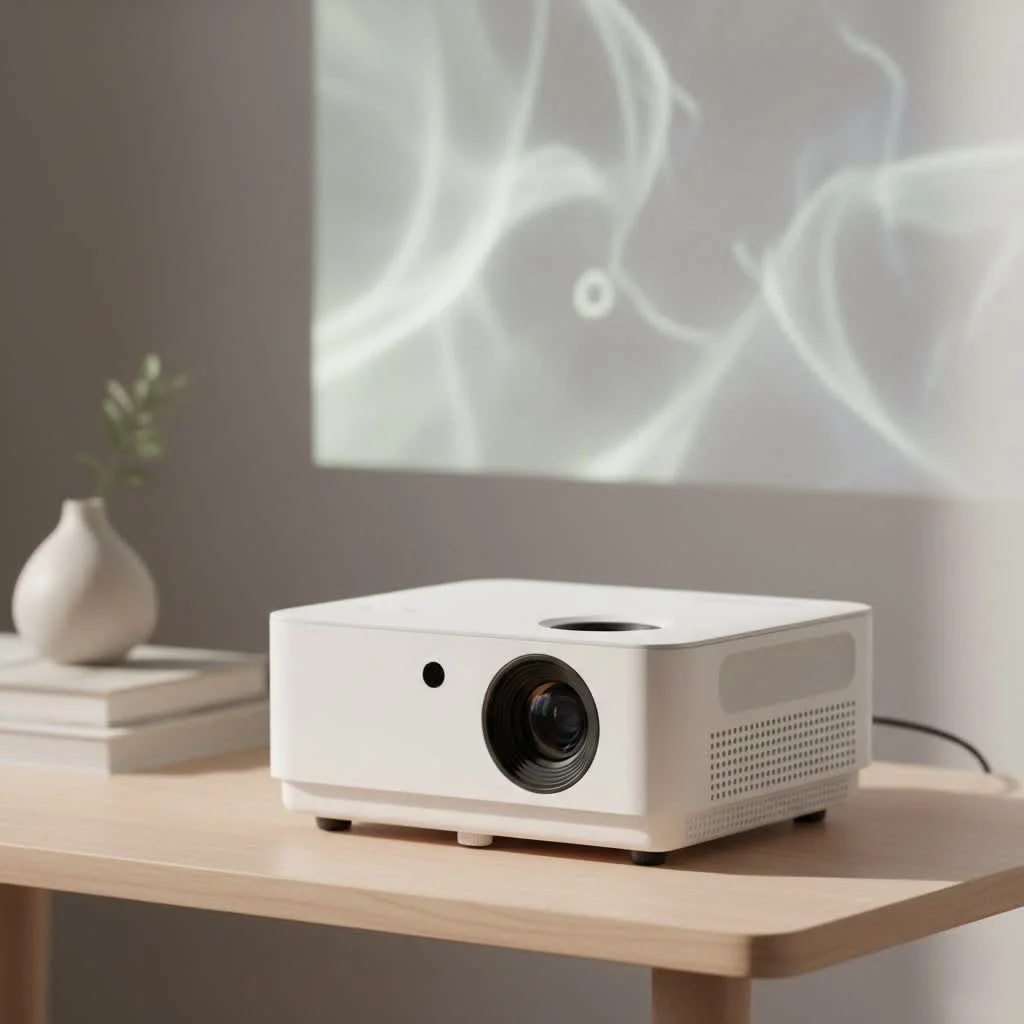
This guide is designed to walk you through everything you need to know. We’ll break down the technical jargon into simple terms and focus on the features that genuinely matter for a bedroom setup. By the end, you’ll be able to confidently choose a projector that turns your ceiling or wall into a massive screen for your favorite shows and movies. For shop curated portable mini on this site.
Why a Mini Projector is Your Bedroom’s Best Friend
Before we dive into the specs, let’s talk about why a mini projector is often a better choice than a TV for your bedroom. The main advantage is flexibility. You’re not stuck with a big, black rectangle on your wall. When it’s off, it’s just a small, unobtrusive box. When it’s on, you can have a screen size of 80, 100, or even 120 inches—far larger and more immersive than a similarly priced TV. Plus, many models are portable, so you can easily take your movie night to another room or even outdoors.
Key Features for the Perfect Bedroom Mini Projector
Choosing a mini projector for bedroom viewing involves a different set of priorities than picking one for a large living room or office. Here’s what you should focus on to get the best experience.
How Much Brightness (Lumens) Do You Really Need?
Brightness, measured in ANSI lumens, is one of the most important specs. However, more isn’t always better for a bedroom. Unlike a living room with lots of ambient light, a bedroom can be made almost completely dark.
For a dark bedroom, a projector with 300 to 500 ANSI lumens is often the sweet spot. This range is bright enough to produce a vibrant, clear picture without being so bright that it causes eye strain in a dark environment. If you plan to watch with a lamp on, you might consider something in the 500-800 ANSI lumen range. Be wary of projectors that advertise thousands of “lumens” without specifying “ANSI”; this is often a misleading marketing tactic.
Decoding Resolution: Is 1080p Necessary?
|
Our Picks for the Best Mini Projector in 2026
As an Amazon Associate I earn from qualifying purchases.
|
||
| Num | Product | Action |
|---|---|---|
| 1 | SOOMFON Mini Projector 1080P Support - Portable Small Video Movie Projector Bluetooth 5.1 Auto Keystone Electric Focus for Bedroom/Wall/Home/Outdoor/iPhone/Android/TV Stick |

|
| 2 | HAPPRUN Native 1080P Bluetooth Mini Projector, Full HD Portable Outdoor Movie Projector with Built-in Speaker, Compatible with Smartphone, HDMI, USB, AV, Fire Stick, PS5 for Home, Bedroom, Outdoor Use |
|
| 3 | [Short Throw/1200ANSI/Built in Apps] 4K Outdoor Projector with WiFi and Bluetooth, Auto Focus Projector with Dual-Mode Stand, Smart Portable Proyector with Netflix/YouTube/PrimeVideo & Dolby |
|
| 4 | Mini Portable Projector 4K WiFi 6 BT 5.2 Upgraded Portable Projector Full HD Supported for Phone /PC /TV /HDMI /PS5 /Laptop Auto Keystone Home Theater 180° Rotation [Built-in App] White |
|
| 5 | Magcubic Mini Projector with WiFi 6 and Bluetooth 5.4, Portable Projector 4K Support, 5W Soundbase Speaker, Auto Vertical Keystone 180°Rotatable Smart Proyector for Movie Home Outdoor |
|
| 6 | [Built-in Apps & 2025 Upgraded] Mini Projector Support 4K 1080P Auto Keystone 270° Rotatable with WiFi 6 and Bluetooth 5.4, Projector Portable Compatibile with HDMI/TV Stick/Memory Stick/Laptop-Black |
|
| 7 | 【Officially-Licensed APP & Native 1080P】Thinnest 1.81\" Smart Mini Projector with WiFi and Bluetooth, Auto Focus & Keystone Portable Outdoor Projector, VOPLLS 4K Support Home Movie Projector |
|
| 8 | Aurzen EAZZE D1 Smart Projector with WiFi and Bluetooth, Netflix-Officially-Licensed, Auto Focus & Keystone, DoIby Audio, Native 1080P Movie, Portable Outdoor Mini Projector, White |
|
| 9 | Aurzen Roku TV Smart Projector with Wifi and Bluetooth, Roku Streaming Experience Built-in, 1080P FHD, Dolby Audio, Auto Focus & Keystone, Zoom, Movie Portable Outdoor Mini Projector, White |
|
| 10 | [Compatible with Netflix & TOF Real-time Focus] Mini Projector with WiFi and Bluetooth, XuanPad Smart Projector 4K Support, Dolby Audio & Keystone, 210° Rotatable Stand for Home |
|
Resolution determines how sharp and detailed your image will be. For projectors, this is measured in pixels, like 720p (1280×720) or 1080p (1920×1080).
- Native 720p: This is a great entry-level option for casual viewing. It offers a good picture quality that is a significant step up from older 480p models and is perfectly enjoyable for most movies and TV shows on a screen up to 80 inches.
- Native 1080p: This is the gold standard for a bedroom cinema. It provides a crisp, clear, and detailed Full HD image that looks fantastic, especially if you want a larger screen size (100+ inches) or sit closer to the screen.
My advice? If it fits your budget, go for a native 1080p projector. While many projectors support 1080p input, you need to look for the native resolution, which is the true resolution of the projector’s display chip.
Throw Distance: The Secret to a Big Picture in a Small Room
Throw distance is the distance needed between the projector’s lens and the screen to create a certain image size. This is critical in a bedroom, where space is limited. Projectors are often categorized by their “throw ratio.”
- Standard Throw: Most mini projectors fall into this category. They typically need about 8-10 feet of distance to project a 100-inch screen.
- Short Throw: These are less common in the mini category but are ideal for very small rooms. They can project a large image from just a few feet away.
Before you buy, measure the distance from where you plan to place the projector to the wall or screen you’ll be using. Then, check the projector’s specifications to ensure it can create your desired screen size from that distance.
Connectivity: The Gateway to Your Content
A projector is useless if you can’t connect your devices to it. Modern mini projectors offer a variety of options to make streaming easy.
- HDMI: This is the most essential port. It allows you to connect laptops, gaming consoles (like a Nintendo Switch), and streaming sticks (like a Roku or Amazon Fire TV Stick). I highly recommend getting a streaming stick, as it’s the easiest way to turn any projector into a smart entertainment hub.
- Wi-Fi: Built-in Wi-Fi is a game-changer. It allows you to screen mirror from your phone or laptop wirelessly. It also enables smart projectors with built-in apps like Netflix and YouTube to stream content directly.
- Bluetooth: This is crucial for audio. While most mini projectors have built-in speakers, they are usually quite basic. Bluetooth allows you to easily connect to a portable speaker or a soundbar for a much more immersive audio experience.
Sound: Built-in Speakers vs. External Audio
Let’s be honest: the built-in speakers on most mini projectors are not going to win any awards. They are fine for watching a quick YouTube video, but for a movie, you’ll want better sound. As a home theater enthusiast, our expert team, including specialists like James Peterson, always emphasizes the audio aspect. James often says, “A stunning picture with poor sound is only half the experience. Great audio is what truly immerses you in the story.” That’s why having Bluetooth connectivity is so important. A simple, affordable Bluetooth speaker placed near the screen can make a world of difference.
Setting Up Your Bedroom Cinema: A Quick Guide
Once you’ve chosen your mini projector for bedroom viewing, setting it up correctly is key to getting that perfect cinema feel.
- Find the Right Surface: You don’t necessarily need a professional screen. A smooth, white, or light-gray wall can work wonderfully. If your wall is textured or a dark color, a simple pull-down screen is a great investment.
- Position the Projector: Place it on a stable surface like a nightstand, a shelf, or a small tripod. The goal is to have the lens pointed as straight at the center of the screen as possible.
- Adjust the Image:
- Focus: Use the focus wheel or dial on the projector to make the image sharp and clear.
- Keystone Correction: If your projector isn’t perfectly perpendicular to the wall, the image might look like a trapezoid. Keystone correction (vertical and sometimes horizontal) squares the image up. Use it sparingly, as digital keystone can slightly reduce image quality.
- Control the Lights: The darker, the better. Close the blinds, turn off the lights, and eliminate as much ambient light as you can for the most vibrant and contrasty picture.
- Connect Your Audio: Pair your Bluetooth speaker or soundbar for that room-filling sound.
Frequently Asked Questions (FAQ)
Can I use a mini projector during the day in my bedroom?
It depends on how much light you can block out. If you have blackout curtains and can make the room very dark, then yes. However, even the best mini projectors will struggle against direct sunlight, causing the image to look washed out.
Is it okay to project onto a colored wall?
You can, but it will tint the colors of the image. For example, projecting onto a blue wall will make everything look cooler and bluer. A neutral white or light gray wall is always the best choice for accurate colors.
How do I connect my iPhone or Android phone?
Most modern projectors with Wi-Fi support screen mirroring via AirPlay (for iPhone) or Miracast/Google Cast (for Android). For a more reliable wired connection, you can use an HDMI adapter for your specific phone model.
Do mini projectors get hot or loud?
All projectors have a lamp and a fan to cool it, so they will produce some heat and noise. However, newer models, especially those using LED light sources, are generally quieter and run cooler than older projectors. Look for models with a noise level under 30 decibels (dB) for quiet viewing.
Your Personal Cinema Awaits
Choosing a mini projector for your bedroom is about creating a personal and immersive entertainment space. By focusing on the essentials—sufficient brightness for a dark room, at least a native 720p resolution, the right throw distance for your space, and flexible connectivity options—you can find a device that delivers a huge “wow” factor without breaking the bank. So go ahead, turn down the lights, grab some popcorn, and enjoy the big-screen experience from the comfort of your own bed.
Get our weekly buyer guide
Practical specs, not advice. Unsubscribe anytime.
I travel a lot for work and wanted a portable option for hotel rooms. This guide’s focus on on-the-go use cases was super relevant. I got a compact projector with a built-in battery, and it’s perfect for projecting onto any wall. Setup is a breeze, and it really makes those lonely evenings more enjoyable. Definitely recommend checking out the battery life section.
I was looking for something to make my bedroom feel more like a cozy cinema, and this guide really helped me narrow down the options. I ended up getting one of the mid-range projectors mentioned, and it’s been fantastic. Projecting movies onto my ceiling is a game-changer for lazy Sundays. The picture quality is surprisingly good for such a small device.
I’ve always wanted to turn my bedroom wall into a giant screen, and this guide made it so easy to understand what to look for. I focused on the lumen recommendations for a dark room, and the projector I chose delivers a vibrant, clear image. It’s truly transformed my movie nights at home. My friends are always asking to come over now!
The guide was helpful for understanding the different features. I picked up a budget-friendly model, and while it’s great for casual viewing, I do notice the fan can be a bit loud during quiet scenes. It’s not a deal-breaker, but it’s something to consider if you’re sensitive to noise. Still, for the price, it’s hard to complain too much.