You’ve unboxed your shiny new mini projector, ready for epic movie nights and stunning presentations. You dim the lights, point it at the wall, and… spend the next ten minutes trying to get a stable, level image by propping it up on a wobbly stack of books. We’ve all been there. A great portable projector is only half the equation; the unsung hero of a perfect viewing experience is a quality mini projector stand.
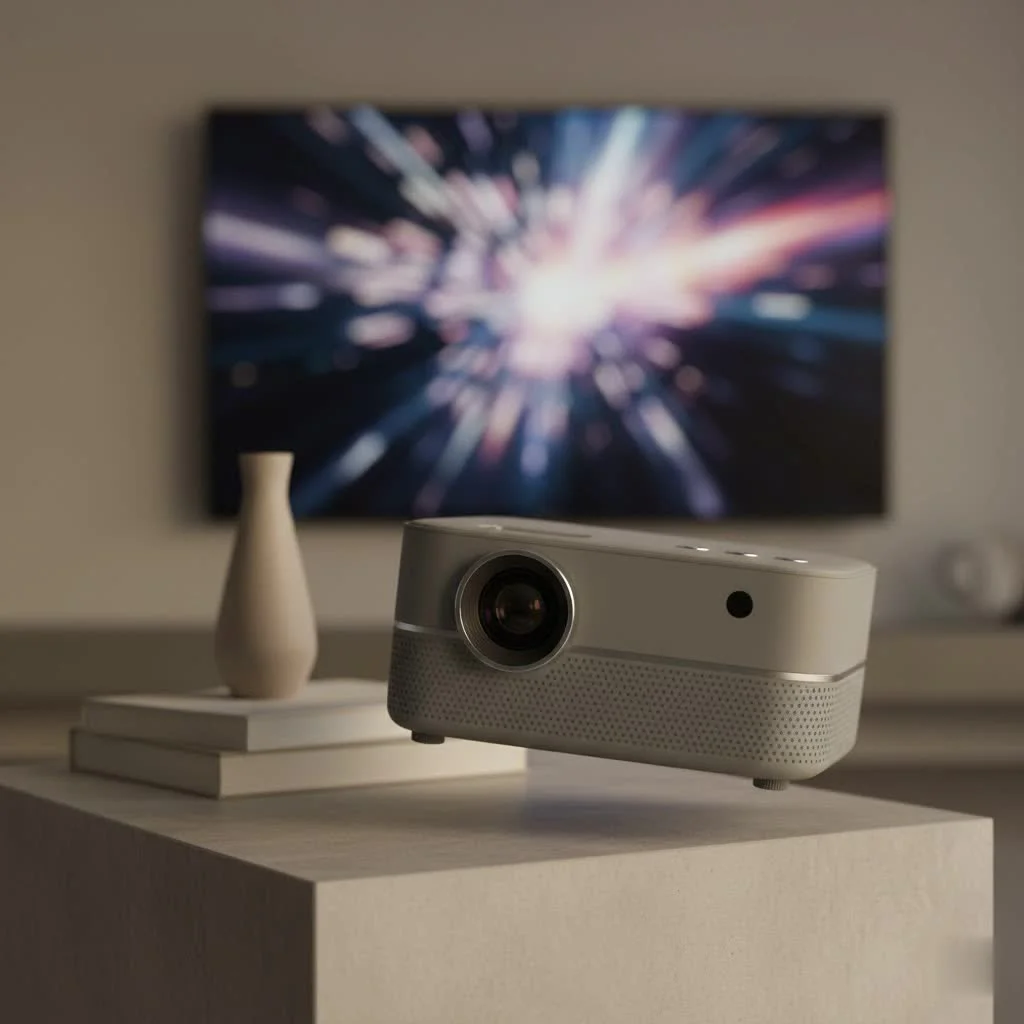
As the heart and soul of Flasf.com, I’ve spent over a decade helping people optimize their viewing setups, and the most common mistake I see is underestimating the importance of a good stand. It’s the foundation that ensures stability, flexibility, and the perfect angle every single time. This guide will walk you through everything you need to know to find the perfect stand, transforming your portable cinema from frustrating to fantastic. For browse all portable mini articles on this site.
Why a Dedicated Stand is a Non-Negotiable Accessory
Before we dive into the different types, let’s establish why that stack of novels just won’t cut it. A dedicated mini projector stand isn’t just a convenience; it’s a crucial component for performance and protection.
- Unshakeable Stability: A purpose-built stand prevents the dreaded screen jiggle caused by footsteps, a closing door, or even a curious pet. This stability is key to a sharp, clear, and immersive picture.
- Precise Alignment: Achieving the perfect height and angle is nearly impossible without a proper stand. It allows you to position the projector correctly, minimizing or even eliminating the need for digital keystone correction, which can degrade image quality.
- Enhanced Portability: Many stands are designed to be as portable as the projectors they hold. They are lightweight, collapsible, and often come with a carrying case, making them the perfect travel companion for your device.
- Protect Your Investment: A secure stand holds your projector firmly in place, protecting it from accidental falls that could lead to costly damage.
The Most Common Types of Mini Projector Stands
The market is filled with options, each suited for different needs and spaces. Understanding the main categories is the first step toward making the right choice.
1. Tripod Stands
This is the most popular and versatile option. Essentially a modified camera tripod, this type of mini projector stand offers a great balance of portability, adjustability, and stability.
- Best for: Users on the go, renters, or anyone needing a flexible setup in various rooms.
- Pros: Highly adjustable height and angle, lightweight, easy to set up and take down. Most mini projectors come with a standard 1/4-inch screw hole on the bottom, making them compatible with almost any camera tripod.
- Cons: Can have a larger footprint, potentially creating a trip hazard in high-traffic areas.
2. Floor Stands
|
Our Picks for the Best Mini Projector in 2026
As an Amazon Associate I earn from qualifying purchases.
|
||
| Num | Product | Action |
|---|---|---|
| 1 | [Built-in Apps & 2025 Upgraded] Mini Projector Support 4K 1080P Auto Keystone 270° Rotatable with WiFi 6 and Bluetooth 5.4, Projector Portable Compatibile with HDMI/TV Stick/Memory Stick/Laptop-Black |
![Check [Built-in Apps & 2025 Upgraded] Mini Projector Support 4K 1080P Auto Keystone 270° Rotatable with WiFi 6 and Bluetooth 5.4, Projector Portable Compatibile with HDMI/TV Stick/Memory Stick/Laptop-Black on Amazon](https://flasf.com/wp-content/plugins/amazon-tables/assets/images/buy.png)
|
| 2 | Magcubic Mini Projector with WiFi 6 and Bluetooth 5.4, Portable Projector 4K Support, 5W Soundbase Speaker, Auto Vertical Keystone 180°Rotatable Smart Proyector for Movie Home Outdoor |
|
| 3 | [Compatible with Netflix & TOF Real-time Focus] Mini Projector with WiFi and Bluetooth, XuanPad Smart Projector 4K Support, Dolby Audio & Keystone, 210° Rotatable Stand for Home |
|
| 4 | 【Officially-Licensed APP & Native 1080P】Thinnest 1.81\" Smart Mini Projector with WiFi and Bluetooth, Auto Focus & Keystone Portable Outdoor Projector, VOPLLS 4K Support Home Movie Projector |
|
| 5 | Mini Portable Projector 4K WiFi 6 BT 5.2 Upgraded Portable Projector Full HD Supported for Phone /PC /TV /HDMI /PS5 /Laptop Auto Keystone Home Theater 180° Rotation [Built-in App] White |
|
| 6 | Aurzen Roku TV Smart Projector with Wifi and Bluetooth, Roku Streaming Experience Built-in, 1080P FHD, Dolby Audio, Auto Focus & Keystone, Zoom, Movie Portable Outdoor Mini Projector, White |
|
| 7 | [Short Throw/1200ANSI/Built in Apps] 4K Outdoor Projector with WiFi and Bluetooth, Auto Focus Projector with Dual-Mode Stand, Smart Portable Proyector with Netflix/YouTube/PrimeVideo & Dolby |
|
| 8 | Aurzen EAZZE D1 Smart Projector with WiFi and Bluetooth, Netflix-Officially-Licensed, Auto Focus & Keystone, DoIby Audio, Native 1080P Movie, Portable Outdoor Mini Projector, White |
|
| 9 | HAPPRUN Native 1080P Bluetooth Mini Projector, Full HD Portable Outdoor Movie Projector with Built-in Speaker, Compatible with Smartphone, HDMI, USB, AV, Fire Stick, PS5 for Home, Bedroom, Outdoor Use |
|
| 10 | SOOMFON Mini Projector 1080P Support - Portable Small Video Movie Projector Bluetooth 5.1 Auto Keystone Electric Focus for Bedroom/Wall/Home/Outdoor/iPhone/Android/TV Stick |
|
Taller and often more robust than tripods, floor stands are designed to position the projector above obstacles like furniture or people. They typically feature a single pole on a weighted base.
- Best for: Home theaters, classrooms, or situations where you need to place the projector behind a couch or seating area.
- Pros: Excellent height range, often very stable due to a heavy base, can be positioned in tight corners.
- Cons: Less portable than tripods and can be heavier.
3. Shelf and Wall/Ceiling Mounts
For a more permanent and clean-looking installation, a mount is the way to go. These are fixed solutions that keep your projector out of the way, providing a dedicated spot for your device.
- Best for: Dedicated home cinemas, meeting rooms, or bedrooms where you want a permanent, unobtrusive setup.
- Pros: Saves floor space, offers a very secure and stable “set it and forget it” solution, provides a professional look.
- Cons: Installation requires drilling into walls or ceilings, and the position is not easily changed.
4. Mini “Tabletop” Stands
These are small, compact tripods or platforms designed to sit on a desk, table, or nightstand. They are great for quick setups and small spaces.
- Best for: Business travelers, dorm rooms, or anyone projecting on a nearby wall from a piece of furniture.
- Pros: Extremely portable and lightweight, very affordable.
- Cons: Limited height and placement options, dependent on having a suitable surface available.
How to Choose the Right Mini Projector Stand: Key Features
With the types understood, let’s narrow down the selection by focusing on the features that matter most.
Stability and Weight Capacity
This is the most critical factor. The stand must be able to hold the weight of your projector without wobbling or tipping over. Check your projector’s weight and ensure the stand’s maximum load capacity is well above it. A sturdy base and strong leg locks are signs of a well-built, stable stand.
As home theater specialist James Peterson often advises, “A stand’s stability is its most important feature. Don’t just look at the maximum weight; consider the design of the base. A wider, heavier base will always provide better protection against accidental bumps than a lightweight, narrow one.”
Adjustability and Range of Motion
Your stand needs to be flexible. Look for features that allow you to fine-tune the viewing experience:
- Height Adjustment: Can it be positioned low enough for a coffee table setup and high enough to project over the back of a sofa? Look for a wide height range.
- Tilt and Swivel: A good stand will have a head that can tilt up and down and swivel 360 degrees, giving you complete control over image placement without moving the entire stand.
Portability and Materials
If you plan to take your mini projector on the road, the stand should be just as portable. Look for stands made from lightweight yet durable materials like aluminum alloy. Check its collapsed size and whether it includes a travel bag. For permanent mounts, sturdy steel is often the best choice.
Compatibility
Nearly all mini projectors use a universal 1/4-inch screw mount, the same one found on cameras. However, it’s always wise to double-check. Confirm that the stand you’re considering has this standard mounting screw. If your projector doesn’t have a screw hole, you may need a stand with a flat platform or tray instead.
Frequently Asked Questions (FAQ)
Can I use a standard camera tripod for my mini projector?
Yes, absolutely. As long as your mini projector has the standard 1/4-inch threaded hole on the bottom, any camera tripod will work perfectly. In fact, they are often one of the best and most widely available options.
How high should my mini projector stand be?
The ideal height aligns the center of the projector’s lens with the center of the screen. This positioning minimizes image distortion (the keystone effect). A stand with a wide adjustable height range is valuable because it allows you to adapt to different screen sizes and room layouts.
What is the best way to stabilize a wobbly projector stand?
First, ensure all leg locks and adjustment knobs are fully tightened. If it still feels unstable, try widening the tripod’s leg base to create a lower center of gravity. For lightweight tripods, some people hang a small counterweight (like a bag with a book in it) from the center column for added stability.
Are ceiling mounts for mini projectors difficult to install?
They can be more challenging than setting up a tripod. Installation typically requires finding a ceiling joist, drilling holes, and securely mounting the bracket. If you are not comfortable with DIY tasks, it might be best to hire a professional for a safe and secure installation.
How much should I spend on a mini projector stand?
You don’t need to break the bank. Solid, reliable tripod stands can be found for between $25 and $60. More robust floor stands or high-quality ceiling mounts may cost more. The key is to invest enough to ensure stability and protect your projector.
The Final Frame
Choosing the right mini projector stand is a small step that makes a giant impact on your viewing experience. It elevates your setup from a temporary compromise to a truly enjoyable and hassle-free home cinema. By considering where you’ll use it, what features you need, and prioritizing stability above all else, you can find the perfect partner for your projector. Say goodbye to blurry, crooked images and hello to a perfectly framed picture, every single time.
Get our weekly buyer guide
Practical specs, not advice. Unsubscribe anytime.
This guide was super helpful. I always thought any old tripod would do, but understanding the importance of stability and flexibility for a mini projector stand was a game-changer. I ended up getting one with adjustable height and a swivel head, and it’s made a huge difference for my presentations at work. No more awkward angles!
I’ve been using mini projectors for years, and I can’t stress enough how true it is that a good stand is non-negotiable. I used to get so annoyed trying to get the perfect angle for my ceiling projections. Now, with a dedicated stand, it’s effortless. It’s truly the unsung hero for a perfect viewing setup.
I totally relate to the ‘wobbly stack of books’ struggle! I finally caved and got a proper stand after reading about how much difference it makes. My portable projector used to be a pain to set up, but now it’s so easy to get a stable, level image. It really does transform the whole viewing experience, especially for outdoor movie nights.
I appreciate the advice on finding a good stand, but I wish there were more specific brand recommendations in the post. It’s hard to know which ones are actually good quality when there are so many options out there. The stand I bought is okay, but it still feels a little flimsy when I extend it too high, which is a bit frustrating.