Welcome to the ultimate guide for upgrading your entertainment setup with a projector 4K mini. If you’ve ever dreamed of having a massive, cinema-quality screen that you can set up anywhere—from your living room to your backyard—you’re in the right place. These compact powerhouses promise stunningly sharp images in a portable package, but navigating the technical specs can be tricky. As experts in projection technology, we’re here to demystify the jargon and help you find the perfect device for your needs.
What Exactly Defines a Projector 4K Mini?
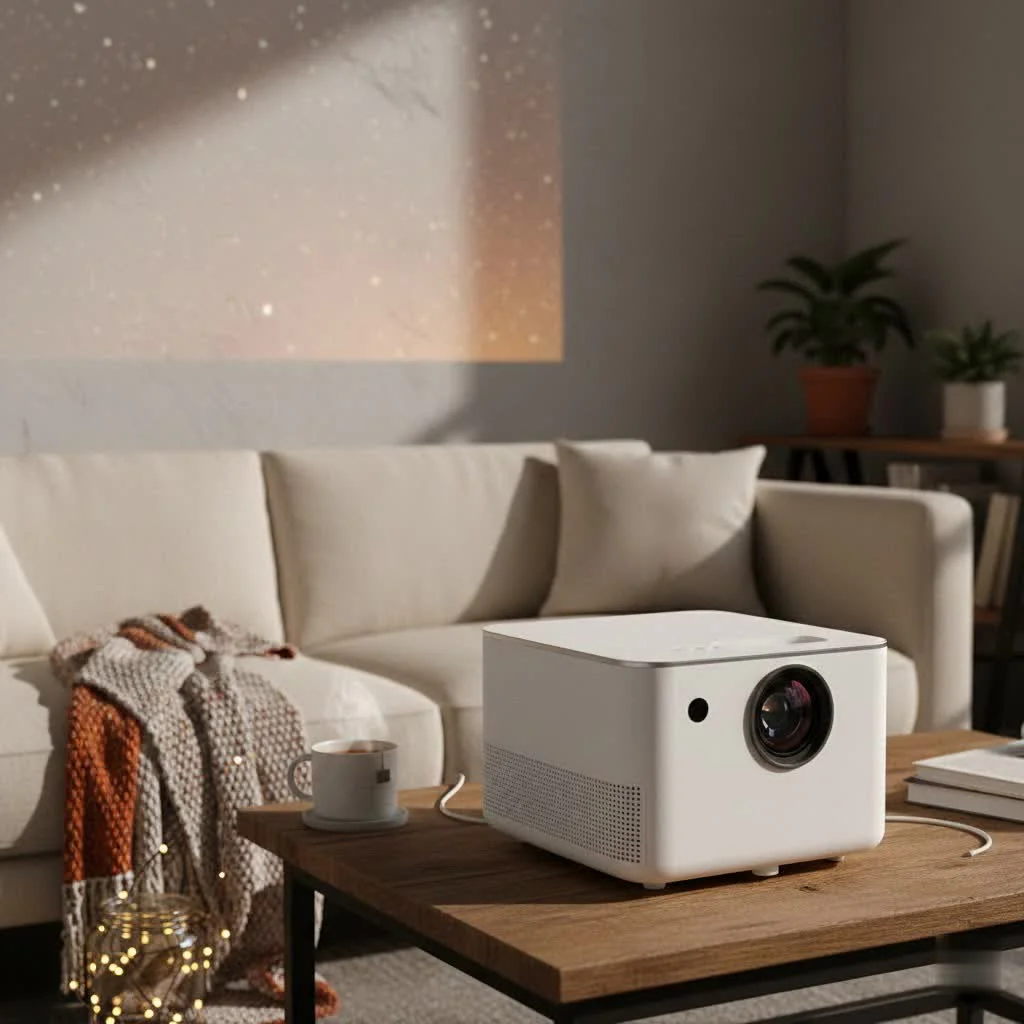
At its core, a 4K mini projector is a device that combines high-resolution imaging with portability. However, the term “4K” can be a bit misleading in the world of compact projectors, and it’s crucial to understand the distinction.
- Resolution: 4K resolution refers to an image with approximately 8.3 million pixels (3840 x 2160). This is four times the detail of a standard 1080p Full HD image, resulting in incredible clarity, sharpness, and texture. You can see finer details in everything from movie scenes to video game landscapes.
- The “Mini” Factor: This refers to the projector’s small form factor. Unlike traditional home theater projectors that are large and require permanent installation, mini projectors are designed for portability. They often feature built-in batteries, speakers, and smart operating systems, making them all-in-one entertainment solutions.
The most important thing to understand is that very few mini projectors have a native 4K chip due to size and cost constraints. Most use a clever technique called pixel-shifting.
Native 4K vs. 4K-Supported (Pixel Shifting)
Understanding this difference is the single most important step in choosing a projector 4K mini.
- Native 4K: A projector with a native 4K chip has 8.3 million individual mirrors (on a DLP chip) or pixels that create the image directly. This provides the sharpest, most detailed picture possible but is typically found in larger, more expensive projectors.
- 4K-Supported (Pixel Shifting): Most mini projectors use a lower-resolution chip (often 1080p) and flash the image multiple times per frame, shifting its position by a fraction of a pixel each time. This process, known as pixel shifting or 4K enhancement, effectively displays all 8.3 million pixels on the screen. The result is an image that is significantly sharper than 1080p and nearly indistinguishable from native 4K to most viewers, especially on smaller screen sizes.
As projector specialist John Carver notes, “Pixel-shifting technology has been a game-changer for the portable market. It allows manufacturers to deliver a 4K-level viewing experience in a compact and affordable device, democratizing high-quality home cinema for everyone.”
Key Features to Consider Before You Buy
Choosing the right projector 4K mini involves more than just resolution. Here are the critical features you need to evaluate to ensure you get the best performance for your money.
Brightness (ANSI Lumens)
|
Our Picks for the Best Mini Projector in 2026
As an Amazon Associate I earn from qualifying purchases.
|
||
| Num | Product | Action |
|---|---|---|
| 1 | Mini Portable Projector 4K WiFi 6 BT 5.2 Upgraded Portable Projector Full HD Supported for Phone /PC /TV /HDMI /PS5 /Laptop Auto Keystone Home Theater 180° Rotation [Built-in App] White |
![Check Mini Portable Projector 4K WiFi 6 BT 5.2 Upgraded Portable Projector Full HD Supported for Phone /PC /TV /HDMI /PS5 /Laptop Auto Keystone Home Theater 180° Rotation [Built-in App] White on Amazon](https://flasf.com/wp-content/plugins/amazon-tables/assets/images/buy.png)
|
| 2 | Aurzen Roku TV Smart Projector with Wifi and Bluetooth, Roku Streaming Experience Built-in, 1080P FHD, Dolby Audio, Auto Focus & Keystone, Zoom, Movie Portable Outdoor Mini Projector, White |
|
| 3 | [Short Throw/1200ANSI/Built in Apps] 4K Outdoor Projector with WiFi and Bluetooth, Auto Focus Projector with Dual-Mode Stand, Smart Portable Proyector with Netflix/YouTube/PrimeVideo & Dolby |
|
| 4 | Aurzen EAZZE D1 Smart Projector with WiFi and Bluetooth, Netflix-Officially-Licensed, Auto Focus & Keystone, DoIby Audio, Native 1080P Movie, Portable Outdoor Mini Projector, White |
|
| 5 | 【Officially-Licensed APP & Native 1080P】Thinnest 1.81\" Smart Mini Projector with WiFi and Bluetooth, Auto Focus & Keystone Portable Outdoor Projector, VOPLLS 4K Support Home Movie Projector |
|
| 6 | HAPPRUN Native 1080P Bluetooth Mini Projector, Full HD Portable Outdoor Movie Projector with Built-in Speaker, Compatible with Smartphone, HDMI, USB, AV, Fire Stick, PS5 for Home, Bedroom, Outdoor Use |
|
| 7 | Magcubic Mini Projector with WiFi 6 and Bluetooth 5.4, Portable Projector 4K Support, 5W Soundbase Speaker, Auto Vertical Keystone 180°Rotatable Smart Proyector for Movie Home Outdoor |
|
| 8 | SOOMFON Mini Projector 1080P Support - Portable Small Video Movie Projector Bluetooth 5.1 Auto Keystone Electric Focus for Bedroom/Wall/Home/Outdoor/iPhone/Android/TV Stick |
|
| 9 | [Compatible with Netflix & TOF Real-time Focus] Mini Projector with WiFi and Bluetooth, XuanPad Smart Projector 4K Support, Dolby Audio & Keystone, 210° Rotatable Stand for Home |
|
| 10 | [Built-in Apps & 2025 Upgraded] Mini Projector Support 4K 1080P Auto Keystone 270° Rotatable with WiFi 6 and Bluetooth 5.4, Projector Portable Compatibile with HDMI/TV Stick/Memory Stick/Laptop-Black |
|
Brightness is arguably the most critical factor, as it determines where and when you can use your projector. It’s measured in ANSI lumens.
- Under 500 ANSI Lumens: Best for completely dark rooms. Ideal for a dedicated movie night after sunset.
- 500 – 1000 ANSI Lumens: Versatile enough for rooms with some ambient light control, like dim lighting or drawn curtains.
- 1000+ ANSI Lumens: Capable of producing a watchable image in rooms with some daylight, though direct sunlight is still a challenge.
Be wary of manufacturers who list “lumens” or “lux” without specifying “ANSI lumens,” as these can be inflated marketing figures.
Contrast Ratio
Contrast ratio measures the difference between the darkest black and the brightest white a projector can produce. A higher contrast ratio means deeper blacks, more vibrant colors, and a greater sense of depth and dimension in the image. Look for a “Full On/Off” contrast ratio of at least 1,000:1 for a decent picture.
Connectivity and Smart Features
A modern projector 4K mini should be an all-in-one device.
- Physical Ports: At a minimum, look for an HDMI port to connect laptops, gaming consoles, or Blu-ray players. A USB port is also essential for playing media from a flash drive or powering streaming sticks.
- Wireless Connectivity: Wi-Fi is crucial for streaming content directly from apps like Netflix, YouTube, and Hulu. Bluetooth allows you to connect external speakers or headphones for a much better audio experience than the often-tiny built-in speakers can provide.
- Operating System: Many mini projectors come with a built-in OS, like Android TV. This gives you a familiar smart TV interface with access to an app store, making it easy to download your favorite streaming services without needing an external device.
Portability and Battery Life
If your main goal is on-the-go entertainment, these factors are paramount. Check the projector’s weight and dimensions. More importantly, look at the rated battery life. Most built-in batteries will last for one full-length movie (around 2-3 hours), but this is often in an “eco” mode with reduced brightness. For longer viewing sessions away from an outlet, consider a model that can be powered by a portable power bank.
Setting Up Your Projector for the Best Picture
Getting a great image isn’t just about specs; it’s also about setup. Fortunately, modern mini projectors make this easy.
- Placement: Position the projector on a stable surface. The further back you place it, the larger the image will be. Refer to the user manual for the ideal throw distance for your desired screen size.
- Keystone Correction: If the projector isn’t perfectly perpendicular to the screen, the image will look like a trapezoid. Keystone correction (both vertical and horizontal) electronically adjusts the image to be a perfect rectangle. Auto-keystone is a fantastic feature that does this for you automatically.
- Focus: Once the size and shape are right, use the focus wheel or auto-focus feature to get a razor-sharp image.
- Screen: While a plain white wall works, using a dedicated projector screen will significantly improve brightness, color accuracy, and contrast.
The Downsides: What to Be Aware Of
While a projector 4K mini is a fantastic piece of technology, it’s important to have realistic expectations.
- Brightness Limitations: They will never be as bright as a full-sized, dedicated home theater projector or a television. They perform best in low-light environments.
- Audio Quality: Built-in speakers are usually a compromise. For an immersive experience, connecting a Bluetooth speaker or soundbar is highly recommended.
- Fan Noise: A powerful lamp generates heat, and a small chassis requires a fan to dissipate it. Fan noise can be noticeable, especially in quieter scenes.
Frequently Asked Questions (FAQ)
Can a projector 4K mini replace my TV?
For many people, yes, especially for evening and movie-night viewing. However, a TV is still superior for casual daytime watching in a bright room due to its much higher brightness and contrast performance in ambient light.
How many ANSI lumens do I really need for outdoor use?
For outdoor use after sunset, a minimum of 500 ANSI lumens is recommended for a vibrant image. If you plan to start watching around dusk, aim for 800 ANSI lumens or more.
Do I need a special screen for a 4K projector?
While not strictly necessary, a screen will always provide a better viewing experience than a wall. A “tensioned” or “fixed-frame” screen provides the smoothest surface, which is ideal for resolving the fine detail in a 4K image.
How long does the light source in a mini projector last?
Most mini projectors use LED or laser light sources instead of traditional lamps. These have an incredibly long lifespan, typically rated for 20,000 to 30,000 hours of use. This means you could watch it for hours every day for over a decade without needing a replacement.
What is the input lag like for gaming?
Input lag can vary significantly between models. If gaming is a priority, look for projectors that specifically advertise a “Game Mode” or list an input lag of 40ms or lower for a responsive experience.
The Final Picture
A projector 4K mini offers an unparalleled blend of portability, convenience, and high-quality visuals. By understanding the key differences between native 4K and 4K-supported models and focusing on essential features like ANSI lumens and connectivity, you can make an informed choice. You are investing not just in a device, but in the freedom to create a stunning big-screen experience wherever life takes you. Now, go turn any wall into your personal cinema.
Get our weekly buyer guide
Practical specs, not advice. Unsubscribe anytime.
I bought a mini projector hoping for that ‘cinema-quality screen anywhere’ experience. While it’s definitely portable and easy to set up, I found the brightness to be a bit lacking unless it’s completely dark. It’s fine for a bedroom at night, but trying to use it in the living room during the day, even with curtains drawn, was a bit disappointing. I probably should have paid more attention to the lumen specs.
I was really on the fence about getting a mini projector, but after reading about the different resolutions, I decided to go for one that truly supports native 4K. The difference is incredible! We set it up in the backyard for movie night, and the picture quality was just stunning. It’s so easy to move around, which is perfect for our family.
This guide really helped me understand the difference between true 4K and upscaled 4K in mini projectors. I ended up getting a model that was a bit pricier but offered better native resolution, and I don’t regret it. The image is super sharp for gaming, even on a larger screen. My only minor complaint is that the built-in speaker isn’t amazing, so I usually connect it to an external one.
I’ve been wanting a portable projector for ages, and the breakdown of technical specs here was super helpful. I finally pulled the trigger on one that was recommended for outdoor use, and it’s been a game-changer for our summer evenings. The picture is so vibrant, and it really does feel like having a huge screen wherever we want it. Definitely worth the investment for entertainment on the go.