The Anker Nebula Capsule mini projector is a revolutionary portable device that combines a projector and a smart speaker into a single, soda-can-sized unit, offering a big-screen experience anywhere with its built-in battery and Android-based operating system. This allows users to stream content directly from apps like YouTube and Netflix without needing external devices, making it ideal for on-the-go entertainment. As experts in portable projection technology, we’ve extensively tested this gadget to provide a comprehensive review of its design, performance, and real-world usability.
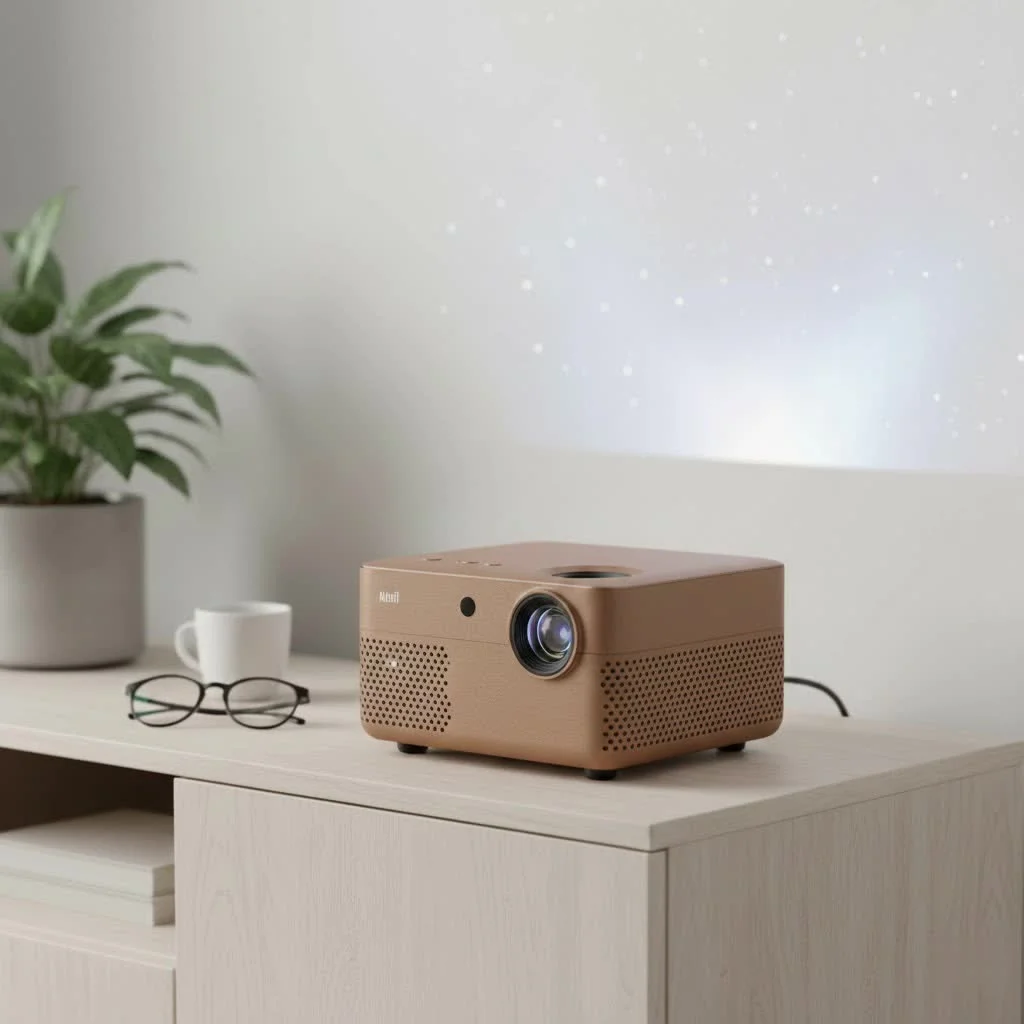
What Exactly is the Anker Nebula Capsule?
The Anker Nebula Capsule is a mini projector and smart speaker integrated into one compact, cylindrical body. It is engineered for ultimate portability, operating on a built-in battery and featuring its own Android-based operating system. This setup enables direct content streaming from popular apps such as YouTube and Netflix, eliminating the need for a laptop or phone connection and providing a truly untethered viewing experience. Its core mission is to make big-screen entertainment accessible anytime, anywhere. For complete portable mini library on this site.
Key Features That Define the Experience
To truly understand this device, we need to look beyond its small stature. The Capsule is packed with features that work together to create its unique blend of portability and performance.
Design and Portability: A Cinema in Your Hand
The first thing you’ll notice about the Anker Nebula Capsule mini projector is its iconic design. It’s roughly the size and shape of a standard soda can, weighing just over a pound (about 470g). This lightweight and compact form factor is its greatest strength, allowing it to be easily carried in a backpack, purse, or even a large coat pocket. The durable aluminum body feels premium and sturdy, designed for life on the go.
Image Quality and Brightness
Let’s talk visuals. The Capsule projects an image with a native resolution of 854×480 pixels (480p). While this isn’t high definition, it’s standard for projectors in this ultra-portable category and delivers a surprisingly clear and watchable picture, especially in a dark environment.
- Brightness: It boasts 100 ANSI lumens of brightness. This is perfect for a dimly lit room or an outdoor movie night after sunset. However, it will struggle in a room with significant ambient light.
- Screen Size: You can project an image up to 100 inches, but for the best clarity and brightness, we recommend keeping it between 40 to 80 inches.
- Keystone Correction: Automatic vertical keystone correction is a fantastic feature, ensuring your picture is perfectly rectangular even if the projector is tilted up or down.
“The magic of the Nebula Capsule isn’t in breaking resolution records; it’s in breaking down the barriers to where and when you can enjoy a movie,” explains tech analyst David Chen. “Its portability is the killer feature that makes you forgive its 480p resolution.”
360-Degree Sound Performance
|
Our Picks for the Best Mini Projector in 2026
As an Amazon Associate I earn from qualifying purchases.
|
||
| Num | Product | Action |
|---|---|---|
| 1 | [Built-in Apps & 2025 Upgraded] Mini Projector Support 4K 1080P Auto Keystone 270° Rotatable with WiFi 6 and Bluetooth 5.4, Projector Portable Compatibile with HDMI/TV Stick/Memory Stick/Laptop-Black |
![Check [Built-in Apps & 2025 Upgraded] Mini Projector Support 4K 1080P Auto Keystone 270° Rotatable with WiFi 6 and Bluetooth 5.4, Projector Portable Compatibile with HDMI/TV Stick/Memory Stick/Laptop-Black on Amazon](https://flasf.com/wp-content/plugins/amazon-tables/assets/images/buy.png)
|
| 2 | HAPPRUN Native 1080P Bluetooth Mini Projector, Full HD Portable Outdoor Movie Projector with Built-in Speaker, Compatible with Smartphone, HDMI, USB, AV, Fire Stick, PS5 for Home, Bedroom, Outdoor Use |
|
| 3 | Aurzen EAZZE D1 Smart Projector with WiFi and Bluetooth, Netflix-Officially-Licensed, Auto Focus & Keystone, DoIby Audio, Native 1080P Movie, Portable Outdoor Mini Projector, White |
|
| 4 | SOOMFON Mini Projector 1080P Support - Portable Small Video Movie Projector Bluetooth 5.1 Auto Keystone Electric Focus for Bedroom/Wall/Home/Outdoor/iPhone/Android/TV Stick |
|
| 5 | [Compatible with Netflix & TOF Real-time Focus] Mini Projector with WiFi and Bluetooth, XuanPad Smart Projector 4K Support, Dolby Audio & Keystone, 210° Rotatable Stand for Home |
|
| 6 | Aurzen Roku TV Smart Projector with Wifi and Bluetooth, Roku Streaming Experience Built-in, 1080P FHD, Dolby Audio, Auto Focus & Keystone, Zoom, Movie Portable Outdoor Mini Projector, White |
|
| 7 | Mini Portable Projector 4K WiFi 6 BT 5.2 Upgraded Portable Projector Full HD Supported for Phone /PC /TV /HDMI /PS5 /Laptop Auto Keystone Home Theater 180° Rotation [Built-in App] White |
|
| 8 | [Short Throw/1200ANSI/Built in Apps] 4K Outdoor Projector with WiFi and Bluetooth, Auto Focus Projector with Dual-Mode Stand, Smart Portable Proyector with Netflix/YouTube/PrimeVideo & Dolby |
|
| 9 | Magcubic Mini Projector with WiFi 6 and Bluetooth 5.4, Portable Projector 4K Support, 5W Soundbase Speaker, Auto Vertical Keystone 180°Rotatable Smart Proyector for Movie Home Outdoor |
|
| 10 | 【Officially-Licensed APP & Native 1080P】Thinnest 1.81\" Smart Mini Projector with WiFi and Bluetooth, Auto Focus & Keystone Portable Outdoor Projector, VOPLLS 4K Support Home Movie Projector |
|
A great picture needs great sound, and this is where the Capsule truly surprises. It features a powerful 360-degree omnidirectional speaker that fires audio in every direction, filling a small to medium-sized room with impressive sound. The audio is clear and balanced, with enough volume to make movie dialogue and music enjoyable without any tinniness. It’s so effective that you can also use the Capsule as a standalone Bluetooth speaker, making it a versatile 2-in-1 device for any outing.
Battery Life and Power
Freedom from wires is essential for a portable device. The Anker Nebula Capsule provides around 4 hours of movie playback on a single charge in battery mode. If you’re just using it as a Bluetooth speaker, you can expect up to 30 hours of music. This is typically enough for a long movie or a few episodes of your favorite show. For longer binge-watching sessions, you can use it while it’s plugged in and charging via its Micro USB port.
Smart TV Functionality
Running on a customized version of Android 7.1, the Anker Nebula Capsule mini projector is a smart device. It comes with its own app store, allowing you to download streaming applications directly onto the projector. You can navigate the interface using the included remote or the user-friendly “Nebula Connect” app on your smartphone, which provides a responsive trackpad and keyboard for easy navigation and typing.
Setting Up Your Anker Nebula Capsule Mini Projector
Getting started is incredibly simple. Here’s a quick step-by-step guide to get you up and running for your first movie night:
- Charge It Up: Before first use, fully charge the projector using the provided cable and adapter.
- Power On: Press and hold the power button on top of the device for a few seconds.
- Focus the Image: Use the small focus wheel on the side of the projector to dial in a crisp, clear image.
- Connect to Wi-Fi: Navigate to the settings menu using the remote and connect to your local Wi-Fi network. This is crucial for streaming content.
- Sign In and Download Apps: Log into your Google account to access the app store. Download your favorite streaming services like YouTube, Netflix, or Hulu.
- Start Watching: Open an app, choose your content, and enjoy the show! You can also connect devices via HDMI or screen mirror from your phone.
Pro Tip: For the best experience, project onto a flat, light-colored surface. A dedicated projector screen will always provide the best results, but a smooth white wall works great in a pinch.
Is the Anker Nebula Capsule Right for You?
This mini projector excels for specific users and situations. It’s an ideal choice for:
- Travelers and Nomads: Its tiny size and built-in battery make it the perfect travel companion for entertainment on the road.
- Families: Create instant backyard movie nights or keep kids entertained in any room of the house.
- Casual Users: If you want a simple, all-in-one solution for occasional big-screen viewing without the complexity of a traditional home theater setup.
- Professionals: It can be used for small-group presentations in a pinch, though its brightness may be a limitation in well-lit office environments.
Frequently Asked Questions (FAQ)
How do I control the Anker Nebula Capsule?
You can control it using the physical buttons on top, the included remote control, or by downloading the “Nebula Connect” app on your iOS or Android smartphone, which is the recommended method for easy navigation.
Can I connect a gaming console or laptop?
Yes, you can. The Capsule has a full-size HDMI port, allowing you to easily connect a laptop, Roku, Fire Stick, or gaming console like a Nintendo Switch for big-screen gaming and streaming.
Does the Nebula Capsule support Netflix?
Yes, but with a small caveat. Due to certification issues, you must download a specific version of the Netflix app from the Nebula app store, not the Google Play Store, for it to function correctly.
Can you use the projector while it is charging?
Absolutely. If you’re planning a movie marathon that will last longer than the battery, you can plug it in and continue watching without interruption.
How does screen mirroring work?
The Capsule supports screen mirroring for both iOS and Android devices. You can cast your phone’s screen wirelessly to the projector, which is great for sharing photos, videos, or presentations directly from your device.
The Final Verdict
The Anker Nebula Capsule mini projector is a remarkable piece of technology that successfully packs a decent projector and a great speaker into an unbelievably small package. While it may not replace a dedicated 1080p or 4K home theater projector for cinephiles, that was never its intention. Its strength lies in its unmatched portability and all-in-one convenience. It delivers on its promise of a fun, go-anywhere cinema experience that is perfect for casual movie nights, travel, and outdoor adventures. If you value convenience and portability above all else, the Nebula Capsule is an outstanding choice that you won’t regret.
Setting Up Your Anker Nebula Capsule Mini Projector
Follow these simple steps to quickly set up your Anker Nebula Capsule mini projector for your first movie night or presentation.
Before initial use, ensure the projector is fully charged using the provided cable and adapter. A full charge ensures optimal performance and uninterrupted viewing.
Press and hold the power button on top of the device for a few seconds to turn it on. Then, use the small focus wheel on the side to adjust the image until it appears crisp and clear on your projection surface.
Navigate to the settings menu using the remote and connect to your local Wi-Fi network, which is essential for streaming. Log into your Google account to access the app store and download your preferred streaming services like YouTube or Netflix.
Once connected and apps are installed, open your chosen streaming application, select your content, and enjoy the show. You can also connect external devices via the HDMI port or screen mirror from your smartphone.
Get our weekly buyer guide
Practical specs, not advice. Unsubscribe anytime.
Seriously impressed with the Anker Nebula Capsule. The fact that it’s a projector and a smart speaker in one compact unit is brilliant. I use it for presentations when I travel, and then switch to watching YouTube videos in my hotel room. The versatility is unmatched for its size and price point. Definitely recommend it for anyone needing a truly portable entertainment solution.
I’ve been looking for a portable projector for ages, and the Anker Nebula Capsule is exactly what I needed. The soda-can size is no joke; it literally fits in my purse. Being able to stream Netflix directly without hooking up my phone or laptop is a game-changer for movie nights at friends’ houses. The picture quality is surprisingly good for such a small device, even on a wall.
This mini projector is pretty awesome for camping trips. We set it up on the side of our tent and watched a movie under the stars. The built-in battery lasted for the whole film, which was a huge plus. My only minor complaint is that the speaker, while decent, isn’t super loud in an outdoor setting, so we usually pair it with a separate Bluetooth speaker for better sound.
I bought the Anker Nebula Capsule for my kids to watch cartoons in their playroom. It’s super easy to use with the Android OS, and they love having a ‘big screen.’ However, I found the brightness to be a bit low unless the room is really dark. It’s fine for cartoons, but I wouldn’t use it for a serious movie night unless I could get the room completely blacked out.