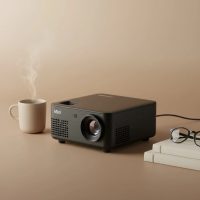
Welcome to the future of on-the-go entertainment, where bulky cables and complicated setups are a thing of the past. If you’ve ever wanted to host a spontaneous movie night in your backyard or deliver a professional presentation without being tethered to a single spot, a mini projector with WiFi and Bluetooth is the device you’ve been waiting for. This small but mighty gadget untangles your viewing experience, offering unparalleled freedom and flexibility. It’s not just about shrinking the hardware; it’s about expanding the possibilities of where and how you enjoy your favorite content.
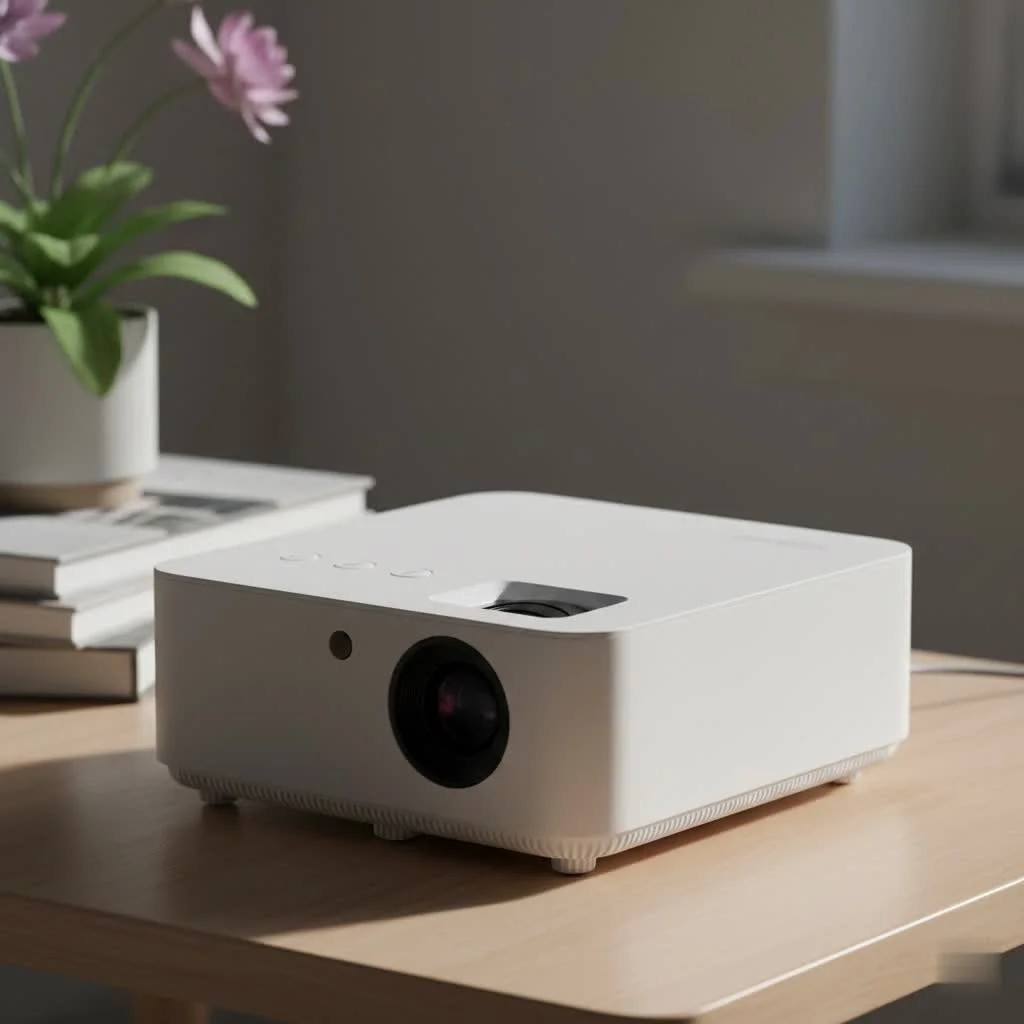
What is a Mini Projector with WiFi and Bluetooth?
At its core, this device is a compact, portable projector that has integrated wireless technologies. But what does that mean for you? Let’s break down the two key components that make these projectors so revolutionary.
The Magic of WiFi: Streaming Without Limits
The WiFi capability in a mini projector transforms it from a simple display device into a smart entertainment hub. Instead of physically connecting a laptop, streaming stick, or gaming console with an HDMI cable, you can connect the projector directly to your wireless network.
This allows you to:
- Stream directly from apps: Many smart projectors come with a built-in operating system, like Android TV, giving you direct access to services like Netflix, YouTube, and Hulu.
- Mirror your screen wirelessly: Effortlessly cast your smartphone, tablet, or laptop screen to the projector. This is perfect for sharing photos, videos, or presentations in seconds. It’s a feature often called Miracast or AirPlay.
- Receive software updates: An internet connection ensures your projector’s firmware and apps stay up-to-date, providing new features and security patches.
The Power of Bluetooth: Immersive Audio, Anywhere
A stunning picture deserves equally impressive sound. The tiny built-in speakers on most mini projectors are often underwhelming. This is where Bluetooth comes in. It allows you to wirelessly connect your projector to a wide range of external audio devices.
With Bluetooth, you can easily pair your projector with:
- Portable Bluetooth speakers: Turn a casual viewing into a cinematic experience with rich, powerful sound.
- Soundbars: Elevate your indoor setup with deep bass and clear dialogue for a true home theater feel.
- Headphones: Enjoy a private movie session without disturbing others, perfect for late-night viewing or shared spaces.
How to Choose the Right Mini Projector with WiFi and Bluetooth
Navigating the market can be tricky, with countless models all promising the best experience. As an expert in this field, I recommend focusing on a few core features to ensure you get a device that truly meets your needs.
Resolution and Brightness: The Visual Core
|
Our Picks for the Best Mini Projector in 2026
As an Amazon Associate I earn from qualifying purchases.
|
||
| Num | Product | Action |
|---|---|---|
| 1 | Mini Portable Projector 4K WiFi 6 BT 5.2 Upgraded Portable Projector Full HD Supported for Phone /PC /TV /HDMI /PS5 /Laptop Auto Keystone Home Theater 180° Rotation [Built-in App] White |
![Check Mini Portable Projector 4K WiFi 6 BT 5.2 Upgraded Portable Projector Full HD Supported for Phone /PC /TV /HDMI /PS5 /Laptop Auto Keystone Home Theater 180° Rotation [Built-in App] White on Amazon](https://flasf.com/wp-content/plugins/amazon-tables/assets/images/buy.png)
|
| 2 | SOOMFON Mini Projector 1080P Support - Portable Small Video Movie Projector Bluetooth 5.1 Auto Keystone Electric Focus for Bedroom/Wall/Home/Outdoor/iPhone/Android/TV Stick |
|
| 3 | 【Officially-Licensed APP & Native 1080P】Thinnest 1.81\" Smart Mini Projector with WiFi and Bluetooth, Auto Focus & Keystone Portable Outdoor Projector, VOPLLS 4K Support Home Movie Projector |
|
| 4 | [Built-in Apps & 2025 Upgraded] Mini Projector Support 4K 1080P Auto Keystone 270° Rotatable with WiFi 6 and Bluetooth 5.4, Projector Portable Compatibile with HDMI/TV Stick/Memory Stick/Laptop-Black |
|
| 5 | Aurzen Roku TV Smart Projector with Wifi and Bluetooth, Roku Streaming Experience Built-in, 1080P FHD, Dolby Audio, Auto Focus & Keystone, Zoom, Movie Portable Outdoor Mini Projector, White |
|
| 6 | [Short Throw/1200ANSI/Built in Apps] 4K Outdoor Projector with WiFi and Bluetooth, Auto Focus Projector with Dual-Mode Stand, Smart Portable Proyector with Netflix/YouTube/PrimeVideo & Dolby |
|
| 7 | HAPPRUN Native 1080P Bluetooth Mini Projector, Full HD Portable Outdoor Movie Projector with Built-in Speaker, Compatible with Smartphone, HDMI, USB, AV, Fire Stick, PS5 for Home, Bedroom, Outdoor Use |
|
| 8 | Magcubic Mini Projector with WiFi 6 and Bluetooth 5.4, Portable Projector 4K Support, 5W Soundbase Speaker, Auto Vertical Keystone 180°Rotatable Smart Proyector for Movie Home Outdoor |
|
| 9 | [Compatible with Netflix & TOF Real-time Focus] Mini Projector with WiFi and Bluetooth, XuanPad Smart Projector 4K Support, Dolby Audio & Keystone, 210° Rotatable Stand for Home |
|
| 10 | Aurzen EAZZE D1 Smart Projector with WiFi and Bluetooth, Netflix-Officially-Licensed, Auto Focus & Keystone, DoIby Audio, Native 1080P Movie, Portable Outdoor Mini Projector, White |
|
These two specifications determine the quality of your image.
- Resolution: For a clear, sharp picture, look for a projector with a native resolution of at least 720p (1280×720). If your budget allows, a 1080p (1920×1080) native resolution will provide a significantly more detailed and crisp image. Be wary of projectors that only list “supported resolution,” as this is not the true picture quality.
- Brightness: Measured in ANSI lumens, brightness dictates how well the image shows up in different lighting conditions. For dark rooms, 200-300 ANSI lumens is sufficient. For rooms with some ambient light or for outdoor use at dusk, aim for 500 ANSI lumens or more.
Connectivity Check: WiFi and Bluetooth Versions
Not all wireless is created equal. The version of the technology matters for performance.
- WiFi: Look for projectors that support at least WiFi 5 (802.11ac). This ensures a stable, fast connection for smooth streaming, especially for high-definition content. Newer, more premium models may offer WiFi 6 (802.11ax) for even better performance in crowded network environments.
- Bluetooth: Bluetooth 5.0 or higher is recommended. It offers better range, faster speeds, and a more stable connection to your speakers or headphones, reducing the chance of audio lag or dropouts.
As tech analyst Dr. Alistair Finch notes, “The leap to integrated WiFi 6 and Bluetooth 5.0 in mini projectors isn’t just an upgrade; it’s a fundamental shift. It moves the device from a simple accessory to the self-sufficient core of a portable entertainment system.”
Battery Life: For True On-the-Go Entertainment
If you plan to use your projector away from a power outlet, the built-in battery is crucial. A good mini projector should offer at least 2-3 hours of playtime on a single charge, which is enough to get through most feature films. Check the battery capacity (measured in mAh) and look for real-world reviews on its performance.
Setting Up Your Wireless Mini Projector: A Simple Guide
Getting started is typically a straightforward process. Here’s a quick rundown of the essential steps.
Connecting to WiFi:
- Power on your projector and navigate to the Settings menu using the remote or onboard controls.
- Select Network or WiFi.
- Choose your home WiFi network from the list of available connections.
- Enter your WiFi password using the on-screen keyboard.
- Once connected, the projector will have internet access for streaming and screen mirroring.
Pairing a Bluetooth Speaker:
- Put your Bluetooth speaker or headphones into pairing mode. Usually, this involves pressing and holding a dedicated Bluetooth button.
- On your projector, go to the Settings menu and find the Bluetooth section.
- Enable Bluetooth and have the projector search for nearby devices.
- Select your speaker from the list of found devices to complete the pairing.
- The audio will now play through your external speaker instead of the projector’s internal one.
Frequently Asked Questions (FAQ)
Can I use a mini projector without a WiFi connection?
Yes, absolutely. You can still connect devices like a laptop, game console, or Blu-ray player using an HDMI cable. You can also play content from a USB drive or microSD card if the projector has those ports.
How do I connect my phone to the projector wirelessly?
For iPhones and iPads, you will use a feature called AirPlay or Screen Mirroring. For Android devices, this feature is often called Miracast, Smart View, or simply Cast. You just need to ensure both your phone and the projector are on the same WiFi network.
Does using Bluetooth for audio affect the video quality?
No, the video and audio streams are handled separately. Using Bluetooth for audio will not degrade the picture quality. However, a poor Bluetooth connection (version 4.2 or older) might sometimes lead to a slight audio lag, where the sound is out of sync with the video.
Are these projectors good for business presentations?
They are excellent for small-group presentations. Their portability and easy setup make them ideal for professionals on the move. Just ensure the model you choose is bright enough for a typically lit conference room.
Can a mini projector replace my TV?
While some high-end models offer impressive brightness and 4K resolution, a mini projector is generally best as a secondary or portable screen. It excels for movie nights, gaming sessions, and outdoor use but may not be bright enough to fully replace a TV for daily viewing in a bright living room.
Your Portable Cinema Awaits
A mini projector with WiFi and Bluetooth is more than just a gadget; it’s a ticket to freedom. It empowers you to share experiences, enjoy content, and present your ideas without the constraints of cables and fixed locations. By focusing on the core essentials—resolution, brightness, and modern wireless standards—you can find a device that will become an indispensable part of your entertainment and professional toolkit. So go ahead, untangle your life and project your world anywhere you want it to be.
Get our weekly buyer guide
Practical specs, not advice. Unsubscribe anytime.