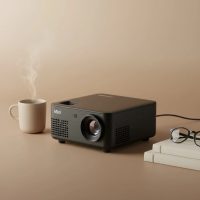
Tired of the painstaking process of transferring your designs to a canvas? For artists, getting the initial sketch perfect is a crucial, yet often tedious, step. Whether you’re a muralist scaling up a design or a hobbyist aiming for precision, a mini projector for art tracing can completely transform your workflow. It’s a digital shortcut that saves hours of effort and ensures your proportions are flawless from the very start.
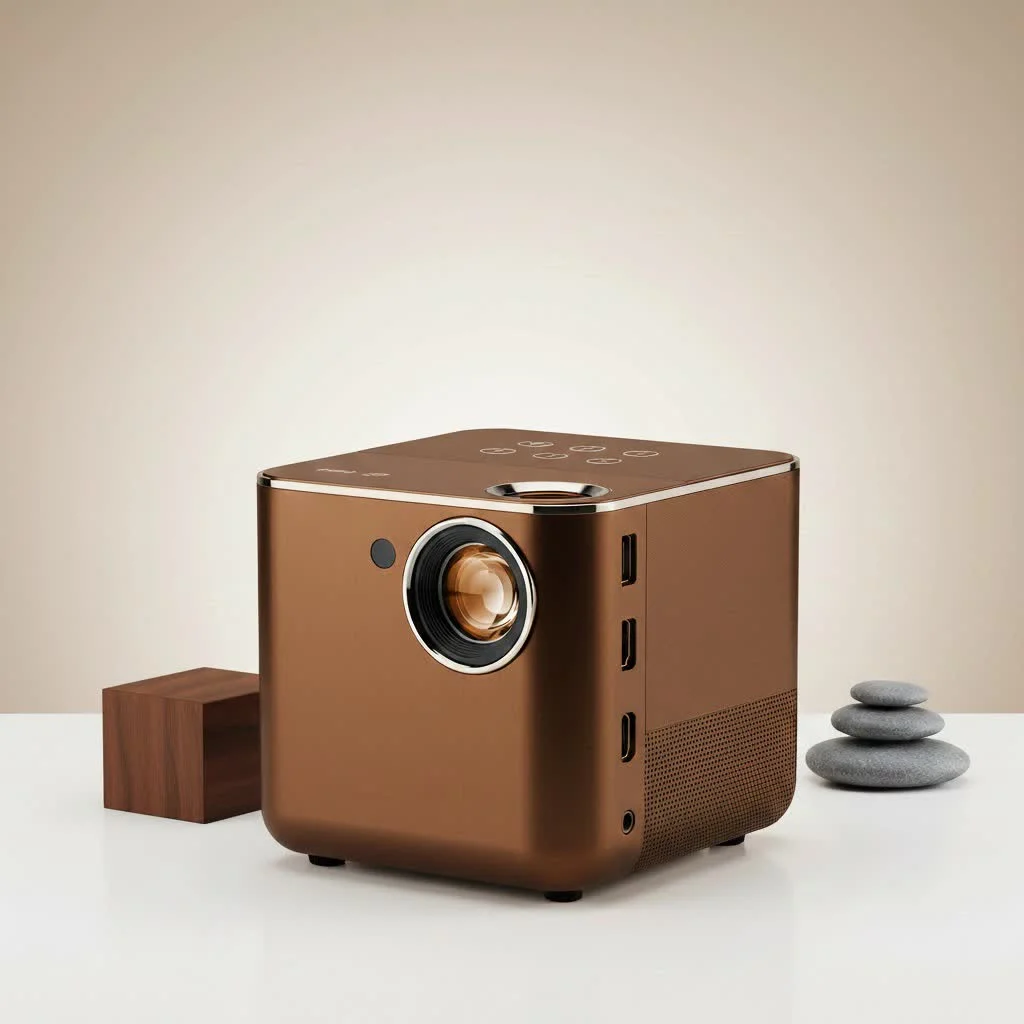
As someone who has spent years guiding artists through the technical maze of creative tools, I’ve seen how this one device can unlock new levels of efficiency and scale. It’s not about “cheating”; it’s about working smarter. Artists from beginners to seasoned professionals use projectors to streamline the foundational stage of their work, allowing them to focus more on the creative act of painting or drawing. This guide will walk you through everything you need to know to choose the right mini projector for your artistic needs. For see our portable mini recommendations on this site.
Why Use a Mini Projector for Art?
Using a mini projector is like having a digital carbon paper that works on any surface—canvas, walls, paper, or even cookies. It allows you to project your digital design or photograph directly onto your workspace, providing a perfect template to trace. This method is invaluable for large-scale works like murals, where getting the composition right from the start is essential. For detailed pieces, it guarantees accuracy that is difficult to achieve by freehand alone.
The primary benefits are speed and precision. You can skip the grid method and other time-consuming transfer techniques, moving directly to the creative part of your process with a confident and accurate outline.
Key Features for an Artist’s Projector
Not all mini projectors are created equal, especially when it comes to the specific demands of art tracing. Here’s what you need to look for.
Brightness (Lumens)
Brightness, measured in lumens, is one of the most critical factors. It determines how visible your projected image will be. For tracing, you don’t need the thousands of lumens required for a home theater, but you do need enough to see the lines clearly in your workspace.
- For dark rooms: 100-500 lumens is often sufficient.
- For dimly lit rooms: Aim for 500 lumens or more. If you plan to work in a room with some ambient light, a brighter projection is necessary to avoid washing out the image.
Resolution
Resolution dictates the clarity and sharpness of your projected lines. A higher resolution means you’ll see more detail, which is crucial for intricate designs.
- Native Resolution: Pay attention to the native resolution, not just the “supported” resolution. A native resolution of 720p (1280×720) is a good starting point for most art projects.
- For highly detailed work: If your work involves fine lines and complex details, consider a projector with a native 1080p resolution for the crispest possible image.
Keystone Correction and Focus
|
Our Picks for the Best Mini Projector in 2026
As an Amazon Associate I earn from qualifying purchases.
|
||
| Num | Product | Action |
|---|---|---|
| 1 | 【Officially-Licensed APP & Native 1080P】Thinnest 1.81\" Smart Mini Projector with WiFi and Bluetooth, Auto Focus & Keystone Portable Outdoor Projector, VOPLLS 4K Support Home Movie Projector |

|
| 2 | [Built-in Apps & 2025 Upgraded] Mini Projector Support 4K 1080P Auto Keystone 270° Rotatable with WiFi 6 and Bluetooth 5.4, Projector Portable Compatibile with HDMI/TV Stick/Memory Stick/Laptop-Black |
|
| 3 | Magcubic Mini Projector with WiFi 6 and Bluetooth 5.4, Portable Projector 4K Support, 5W Soundbase Speaker, Auto Vertical Keystone 180°Rotatable Smart Proyector for Movie Home Outdoor |
|
| 4 | Aurzen Roku TV Smart Projector with Wifi and Bluetooth, Roku Streaming Experience Built-in, 1080P FHD, Dolby Audio, Auto Focus & Keystone, Zoom, Movie Portable Outdoor Mini Projector, White |
|
| 5 | [Compatible with Netflix & TOF Real-time Focus] Mini Projector with WiFi and Bluetooth, XuanPad Smart Projector 4K Support, Dolby Audio & Keystone, 210° Rotatable Stand for Home |
|
| 6 | Aurzen EAZZE D1 Smart Projector with WiFi and Bluetooth, Netflix-Officially-Licensed, Auto Focus & Keystone, DoIby Audio, Native 1080P Movie, Portable Outdoor Mini Projector, White |
|
| 7 | SOOMFON Mini Projector 1080P Support - Portable Small Video Movie Projector Bluetooth 5.1 Auto Keystone Electric Focus for Bedroom/Wall/Home/Outdoor/iPhone/Android/TV Stick |
|
| 8 | HAPPRUN Native 1080P Bluetooth Mini Projector, Full HD Portable Outdoor Movie Projector with Built-in Speaker, Compatible with Smartphone, HDMI, USB, AV, Fire Stick, PS5 for Home, Bedroom, Outdoor Use |
|
| 9 | Mini Portable Projector 4K WiFi 6 BT 5.2 Upgraded Portable Projector Full HD Supported for Phone /PC /TV /HDMI /PS5 /Laptop Auto Keystone Home Theater 180° Rotation [Built-in App] White |
|
| 10 | [Short Throw/1200ANSI/Built in Apps] 4K Outdoor Projector with WiFi and Bluetooth, Auto Focus Projector with Dual-Mode Stand, Smart Portable Proyector with Netflix/YouTube/PrimeVideo & Dolby |
|
Your projector won’t always be perfectly perpendicular to your canvas. Keystone correction is a feature that adjusts the image to correct the trapezoidal distortion that occurs when the projector is at an angle.
- Manual Keystone: Allows you to physically adjust the angle.
- Digital Keystone: Offers more flexibility, sometimes automatically correcting the image. This is especially useful for projecting onto walls or canvases at odd angles.
- Focus: A sharp, manual focus ring is essential for getting your tracing lines as crisp as possible.
Throw Distance and Ratio
The “throw distance” is how far the projector needs to be from the surface to create an image of a certain size. Pico or mini projectors are often preferred because they can typically focus at very short distances, which is ideal for studio work where space is limited. A shorter throw ratio (e.g., 1.2:1) means you can get a large image without placing the projector far away from your canvas.
Connectivity and Portability
How will you get your image to the projector?
- Wired: HDMI and USB ports are standard and reliable. You can connect a laptop, tablet, or even a USB drive with your images.
- Wireless: Wi-Fi and Bluetooth screen mirroring are incredibly convenient, allowing you to project directly from your phone or tablet without any cables.
- Battery Life: For ultimate portability, especially for muralists or artists who travel, a built-in rechargeable battery is a game-changer. Look for models that offer at least a couple of hours of projection time on a single charge.
Setting Up Your Mini Projector for Tracing
Once you’ve chosen your device, setting it up correctly is key to a smooth workflow.
- Position the Projector: Mount the projector on a stable tripod or stand. You’ll want to position it so the projection covers your entire work surface. Many artists use articulating arms or clamps to mount the projector directly above their desk, pointing down.
- Connect Your Source: Connect your laptop, phone, or tablet. If you’re using a wireless connection, ensure both devices are on the same Wi-Fi network.
- Adjust the Image: Turn the projector on and display your design. Adjust the focus until the lines are as sharp as possible. Use the keystone correction to ensure your image is rectangular and not distorted.
- Trace Your Design: With the image perfectly projected, you can now lightly trace the outlines with a pencil or light-colored paint. Work in a dimly lit room to ensure the best visibility.
“Having a small, lightweight projector is critical,” notes expert artist Bill Kennedy. “It allows you to mount it in various ways, like pointing straight down onto a canvas, which is impossible with a bulky device.”
Beyond the Canvas: Other Creative Uses
A mini projector for art tracing isn’t just for painters. Its versatility extends to many creative fields:
- Cookie and Cake Decorating: Project intricate designs directly onto your baked goods for flawless icing work.
- Mural Painting: Scale up small sketches to massive walls with perfect proportions.
- Wood Burning and Crafting: Transfer patterns onto wood, fabric, or other craft materials with ease.
- Tattoo Design: Show clients how a design will look by projecting it directly onto their skin.
Frequently Asked Questions (FAQ)
What is the difference between a regular mini projector and an art projector?
While many standard mini projectors work well for art, specialized “art projectors” sometimes include built-in features like grids, image rotation, and color adjustment tools specifically for artists. However, modern consumer mini projectors have become so powerful and affordable that they are often the more practical choice.
How many lumens do I really need for tracing art?
For tracing in a dim or dark room, 100-500 lumens is generally sufficient. If you can’t completely control the lighting in your studio, look for a model with over 500 lumens to ensure the projected lines are bright enough to see clearly.
Can I connect my smartphone to a mini projector?
Yes, most modern mini projectors offer multiple ways to connect your phone. The easiest is through wireless screen mirroring (Wi-Fi), but you can also use an adapter to connect via HDMI or USB-C.
Is using a projector for art considered “cheating”?
Absolutely not. Artists throughout history have used tools to achieve accuracy, from the camera obscura to the grid method. A projector is simply a modern tool that helps artists save time on the technical aspects of a piece, allowing more time for creativity.
Will a mini projector work for large-scale murals?
Yes, but you’ll need a model with sufficient brightness (lumens) to project a clear image over a large distance, especially if working outdoors in the evening. Look for a portable model with a good battery for this purpose.
Final Thoughts
A mini projector for art tracing is a powerful addition to any artist’s toolkit. It streamlines the most challenging part of the setup process, guaranteeing accuracy and saving invaluable time. By focusing on the key features—brightness, resolution, focus, and connectivity—you can find a device that not only enhances your workflow but also opens up new creative possibilities. Embrace the technology and spend less time measuring and more time creating.
Get our weekly buyer guide
Practical specs, not advice. Unsubscribe anytime.