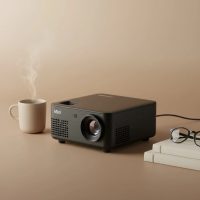
Welcome to the world of big-screen entertainment, packed into a box you can hold in one hand. The magic of a 4k mini projector promises a stunning, cinema-quality experience without the bulk of traditional home theater systems. But as technology has shrunk, the list of specifications and marketing terms has grown, often leaving buyers confused. What’s the difference between “native 4K” and “4K supported”? How many lumens do you really need?
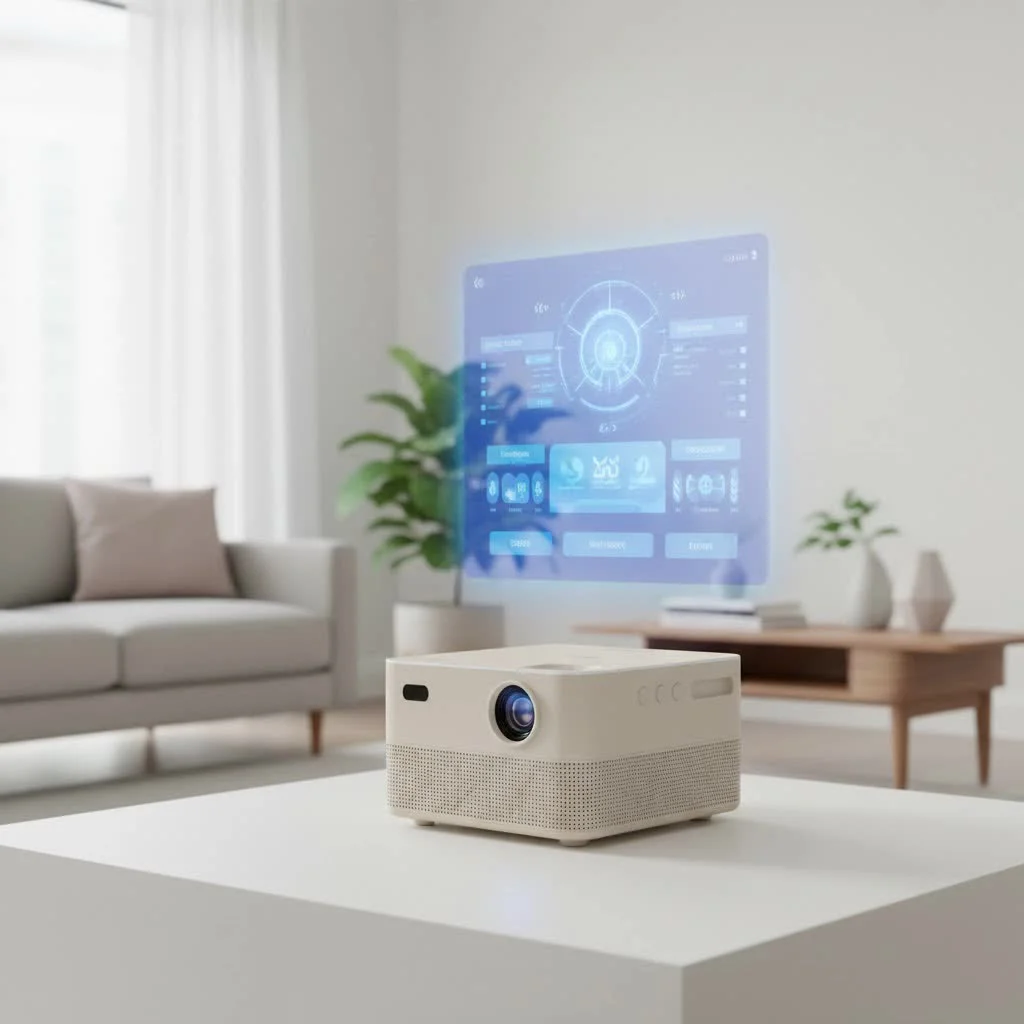
As the lead content creator at Flasf.com, I’ve spent over a decade testing, comparing, and demystifying these incredible devices. This guide is designed to cut through the noise, arming you with the knowledge to choose the perfect 4K mini projector for your needs, whether it’s for epic movie nights, immersive gaming, or professional presentations on the go.
What Exactly Defines a 4K Mini Projector?
At its core, a 4K mini projector is a compact, portable device that projects images with an ultra-high-definition resolution of 3840 x 2160 pixels. That’s four times the detail of Full HD (1080p), resulting in incredibly sharp, clear, and lifelike visuals. But here’s where it gets tricky—not all projectors that claim “4K” are created equal.
Native 4K vs. 4K Supported: The Most Important Distinction
Understanding this difference is the single most crucial step in your buying journey. It’s the factor that most impacts image clarity and price.
- Native 4K: A native 4K projector has 8.3 million distinct pixels (3840 x 2160) on its imaging chip. Each pixel on the screen corresponds to a unique pixel from the chip. This delivers the sharpest, most detailed 4K image possible, with no digital trickery involved. These are typically found in higher-end models.
- 4K Supported (or Pixel Shifting): These projectors usually have a lower native resolution, such as 1080p. They use a clever technique called pixel shifting, where the chip rapidly moves back and forth—or “shifts”—to project multiple pixels for each of its native pixels. This process effectively simulates a 4K image on the screen. While the result is significantly sharper than standard 1080p, it doesn’t quite match the pristine clarity of a native 4K projector.
For most users, a high-quality pixel-shifting projector offers a fantastic balance of performance and value. However, if you’re a home cinema purist seeking the absolute best, native 4K is the way to go.
“Always check the spec sheet for ‘native resolution’,” advises home theater expert John Cartwright. “Marketing can be misleading. ‘4K compatible’ or ‘4K enhanced’ simply means the projector can accept a 4K signal, but it doesn’t guarantee a true 4K output on the screen. The native pixel count is what defines the image.”
Key Features to Look for in a 4K Mini Projector
Once you’ve wrapped your head around resolution, it’s time to evaluate the features that determine the overall viewing experience.
Brightness (Measured in ANSI Lumens)
|
Our Picks for the Best Mini Projector in 2026
As an Amazon Associate I earn from qualifying purchases.
|
||
| Num | Product | Action |
|---|---|---|
| 1 | Aurzen EAZZE D1 Smart Projector with WiFi and Bluetooth, Netflix-Officially-Licensed, Auto Focus & Keystone, DoIby Audio, Native 1080P Movie, Portable Outdoor Mini Projector, White |

|
| 2 | Magcubic Mini Projector with WiFi 6 and Bluetooth 5.4, Portable Projector 4K Support, 5W Soundbase Speaker, Auto Vertical Keystone 180°Rotatable Smart Proyector for Movie Home Outdoor |
|
| 3 | [Built-in Apps & 2025 Upgraded] Mini Projector Support 4K 1080P Auto Keystone 270° Rotatable with WiFi 6 and Bluetooth 5.4, Projector Portable Compatibile with HDMI/TV Stick/Memory Stick/Laptop-Black |
|
| 4 | HAPPRUN Native 1080P Bluetooth Mini Projector, Full HD Portable Outdoor Movie Projector with Built-in Speaker, Compatible with Smartphone, HDMI, USB, AV, Fire Stick, PS5 for Home, Bedroom, Outdoor Use |
|
| 5 | SOOMFON Mini Projector 1080P Support - Portable Small Video Movie Projector Bluetooth 5.1 Auto Keystone Electric Focus for Bedroom/Wall/Home/Outdoor/iPhone/Android/TV Stick |
|
| 6 | [Short Throw/1200ANSI/Built in Apps] 4K Outdoor Projector with WiFi and Bluetooth, Auto Focus Projector with Dual-Mode Stand, Smart Portable Proyector with Netflix/YouTube/PrimeVideo & Dolby |
|
| 7 | Aurzen Roku TV Smart Projector with Wifi and Bluetooth, Roku Streaming Experience Built-in, 1080P FHD, Dolby Audio, Auto Focus & Keystone, Zoom, Movie Portable Outdoor Mini Projector, White |
|
| 8 | [Compatible with Netflix & TOF Real-time Focus] Mini Projector with WiFi and Bluetooth, XuanPad Smart Projector 4K Support, Dolby Audio & Keystone, 210° Rotatable Stand for Home |
|
| 9 | Mini Portable Projector 4K WiFi 6 BT 5.2 Upgraded Portable Projector Full HD Supported for Phone /PC /TV /HDMI /PS5 /Laptop Auto Keystone Home Theater 180° Rotation [Built-in App] White |
|
| 10 | 【Officially-Licensed APP & Native 1080P】Thinnest 1.81\" Smart Mini Projector with WiFi and Bluetooth, Auto Focus & Keystone Portable Outdoor Projector, VOPLLS 4K Support Home Movie Projector |
|
Brightness is arguably the most critical factor after resolution. It determines how vibrant your image will look, especially when you can’t achieve perfect darkness.
- What to look for: Always use ANSI lumens as your metric. Some brands advertise “LED lumens” or “light source lumens,” which are often inflated numbers.
- Under 500 ANSI Lumens: Suitable for completely dark rooms for a screen size up to 80 inches.
- 500 – 1500 ANSI Lumens: A great sweet spot for most users. This level is bright enough for dimly lit rooms and can handle screen sizes of 100-120 inches beautifully.
- 1500+ ANSI Lumens: Ideal for situations with some ambient light or if you want a massive screen size without sacrificing image vibrancy.
Light Source: LED vs. Laser
The light source is the heart of the projector. Mini projectors primarily use solid-state technology, which is far superior to the traditional lamps found in older, bulkier models.
- LED: The most common light source in mini projectors. LEDs are energy-efficient, produce great color, and have a very long lifespan, typically 20,000 to 30,000 hours. You could watch a two-hour movie every day for over 25 years before the light source wears out.
- Laser: Often found in premium models, laser light sources offer superior brightness, even better color accuracy, and instant on/off capabilities. Their lifespan is comparable to or even longer than LEDs.
Contrast Ratio
Contrast is the difference between the darkest blacks and the brightest whites in an image. A high contrast ratio results in a picture with more depth and dimension. It makes dark scenes in movies feel rich and detailed rather than muddy and gray. Look for a contrast ratio of at least 100,000:1 for impactful visuals.
Connectivity and Smart Features
A modern mini projector should be easy to connect to your devices.
- HDMI Ports: Look for at least one HDMI 2.0 port. HDMI 2.1 is a huge plus for gamers, as it supports 4K gaming at 120Hz from consoles like the PlayStation 5 and Xbox Series X.
- Wireless: Wi-Fi 6 and Bluetooth 5.0 (or higher) are essential for smooth streaming and connecting to external speakers or headphones.
- Built-in OS: Many projectors come with an operating system like Android TV or Google TV, giving you direct access to apps like Netflix, YouTube, and Disney+ without needing an external streaming stick.
- USB-C Port: A versatile port that can sometimes be used for video input and even for powering the device with a compatible power bank.
Are 4K Mini Projectors Good for Gaming?
Absolutely, but you need to look for specific features. A great gaming projector needs more than just high resolution. The key specification is input lag (or latency), which is the delay between when your console sends out a signal and when the projector displays it. For responsive gaming, look for an input lag of 20ms or lower.
Additionally, features like a dedicated “Game Mode” can optimize settings to reduce latency. An HDMI 2.1 port is also crucial for getting the highest frame rates out of the latest consoles.
Setting Up Your Projector for the Best Experience
Even the best 4K mini projector needs the right environment to shine. Many modern projectors have made setup incredibly simple with automated features.
- Auto-Keystone Correction: This feature automatically corrects the image shape if the projector is placed at an angle to the wall, preventing a trapezoidal picture.
- Autofocus: A sensor automatically adjusts the lens to ensure the image is perfectly sharp without you needing to fiddle with a focus wheel.
- Obstacle Avoidance: Some advanced models can detect objects on the wall (like photo frames or light switches) and automatically resize the image to avoid them.
For the best audio, don’t rely on the built-in speakers. While they’re convenient, they lack the power and fidelity for a true cinematic experience. Use Bluetooth or an audio jack to connect to a soundbar or external speaker system.
Frequently Asked Questions (FAQ)
How big of a screen can I project with a 4k mini projector?
This depends on the projector’s brightness and throw distance. Most mini projectors can comfortably create an image between 80 and 120 inches. Brighter models can go even larger, but remember that the larger the image, the more brightness you need to keep it looking vibrant.
Do I need a special screen for a 4K mini projector?
While a smooth, white wall works well, a dedicated projector screen will always provide a better experience. Screens are designed to reflect light more effectively and evenly, which enhances contrast and color accuracy. An ALR (Ambient Light Rejecting) screen is a great option if you plan to watch in a room with some light.
Can I use a 4K mini projector outside?
Yes, outdoor movie nights are one of the best uses for a mini projector! Just make sure you have enough brightness (at least 1000 ANSI lumens is recommended) and wait until it’s fully dark outside. You’ll also need a portable power source and an external speaker for the best experience.
Is there a big difference in quality between brands?
Yes. Established brands in the projector space like BenQ, XGIMI, Anker Nebula, and LG often have better color science, more reliable software, and more accurate brightness claims than lesser-known brands. It’s often worth paying a bit more for a reputable manufacturer.
What is ‘throw ratio’?
Throw ratio tells you how large an image a projector can create from a certain distance. A “short-throw” projector can create a very large image from just a few feet away, making it ideal for smaller rooms. A “long-throw” projector needs to be placed further back. Always check the throw ratio to ensure the projector will work in your space.
Your Pocket-Sized Cinema Awaits
Choosing a 4k mini projector is about finding the right balance of resolution, brightness, features, and price for your specific needs. By understanding the core technology and prioritizing features like ANSI lumens, a quality light source, and smart connectivity, you can confidently select a device that will transform any space into a stunning home theater. The era of compromising quality for portability is over. Now, you can truly have the best of both worlds.
Get our weekly buyer guide
Practical specs, not advice. Unsubscribe anytime.