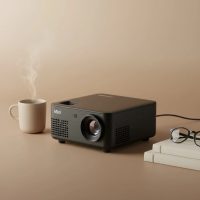
Welcome to the world of big-screen entertainment, shrunk down to the size of a lunchbox. In an era where home theaters are becoming the norm, the demand for compact, affordable, and high-performing projectors has skyrocketed. Enter the Clokowe mini projector, a device that has been making waves in the budget-friendly market. As a projector specialist with over a decade of hands-on experience, I’ve seen countless models come and go. Today, I’m diving deep into what makes the Clokowe projector tick, separating the hype from the reality to help you decide if it’s the right fit for your movie nights, gaming sessions, or backyard gatherings.
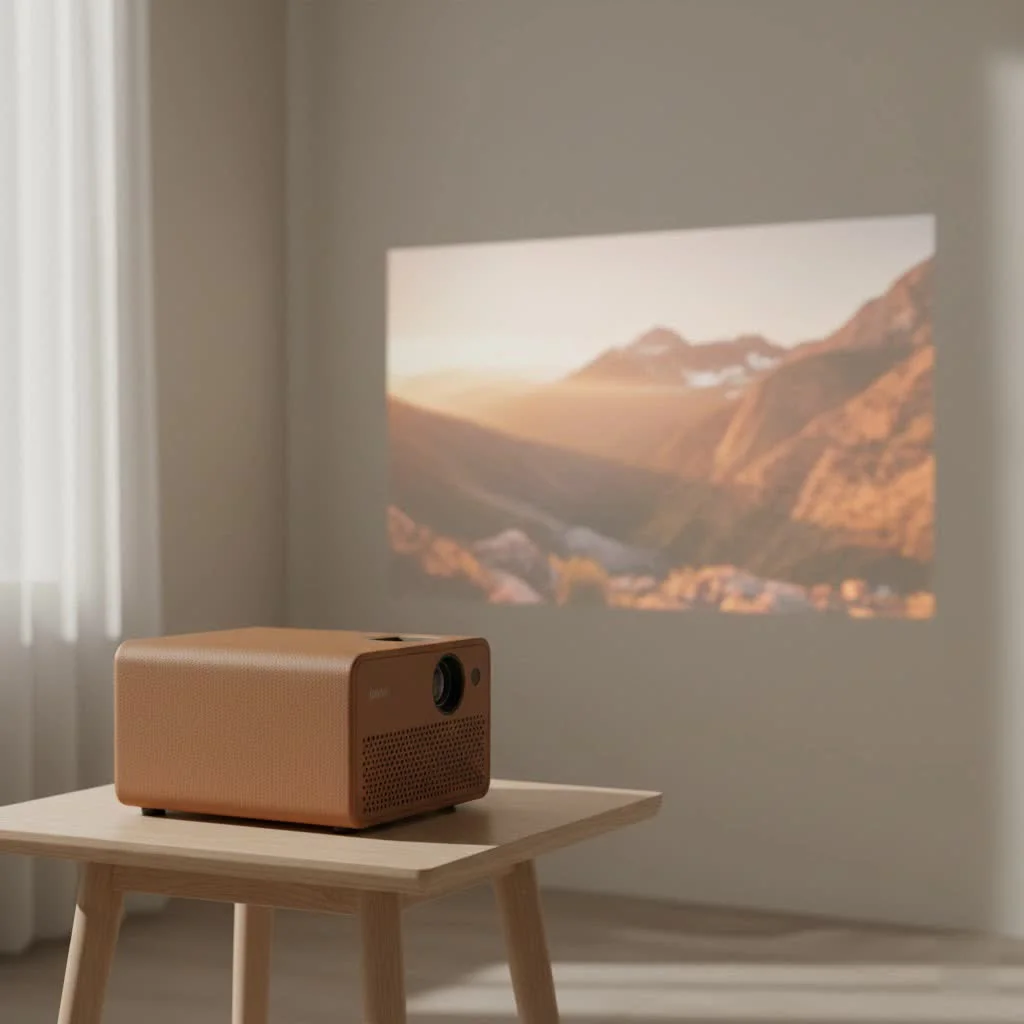
First Impressions: What’s in the Box?
Unboxing the Clokowe mini projector feels straightforward and practical. Inside, you’ll typically find the projector unit itself, a remote control (you’ll need to supply your own batteries), a power cable, an HDMI cable, and a basic user manual. Some models also come with an AV cable for older devices.
The build quality is what you’d expect for the price point: lightweight and primarily plastic, but solid enough for portable use. Its compact size, often around 6.7 x 5.2 x 2.9 inches, and low weight (under 3 pounds) make it incredibly easy to move from room to room or take to a friend’s house. The design is functional, featuring manual focus and keystone correction rings near the lens, which allow for quick adjustments to get a clear, rectangular picture.
Core Features and Technical Specs
To truly understand what the Clokowe mini projector offers, we need to look under the hood. While specifications can vary slightly between models like the T800 or GC003, they generally share a common set of features aimed at providing a versatile viewing experience.
Picture Quality: Resolution and Brightness
Most Clokowe projectors boast a native resolution of 720p or 1080p, which is impressive for the budget category. It’s important to distinguish this from “supported resolution.” While they can accept 1080p and even 4K input signals, the image projected will be downscaled to the projector’s native resolution.
- Native Resolution: Determines the actual sharpness and clarity of the image. For casual movie watching, a native 720p is often sufficient, but 1080p provides a noticeably crisper picture.
- Brightness (Lumens): Brightness is often listed between 7,000 and 9,000 lumens. However, it’s crucial to understand that these numbers can be misleading. These projectors perform best in dark or dimly lit environments. In a bright room, the image will appear washed out.
The result is a surprisingly vibrant and dynamic picture when used in the right conditions. For the best experience, always aim for a dark room.
Connectivity: The Power of WiFi and Bluetooth
|
Our Picks for the Best Mini Projector in 2026
As an Amazon Associate I earn from qualifying purchases.
|
||
| Num | Product | Action |
|---|---|---|
| 1 | HAPPRUN Native 1080P Bluetooth Mini Projector, Full HD Portable Outdoor Movie Projector with Built-in Speaker, Compatible with Smartphone, HDMI, USB, AV, Fire Stick, PS5 for Home, Bedroom, Outdoor Use |

|
| 2 | [Short Throw/1200ANSI/Built in Apps] 4K Outdoor Projector with WiFi and Bluetooth, Auto Focus Projector with Dual-Mode Stand, Smart Portable Proyector with Netflix/YouTube/PrimeVideo & Dolby |
|
| 3 | SOOMFON Mini Projector 1080P Support - Portable Small Video Movie Projector Bluetooth 5.1 Auto Keystone Electric Focus for Bedroom/Wall/Home/Outdoor/iPhone/Android/TV Stick |
|
| 4 | Magcubic Mini Projector with WiFi 6 and Bluetooth 5.4, Portable Projector 4K Support, 5W Soundbase Speaker, Auto Vertical Keystone 180°Rotatable Smart Proyector for Movie Home Outdoor |
|
| 5 | [Built-in Apps & 2025 Upgraded] Mini Projector Support 4K 1080P Auto Keystone 270° Rotatable with WiFi 6 and Bluetooth 5.4, Projector Portable Compatibile with HDMI/TV Stick/Memory Stick/Laptop-Black |
|
| 6 | Mini Portable Projector 4K WiFi 6 BT 5.2 Upgraded Portable Projector Full HD Supported for Phone /PC /TV /HDMI /PS5 /Laptop Auto Keystone Home Theater 180° Rotation [Built-in App] White |
|
| 7 | Aurzen EAZZE D1 Smart Projector with WiFi and Bluetooth, Netflix-Officially-Licensed, Auto Focus & Keystone, DoIby Audio, Native 1080P Movie, Portable Outdoor Mini Projector, White |
|
| 8 | Aurzen Roku TV Smart Projector with Wifi and Bluetooth, Roku Streaming Experience Built-in, 1080P FHD, Dolby Audio, Auto Focus & Keystone, Zoom, Movie Portable Outdoor Mini Projector, White |
|
| 9 | [Compatible with Netflix & TOF Real-time Focus] Mini Projector with WiFi and Bluetooth, XuanPad Smart Projector 4K Support, Dolby Audio & Keystone, 210° Rotatable Stand for Home |
|
| 10 | 【Officially-Licensed APP & Native 1080P】Thinnest 1.81\" Smart Mini Projector with WiFi and Bluetooth, Auto Focus & Keystone Portable Outdoor Projector, VOPLLS 4K Support Home Movie Projector |
|
One of the standout features of modern Clokowe projectors is their robust connectivity.
- WiFi Connectivity: Most models support both 2.4G and 5G WiFi, enabling you to mirror the screen of your smartphone or laptop wirelessly. This is perfect for sharing photos, videos, or presentations without fussing with cables.
- Bluetooth: Built-in Bluetooth allows you to connect external speakers or headphones for a more immersive audio experience. While the internal speakers are functional, they often lack the power and depth for a true cinematic feel. Connecting to a soundbar or a quality Bluetooth speaker is highly recommended.
- Physical Ports: You’ll find a standard array of ports, including HDMI, USB, and an AV input. This allows you to easily connect devices like a Fire Stick, Roku, gaming console (PS4/PS5, Xbox), or a laptop.
Expert Take by Dr. Alistair Finch: “The inclusion of dual-band WiFi and Bluetooth in projectors at this price point has been a game-changer. It removes significant barriers for casual users, making it easier than ever to share content from personal devices. The focus is no longer just on image quality but on the seamlessness of the user experience.”
Setting Up Your Clokowe Mini Projector
Getting started is designed to be simple, even for absolute beginners. Here’s a quick step-by-step guide:
- Position the Projector: Place the projector on a stable surface. The ideal distance from the screen or wall is typically between 6 to 10 feet to achieve a screen size of 60 to 100 inches.
- Power It Up: Connect the power cable and turn the projector on using the button on the unit or the remote.
- Connect Your Source: Plug in your HDMI device (like a Fire Stick or laptop) or connect your phone via WiFi screen mirroring. To mirror your screen, you’ll select the “Screen Mirroring” source on the projector and follow the instructions to connect your device from its WiFi or cast settings.
- Focus and Adjust:
- Use the focus ring (usually the larger one) to make the image sharp and clear.
- Use the keystone correction ring to adjust the angle of the image, ensuring it’s a perfect rectangle. Some newer models feature auto keystone correction, which simplifies this step.
- Connect Audio (Optional): If you’re using an external speaker, connect it via Bluetooth through the projector’s settings menu.
Real-World Performance: Is It Any Good?
In practice, the Clokowe mini projector is a solid performer for its intended purpose: casual home entertainment.
- For Movie Nights: It excels here. In a dark room, the picture is bright and colorful enough for an enjoyable experience. The ability to project a massive 100-inch (or larger) image creates a level of immersion a TV can’t match for the price.
- For Gaming: Casual gaming is definitely possible. The input lag is manageable for most non-competitive games, and playing on a giant screen is a blast. Hardcore gamers, however, may notice a slight delay.
- For Presentations: While it can be used for presentations, the text clarity might not be sharp enough for detailed spreadsheets or dense slides, especially around the edges of the screen.
It’s important to note a common limitation: due to HDCP copyright restrictions, you cannot stream protected content from apps like Netflix or Amazon Prime directly through screen mirroring from your phone. The easiest workaround is to use a streaming stick like an Amazon Fire Stick, Roku, or Chromecast plugged into the HDMI port.
Common Issues and Solutions
No budget device is perfect. Here are a few common quirks and how to handle them:
- Fan Noise: The internal fan can be noticeable, especially in quiet scenes. This is a common trade-off in small projectors that need to dissipate heat. Using external speakers helps drown out the noise.
- Blurry Edges: You might notice the corners of the image are slightly less sharp than the center. This is typical for projectors with budget lenses. Take extra care when focusing to find the best possible balance.
- Screen Mirroring Lag: If you experience lag or stuttering when mirroring, try moving your router closer to the projector or connecting to the 5G WiFi network if available, as it’s generally faster and more stable.
Frequently Asked Questions (FAQ)
Q: Can I use the Clokowe mini projector outside?
A: Yes, you can use it for backyard movie nights, but you’ll need a power source and it has to be very dark outside for the image to be visible.
Q: What is the lamp life of the projector?
A: The LED lamp life is typically rated for over 30,000 hours. With several hours of use per day, the lamp can last for many years.
Q: Does it have a tripod mount?
A: Most models have a standard screw hole on the bottom for mounting to a tripod or ceiling mount, offering more placement flexibility.
Q: Can it project onto a colored wall?
A: For the best results, you should project onto a white or light gray, smooth surface. A dedicated projector screen is ideal, but a plain wall works well. Projecting on a colored wall will alter the colors of the image.
Q: How good is the built-in speaker?
A: The built-in speaker is adequate for watching a short video or for a small group in a quiet room. For an immersive movie or gaming experience, connecting an external Bluetooth or wired speaker is highly recommended.
Final Verdict: Who Should Buy the Clokowe Mini Projector?
The Clokowe mini projector is an excellent entry-level option for anyone looking to dip their toes into the world of home projection without breaking the bank. It is perfect for families wanting fun movie nights, dorm-room dwellers looking for a bigger screen for gaming, or anyone who wants a portable solution for occasional viewing.
While it won’t compete with high-end home theater projectors that cost ten times as much, it delivers remarkable value and a feature set—including WiFi and Bluetooth—that was unheard of in this price range just a few years ago. If you manage your expectations and use it in a dark environment, you’ll be rewarded with a massive, enjoyable picture that makes every night a movie night.
Get our weekly buyer guide
Practical specs, not advice. Unsubscribe anytime.