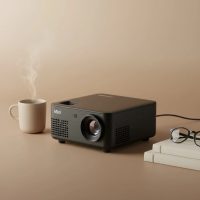
Imagine having a 100-inch screen in your backpack, ready to turn any wall into a movie theater or a presentation screen. That’s the magic of a mini pocket projector. These incredibly compact devices are revolutionizing the way we share and consume media, offering a big-screen experience on the go. Whether you’re a movie buff wanting a cinema in your bedroom, a professional needing to make an impression in a meeting, or a gamer looking for an immersive experience, a pocket-sized projector could be your new favorite gadget.
What is a Mini Pocket Projector?
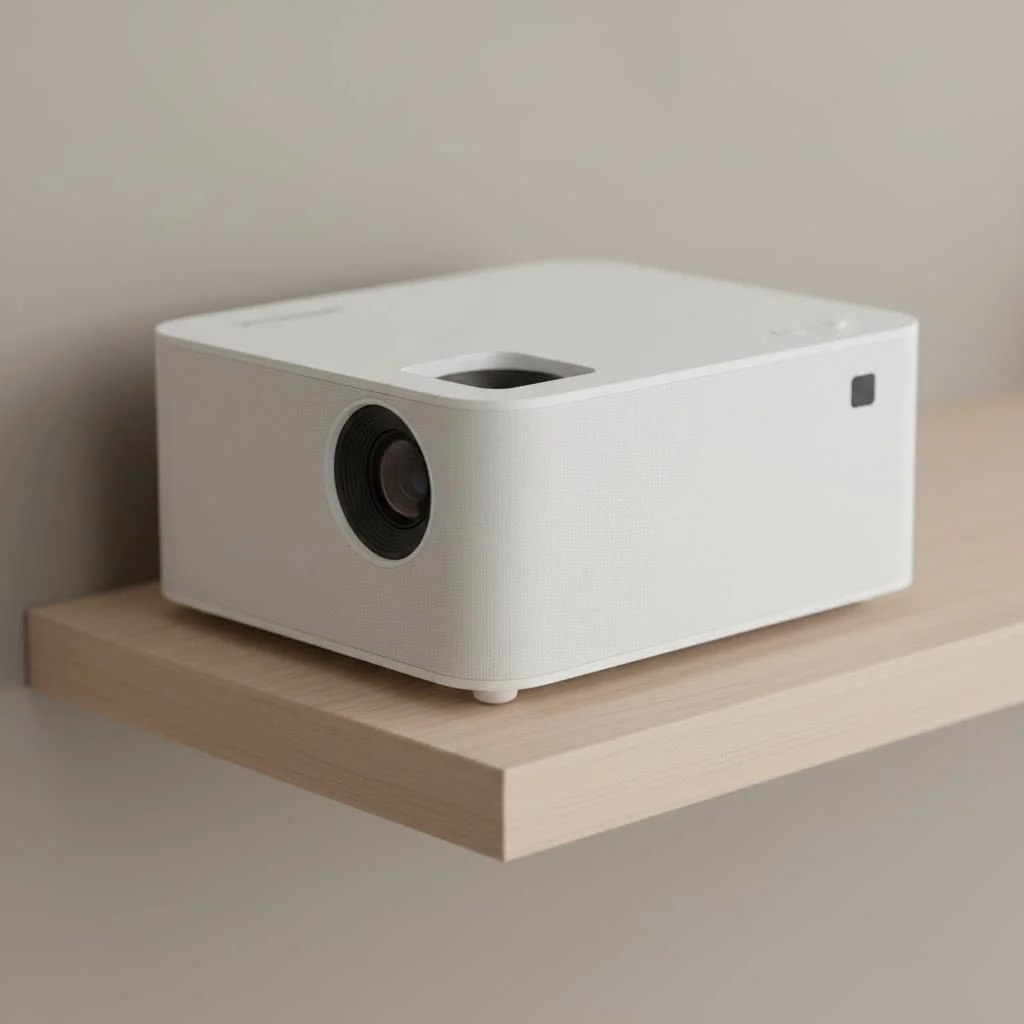
A mini pocket projector, often called a pico projector, is a lightweight, portable device designed to project a video image onto a surface. Unlike traditional projectors that are bulky and require a permanent setup, these models can literally fit in your pocket or the palm of your hand. They typically use LED or laser light sources, run on rechargeable batteries, and offer a variety of ways to connect to your devices, from phones and laptops to gaming consoles. For expert portable mini reviews on this site.
The core appeal is convenience without significant compromise. While they may not match the sheer power of a high-end home theater projector, the technology has advanced so much that modern pocket projectors deliver surprisingly bright, sharp, and large images, making them a versatile tool for both entertainment and work.
Key Features to Consider Before Buying
Navigating the world of the mini pocket projector can be tricky with all the technical jargon. Let’s break down the most important features to look for to ensure you get the perfect device for your needs.
Brightness: Understanding Lumens
Brightness is arguably the most critical factor for any projector, and it’s measured in lumens. For mini projectors, you’ll typically see this listed as ANSI lumens, which is a standardized measurement.
- Under 200 ANSI Lumens: Best for very dark rooms. Ideal for a cozy movie night in a bedroom where you have full control over the lighting.
- 200-500 ANSI Lumens: A versatile range. These projectors can handle some ambient light, making them suitable for dimly lit living rooms or evening backyard gatherings.
- 500+ ANSI Lumens: The higher end for pocket projectors. These can perform reasonably well in rooms with some daylight, making them a better choice for business presentations in conference rooms where you can’t achieve total darkness.
“Don’t just chase the highest lumen number on the box,” advises David Chen, our Lead Product Engineer at Flasf. “Focus on ANSI lumens for an accurate comparison, and match it to your primary viewing environment. A 300 ANSI lumen projector in a dark room will often look more impressive than a 600 lumen one battling daylight.”
Resolution: The Key to a Sharp Image
|
Our Picks for the Best Mini Projector in 2026
As an Amazon Associate I earn from qualifying purchases.
|
||
| Num | Product | Action |
|---|---|---|
| 1 | HAPPRUN Native 1080P Bluetooth Mini Projector, Full HD Portable Outdoor Movie Projector with Built-in Speaker, Compatible with Smartphone, HDMI, USB, AV, Fire Stick, PS5 for Home, Bedroom, Outdoor Use |

|
| 2 | [Built-in Apps & 2025 Upgraded] Mini Projector Support 4K 1080P Auto Keystone 270° Rotatable with WiFi 6 and Bluetooth 5.4, Projector Portable Compatibile with HDMI/TV Stick/Memory Stick/Laptop-Black |
|
| 3 | Aurzen EAZZE D1 Smart Projector with WiFi and Bluetooth, Netflix-Officially-Licensed, Auto Focus & Keystone, DoIby Audio, Native 1080P Movie, Portable Outdoor Mini Projector, White |
|
| 4 | Magcubic Mini Projector with WiFi 6 and Bluetooth 5.4, Portable Projector 4K Support, 5W Soundbase Speaker, Auto Vertical Keystone 180°Rotatable Smart Proyector for Movie Home Outdoor |
|
| 5 | Aurzen Roku TV Smart Projector with Wifi and Bluetooth, Roku Streaming Experience Built-in, 1080P FHD, Dolby Audio, Auto Focus & Keystone, Zoom, Movie Portable Outdoor Mini Projector, White |
|
| 6 | [Short Throw/1200ANSI/Built in Apps] 4K Outdoor Projector with WiFi and Bluetooth, Auto Focus Projector with Dual-Mode Stand, Smart Portable Proyector with Netflix/YouTube/PrimeVideo & Dolby |
|
| 7 | Mini Portable Projector 4K WiFi 6 BT 5.2 Upgraded Portable Projector Full HD Supported for Phone /PC /TV /HDMI /PS5 /Laptop Auto Keystone Home Theater 180° Rotation [Built-in App] White |
|
| 8 | SOOMFON Mini Projector 1080P Support - Portable Small Video Movie Projector Bluetooth 5.1 Auto Keystone Electric Focus for Bedroom/Wall/Home/Outdoor/iPhone/Android/TV Stick |
|
| 9 | [Compatible with Netflix & TOF Real-time Focus] Mini Projector with WiFi and Bluetooth, XuanPad Smart Projector 4K Support, Dolby Audio & Keystone, 210° Rotatable Stand for Home |
|
| 10 | 【Officially-Licensed APP & Native 1080P】Thinnest 1.81\" Smart Mini Projector with WiFi and Bluetooth, Auto Focus & Keystone Portable Outdoor Projector, VOPLLS 4K Support Home Movie Projector |
|
Resolution refers to the number of pixels that make up the image. More pixels mean a sharper, more detailed picture. Pay close attention to the native resolution, not just the “supported” resolution.
- 480p (854×480): This is the entry-level standard. It’s acceptable for casual viewing and cartoons but might appear pixelated for high-definition movies or detailed presentations.
- 720p (1280×720): A significant step up in clarity. This is a great sweet spot for a mini pocket projector, offering a good balance of quality and price for watching HD content.
- 1080p (1920×1080): Full HD. This offers the best image quality you can find in the pocket projector category. Text is crisp, and movies look fantastic. It’s the top choice for cinephiles and professionals.
Battery Life: Untether Your Viewing
The whole point of a portable projector is freedom from wires. Battery life determines how long that freedom lasts. Most models offer between 1.5 to 3 hours of playback on a single charge. Think about your usage. Is it for watching a full-length movie, or for short presentations?
- Under 2 hours: Fine for TV episodes, YouTube videos, or quick business pitches.
- 2.5 hours or more: This is what you want for watching most feature films without getting a low-battery warning during the climax. Many projectors can also be powered via a USB-C power bank for extended life.
Connectivity: Plugging Into Your World
A projector is useless if you can’t connect it to your content source. Modern pocket projectors offer a wide array of options:
- HDMI: The universal standard for high-quality video and audio. A mini-HDMI or full-size HDMI port is essential for connecting laptops, gaming consoles, and streaming sticks.
- USB: Useful for playing media files directly from a flash drive or for powering other devices.
- Wi-Fi: Enables wireless screen mirroring from your smartphone or laptop. It also allows smart projectors to connect to the internet to run apps like Netflix and YouTube directly.
- Bluetooth: Crucial for connecting to external speakers or headphones. The built-in speakers on most mini projectors are small, so pairing a quality Bluetooth speaker is a game-changer for audio.
Setting Up Your Mini Pocket Projector
Getting started is usually straightforward. Here’s a simple step-by-step guide:
- Charge It Up: Before your first use, give the projector a full charge to ensure the battery is calibrated.
- Find a Surface: A smooth, white wall is perfect. If you don’t have one, a portable projector screen or even a white sheet will do the trick.
- Position the Projector: Place the projector on a stable surface, like a tripod or a table. Aim the lens at the center of your screen. The further back you move it, the larger the image will be.
- Connect Your Source: Plug in your laptop via HDMI or connect your phone wirelessly using screen mirroring (e.g., AirPlay for iPhone, Miracast for Android).
- Focus the Image: Use the focus wheel or dial on the projector to make the image sharp and clear.
- Adjust the Keystone: If the projector is at an angle to the screen, the image might look like a trapezoid. Use the keystone correction feature (manual or automatic) to square it up.
- Connect Audio: For the best experience, connect a Bluetooth speaker or headphones.
Frequently Asked Questions (FAQ)
What is a good lumen rating for a mini projector?
For a versatile mini pocket projector, aim for at least 200-300 ANSI lumens. This provides a bright enough picture for dark or dimly lit environments, which is where these projectors perform best. If you plan to use it with some lights on, look for 500 ANSI lumens or more.
Can I use a mini pocket projector in a bright room?
While possible, it is not ideal. The compact nature of these projectors means their brightness cannot compete with significant ambient light. For the best experience with vibrant colors and deep blacks, you should always try to use your projector in a dark or dimly lit room.
How do I connect my phone to a mini pocket projector?
Most models offer wireless screen mirroring via Wi-Fi. You can connect an iPhone using AirPlay and an Android phone using Miracast or a dedicated app. For a more stable, wired connection, you can use a specific adapter, such as a Lightning to HDMI adapter for iPhones or a USB-C to HDMI adapter for many Android devices.
Do mini pocket projectors have good sound?
Generally, no. The built-in speakers are usually very small (1-5 watts) and lack bass and volume. They are adequate for a small, quiet room, but for an immersive movie experience, it is highly recommended to connect to an external Bluetooth speaker or a pair of headphones.
Are mini pocket projectors good for gaming?
They can be a lot of fun for casual gaming! The large, immersive screen adds a new dimension to games. However, serious competitive gamers might notice some input lag. For the best results, look for a projector with a dedicated “Game Mode” and connect your console via an HDMI cable.
Your Portable Cinema Awaits
The mini pocket projector is more than just a novelty; it’s a powerful tool that brings people together for shared experiences, whether it’s a movie night under the stars, an impromptu gaming session with friends, or a polished business presentation that wows your clients. By understanding the key features like brightness, resolution, and connectivity, you can confidently choose a device that will open up a world of big-screen possibilities, all from the convenience of your pocket.
Get our weekly buyer guide
Practical specs, not advice. Unsubscribe anytime.